Learn to design patterns, properly
A free masterclass about the origin of patterns, how they work, and how to make and sell your own designs.
Start free masterclass- Yours to keep, free forever
- 2 weeks of the Repper app included
- Made by fellow pattern lovers (not AI)
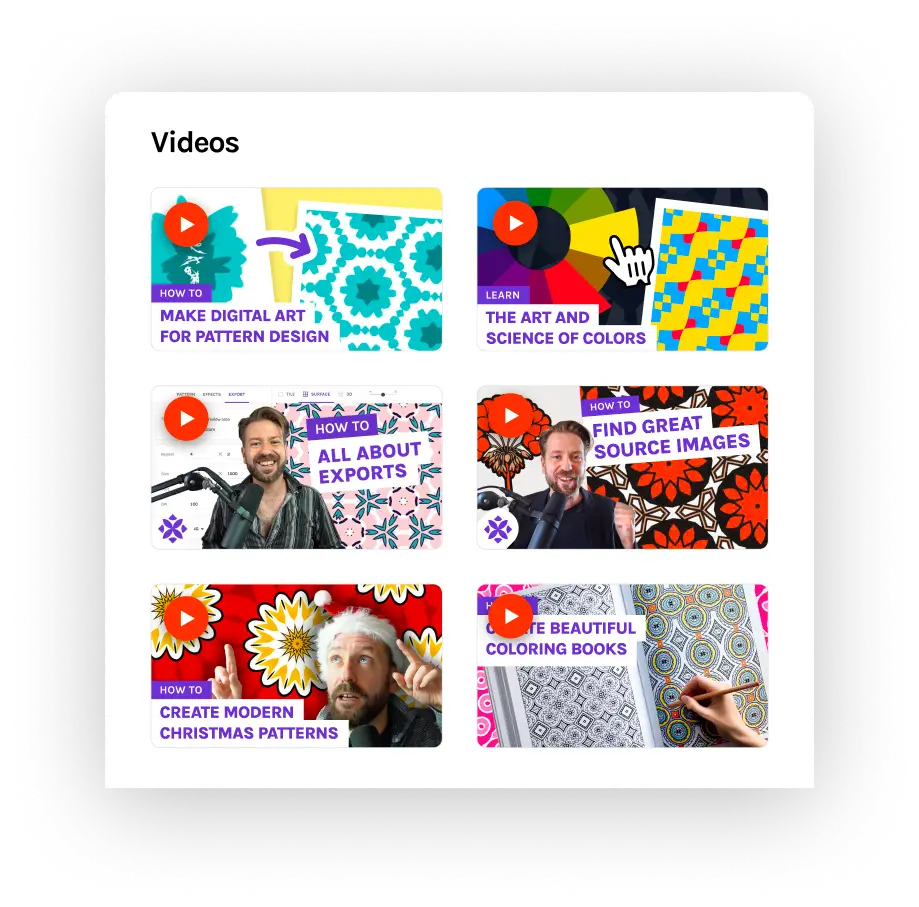
Who is this masterclass for?
Something for every skill level
Beginner
No prior knowledge needed, learn from scratch.
Intermediate
Learn the fundamentals you never got round to asking about.
Experienced
Dip into modules to fill your gaps, from tilings to colour to selling.
For creatives of every kind
Everything from your first tile to selling your prints
3 core modules (available now)
Learn about the history of patterns, useful tools to get started, and the foundation of good pattern design.
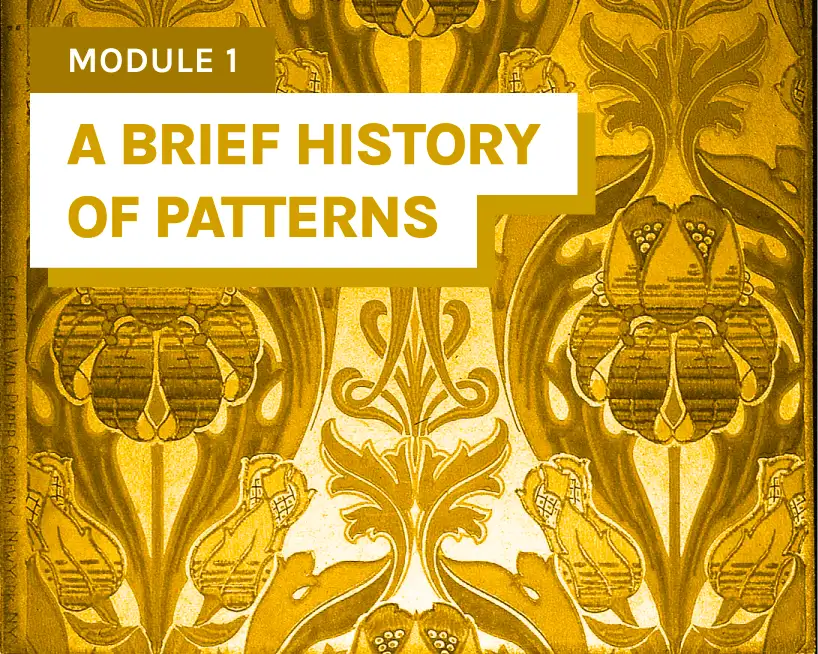
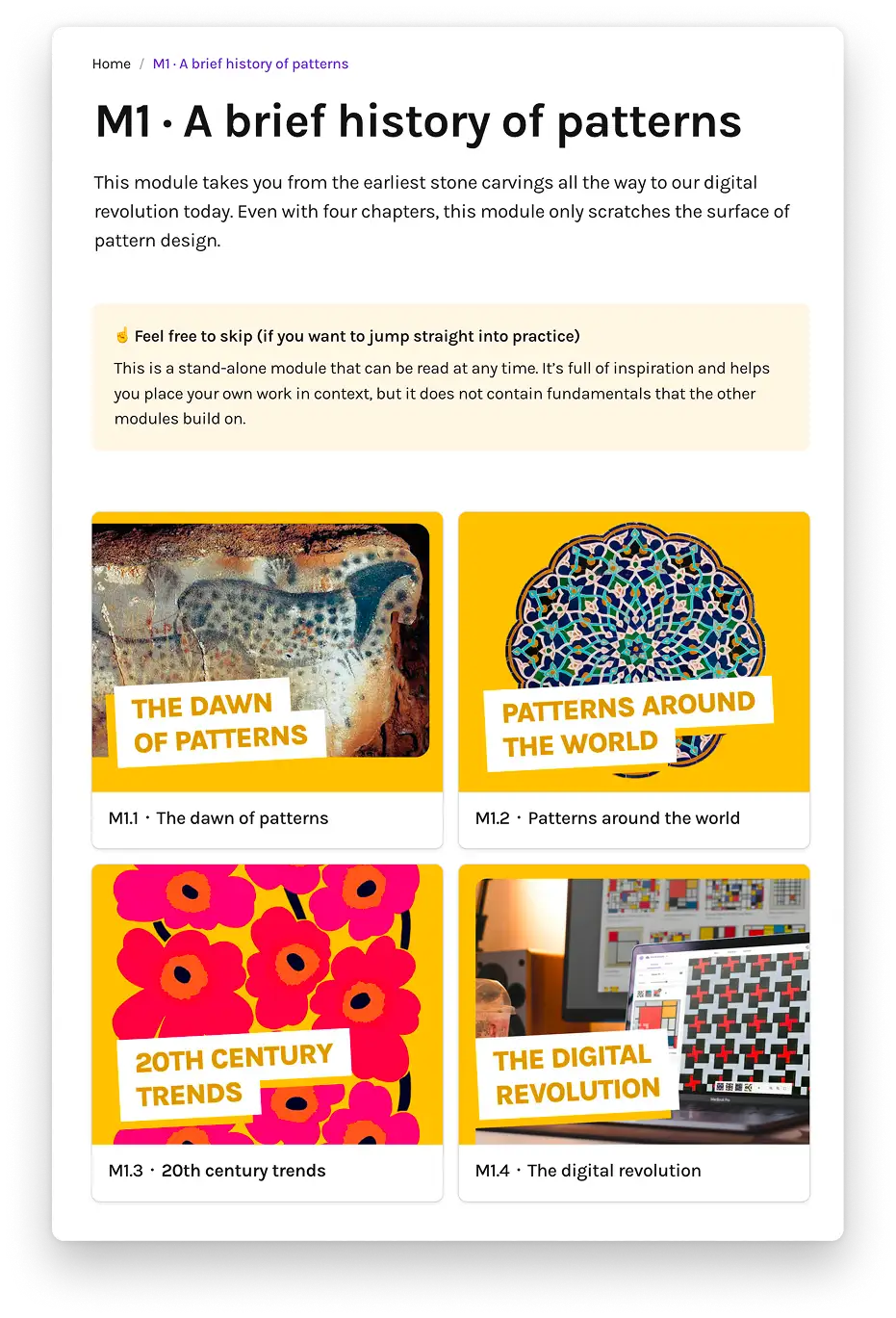
A brief history of patterns
- The dawn of patterns
- Patterns around the world
- 20th century trends
- The digital revolution
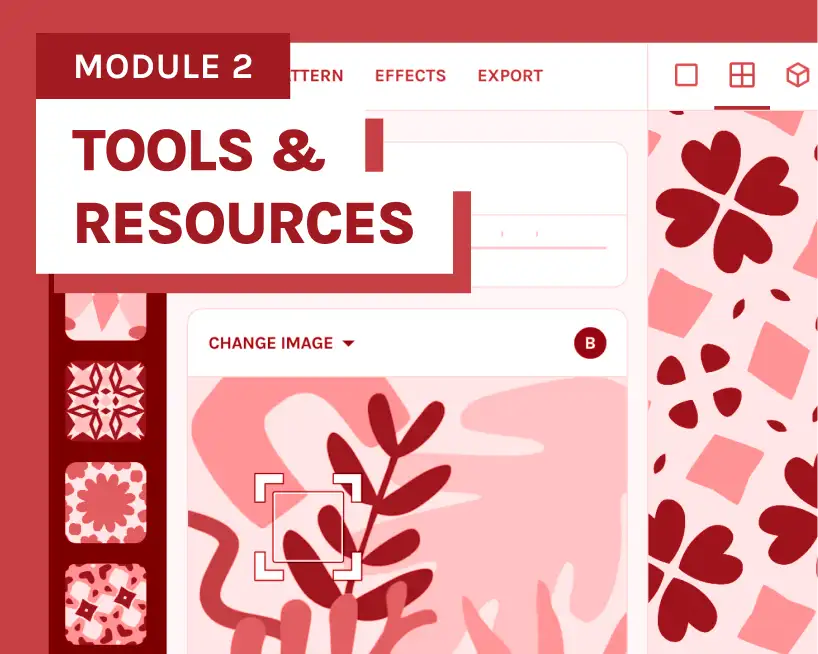
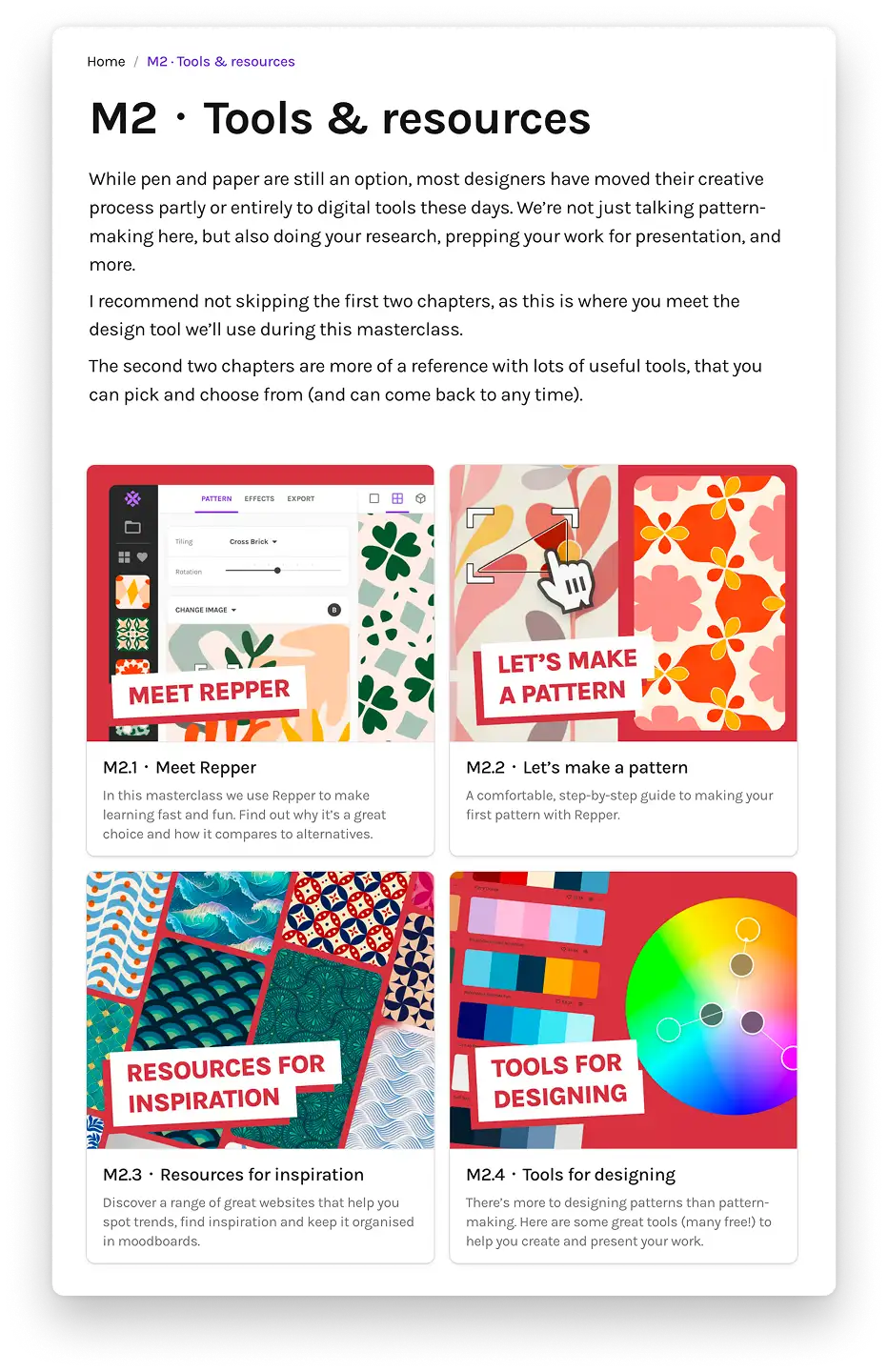
Tools & resources
- Meet Repper
- Let's make a pattern
- Resources for inspiration
- Tools for designing
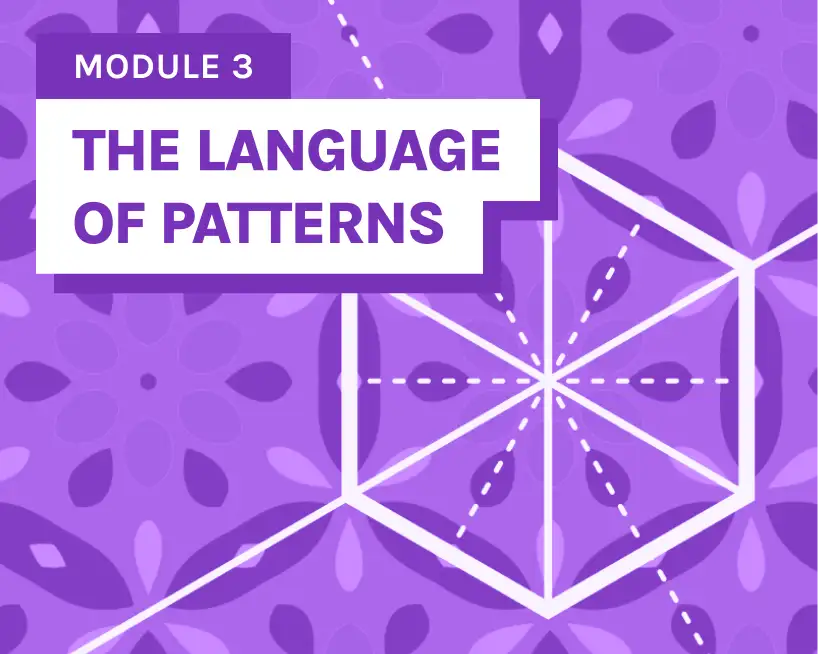
The language of patterns
- How tilings work
- Exploring the tilings
- Rhythm in repeat
- Finding harmony
- Color fundamentals
- Color in patterns
4 modules to go deeper (coming soon)
Next up: the full design process, advanced techniques, creating your own source images, and turning your patterns into a business.
 Q4 2026
Module 4
The pattern design process
 2027
2027Module 5
Creating source images
 2027
2027Module 6
Advanced techniques
 2027
2027Module 7
Building your business
What are the chapters like?
4 to 6 chapters
per module
Big topics split into digestible steps.
5 to 15 minutes
per chapter
Easy to fit in your busy schedule.
Self-paced,
no deadlines
Start today, pick it up whenever you like.
Practice while
you're learning
Short tasks, right where you learn the idea.
Snippets from module 3, chapter 5
Color in patterns
- How color behaves in tilings and patterns
- Choosing source images based on color
- Re-color patterns and create colorways
Pick a source image with strong contrast (dark darks, light lights) and make a pattern from it. In the Effects tab, switch on Duotone and pick two colors you like. Now change just one of the two.
Watch what happens to the other one: does it look warmer, cooler, duller, brighter than before? You didn't touch it, and yet it changed.
Start with modules 1 to 3 today.
We'll email you the moment a new module unlocks.
No strings attached, come in!
Start free masterclassMeet Repper
The app we built to make pattern design accessible to all: just choose an image, select a section and turn it into a seamless pattern in real time.
We use it during the masterclass to explain pattern concepts and if you wish, you can try it yourself for free while you learn.
- Learn it in minutesNo layers, complex menus or manuals.
- Fast creative outputExplore dozens of ideas in minutes.
- Trusted by creativesThousands of happy members since 2018
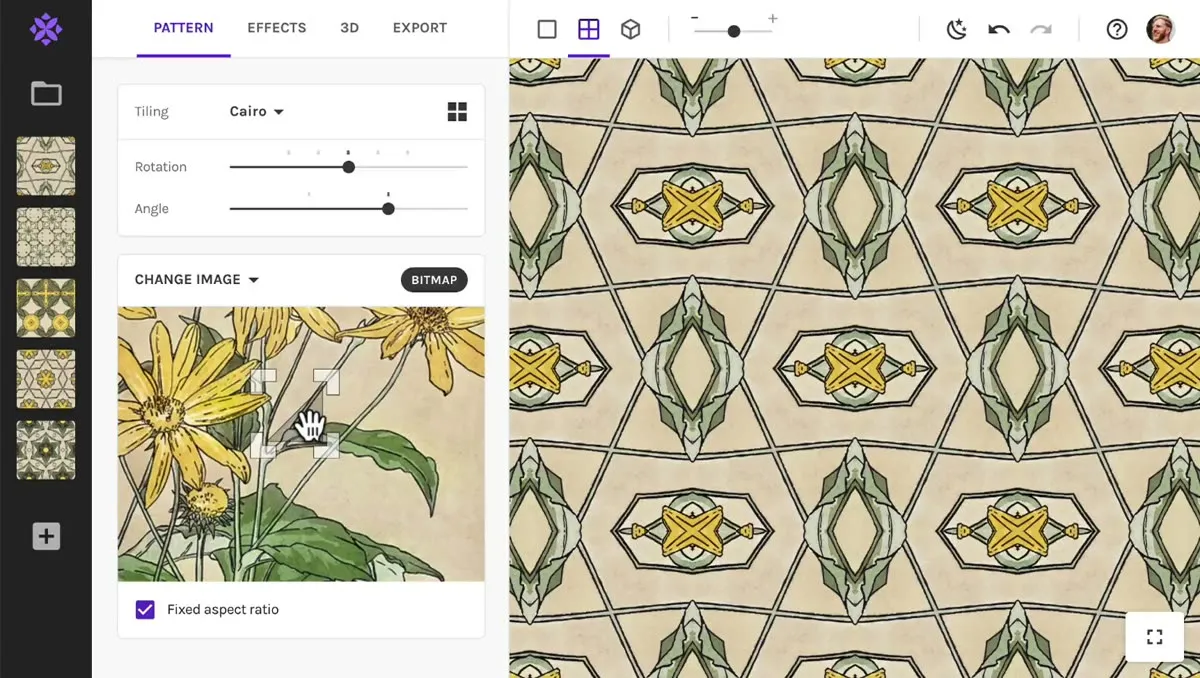
Signing up for the masterclass gives you 2 weeks of full access to the Repper app. No credit card needed. When your app trial ends, you keep access to the masterclass forever.
You don't need Repper to follow the masterclass, but it'll help you get more out of it. See the FAQ
The team behind this masterclass
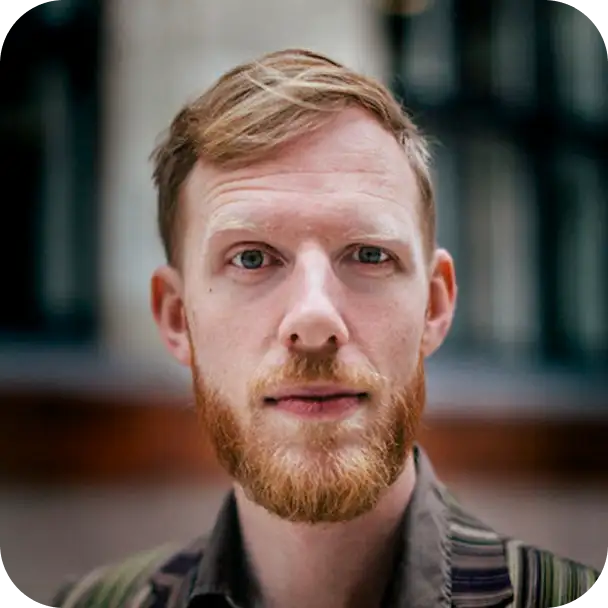
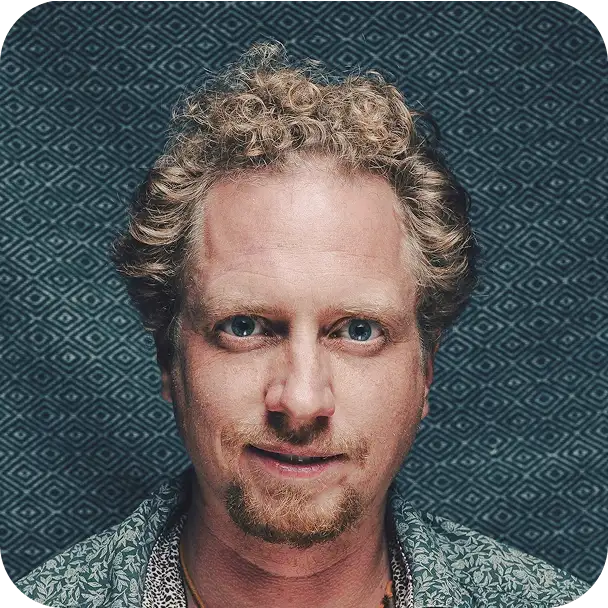
We created the pattern app Repper, launched in 2018. We've been teaching about pattern design on our YouTube channel since 2021 to over 5,000 subscribers. This masterclass is everything we've learned in one place.

A quality masterclass for free...
what's the catch?
Not much of one. We've learned most of what we know from the pattern community over the years, and we've been sharing it back through our videos for nearly as long. This masterclass is the next step: everything in one place, in the right order.
We make some income from Repper, which is what lets the masterclass be free. If you enjoy making patterns with our pattern app during your trial, we hope you'll stay on with a Pro membership. If not, the masterclass is still yours, for good.
Common questions
Do I need Repper to follow the masterclass?
No. Module 1 and most of module 2 don't depend on any tool, and the ideas in the rest apply whatever you use. From module 3 on, Repper is how we demonstrate things, and your trial gives you full access, so the exercises are easiest with it. A few parts, like exporting, are Repper-specific and come with general advice on things like resolution and DPI.
What happens after the Repper trial ends?
The masterclass stays yours, all of it, for as long as you like. To keep the full toolset of the Repper app, simply get a Pro membership. Nothing renews or charges by itself, because we never asked for a card.
Do I need drawing skills to make patterns?
No. Photos, scans, cut paper and simple shapes all make good source material, and module 2 shows you where to find it and how to make your own. If you do draw, all the better.
How long does the masterclass take?
Chapters take 5 to 15 minutes, modules about an hour plus exercises. The three modules available now add up to roughly three hours. It's self-paced, so spread it over an evening or a season.
Can I sell the patterns I make?
Yes. Anything you make from your own images is yours to sell, through print on demand, as licensed designs, or in your own shop. Be careful with source images you didn't make: their license decides what you can do with them, and we point you to safe sources in module 2.
Is this for beginners or experienced pattern designers?
Both. Beginners get a start that assumes nothing. If you've been making patterns for a while, module 3 and up give you the foundation most of us skipped, and techniques to widen your range.
Who made this masterclass: humans or AI?
It was made by humans, for humans. Wouter wrote every chapter and the videos were filmed and edited by Michel. All ideas, opinions, examples and occasional silly jokes are ours. We used AI to assist with fact-checking, formatting and proof-reading.
More intention, less guesswork. Build the foundation your patterns deserve.
- Yours to keep, free forever
- 2 weeks of the Repper app included
- Made by fellow pattern lovers (not AI)