Blog
Inspiration fra mønstrenes verden og de seneste nyheder om Repper
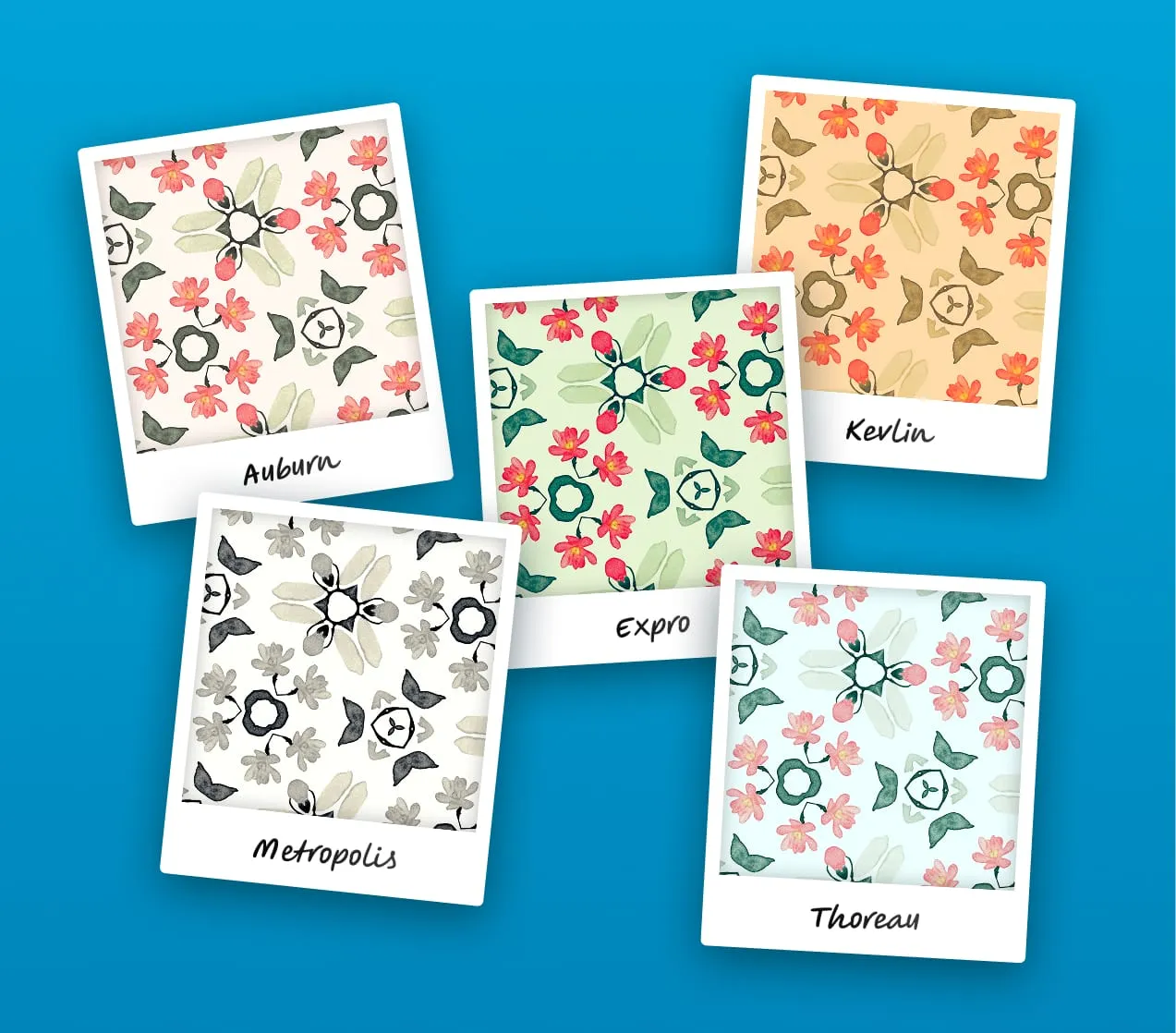
New feature: Photo filters
Give your patterns a new vibe with 12 analog film filters. Combine with other color effects for even more fun!
Introducing Repper Labs
Hi, this is Alex, the developer that works on Repper under the hood.
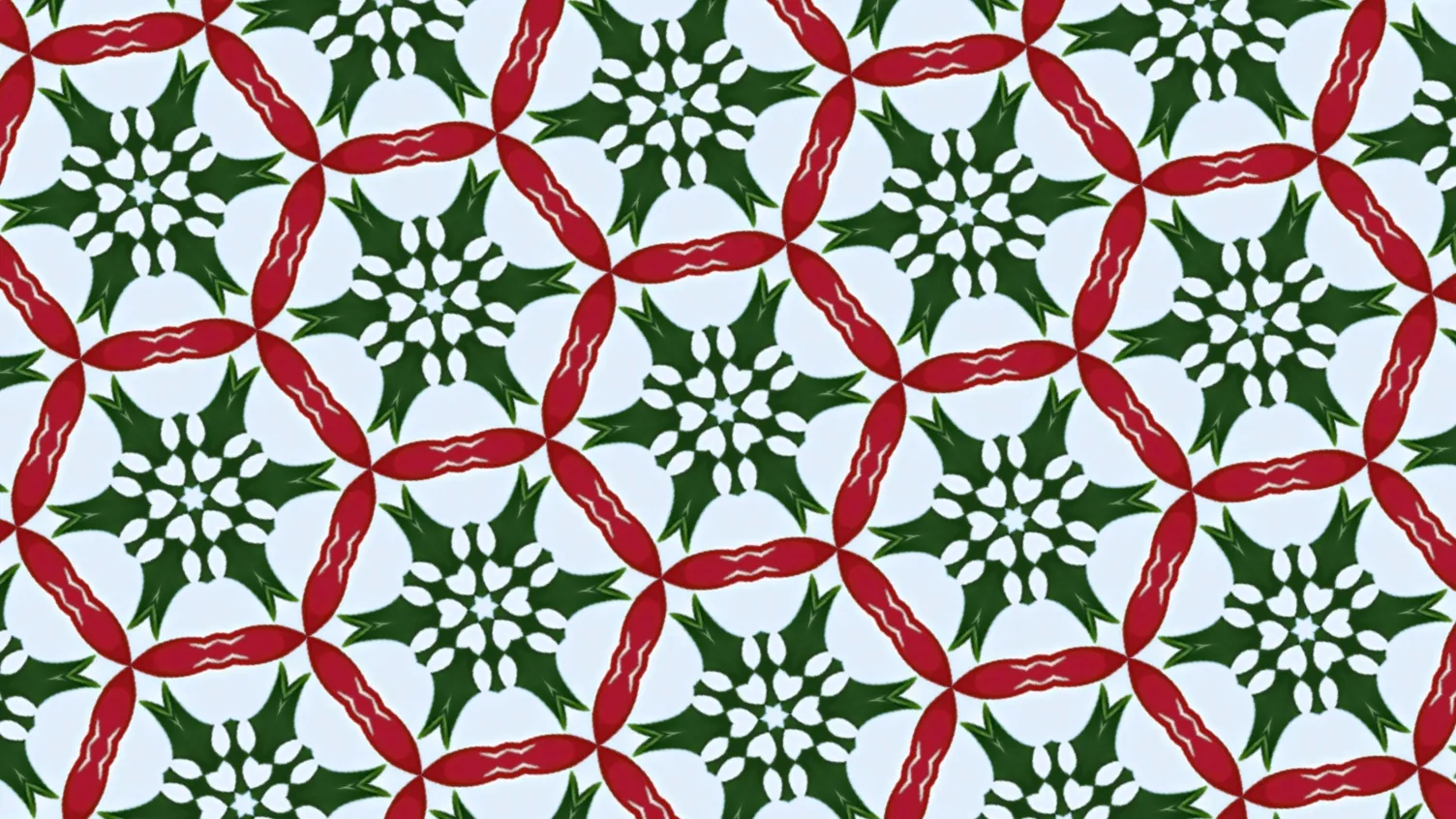
Christmas Patterns with a Twist (No Santa, Snowflakes or Clichés!)
Ever wanted to make your own Christmas-style patterns, but with a modern, stylish twist?
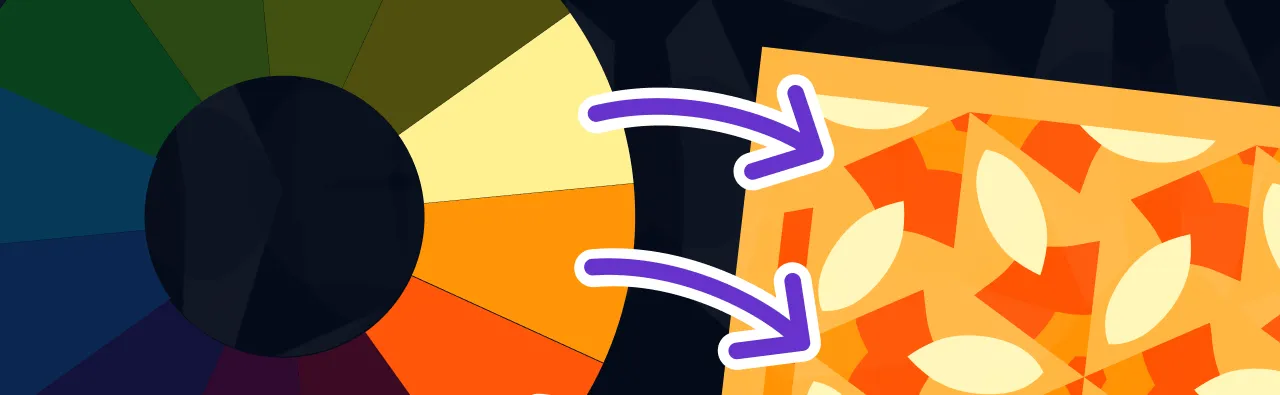
Color Secrets Every (Pattern) Designer Should Know
Have you ever wondered what makes certain color combinations so mesmerizing?
Make Your Colors Pop: Pro Tips For Repper Duotone
Duotone and tritone have always been among my most favorite Repper features.
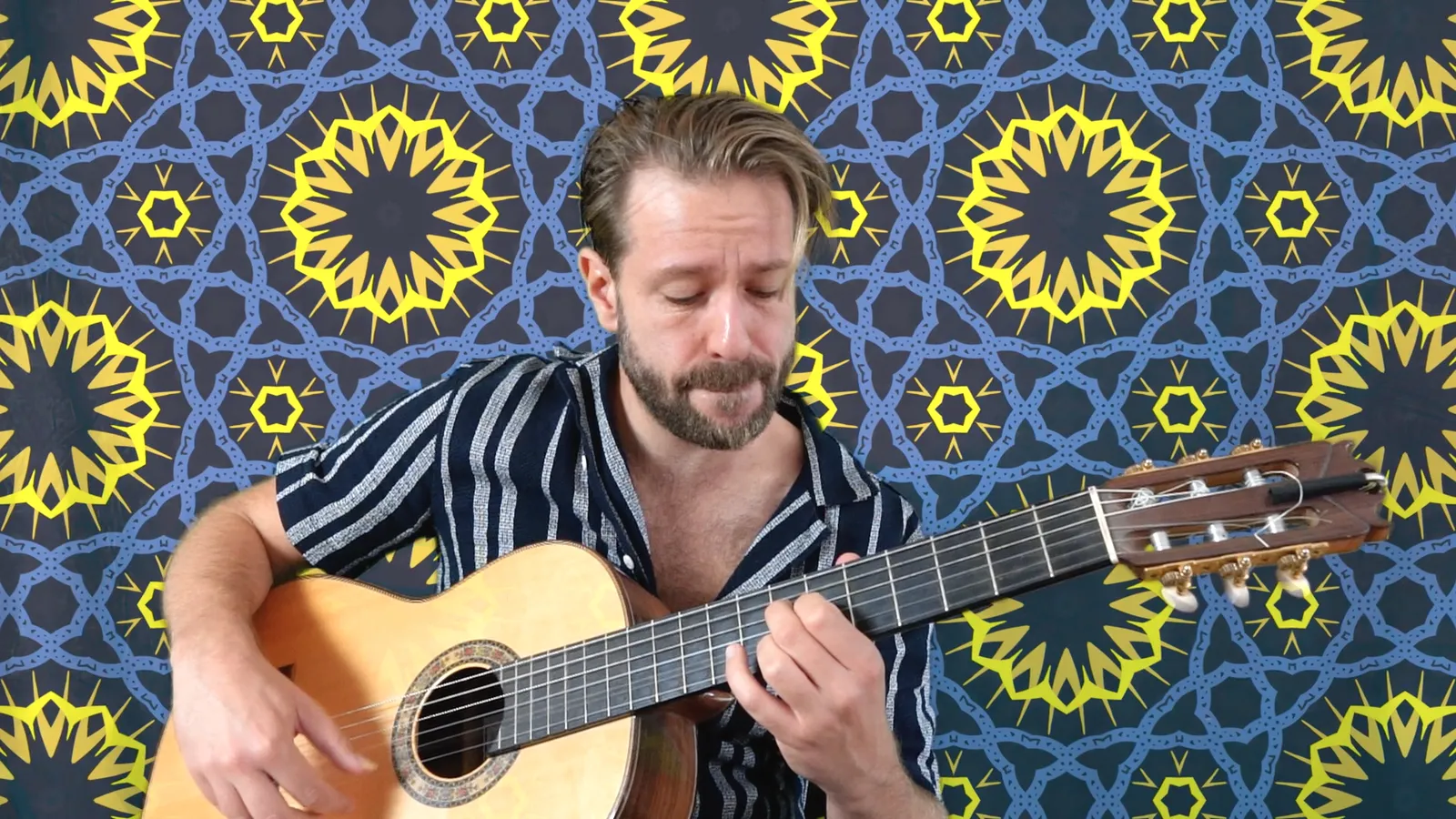
Guitar + Patterns = Ultimate Relaxation
Here's a little musical gift for you. 😃 I created this video by combining my passions of playing guitar and making Repper patterns.
Create. Scare. Win! Join Our Halloween Horror Pattern Contest!
Welcome to the creepiest pattern challenge in the history of mankind. Are you brave enough to enter, and take home a free year of Repper?
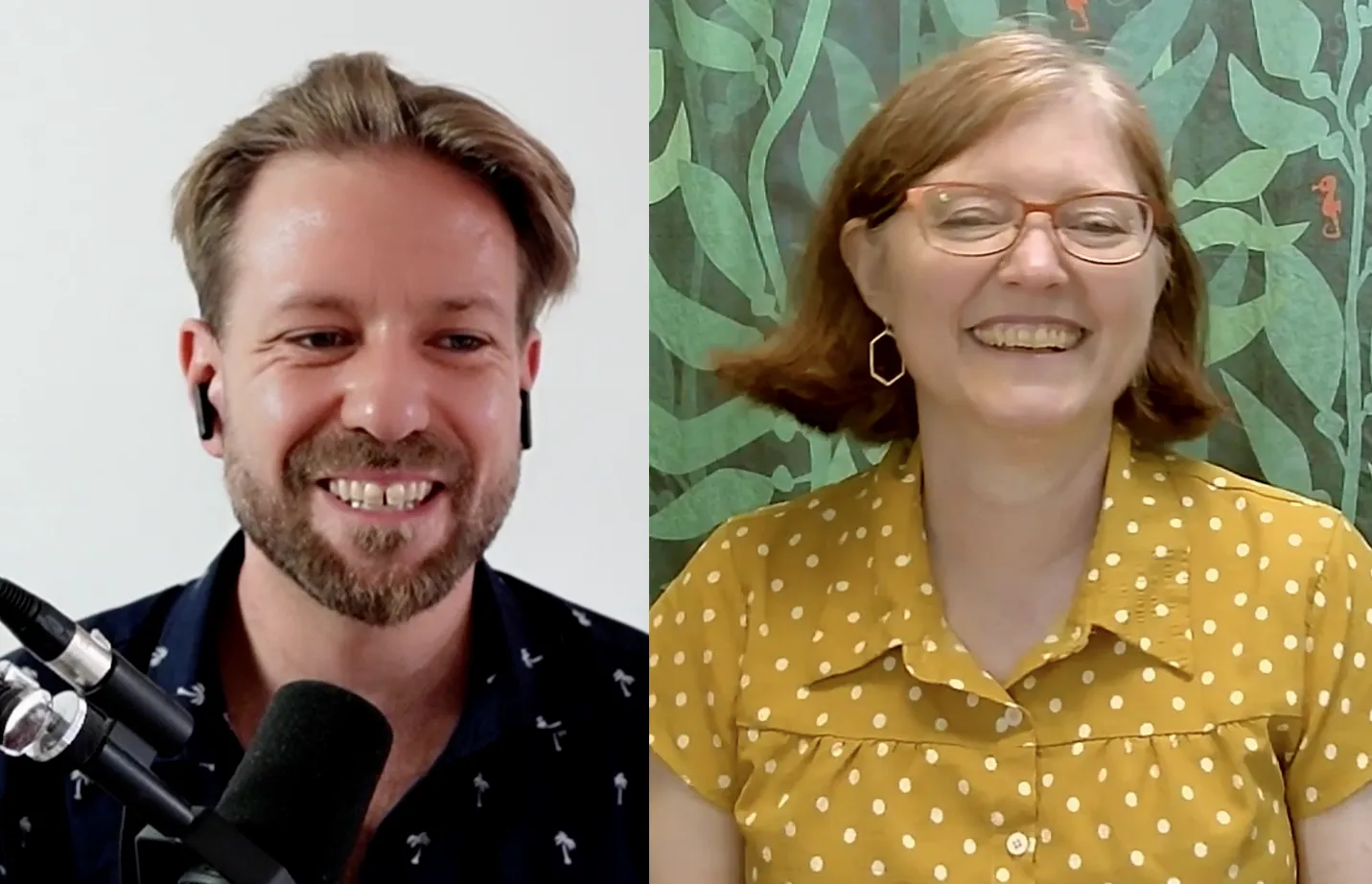
Handmade Meets Digital: Pattern Design Techniques Of Becka Rahn (Interview)
We’ve got some thrilling news to share! We started doing some occasional interviews featuring some of our amazing Repper users.
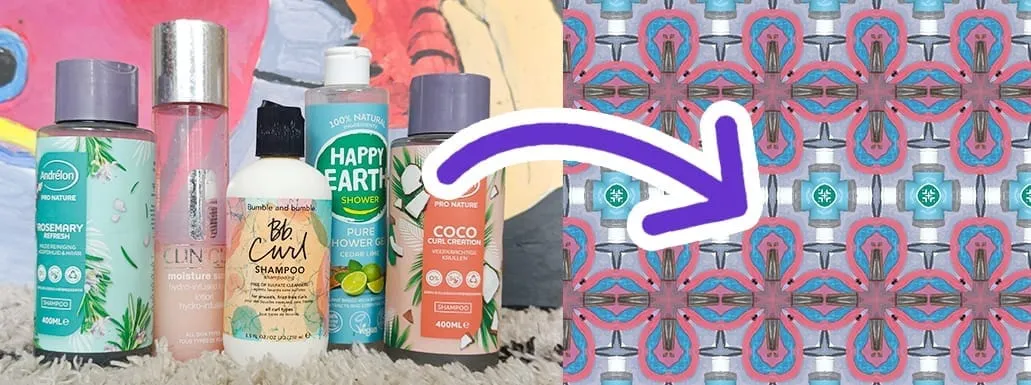
Create beautiful pictures for pattern design (Using your phone)
Did you know that you can make beautiful source images for pattern design, by taking pictures? And you don't need any expensive equipment.
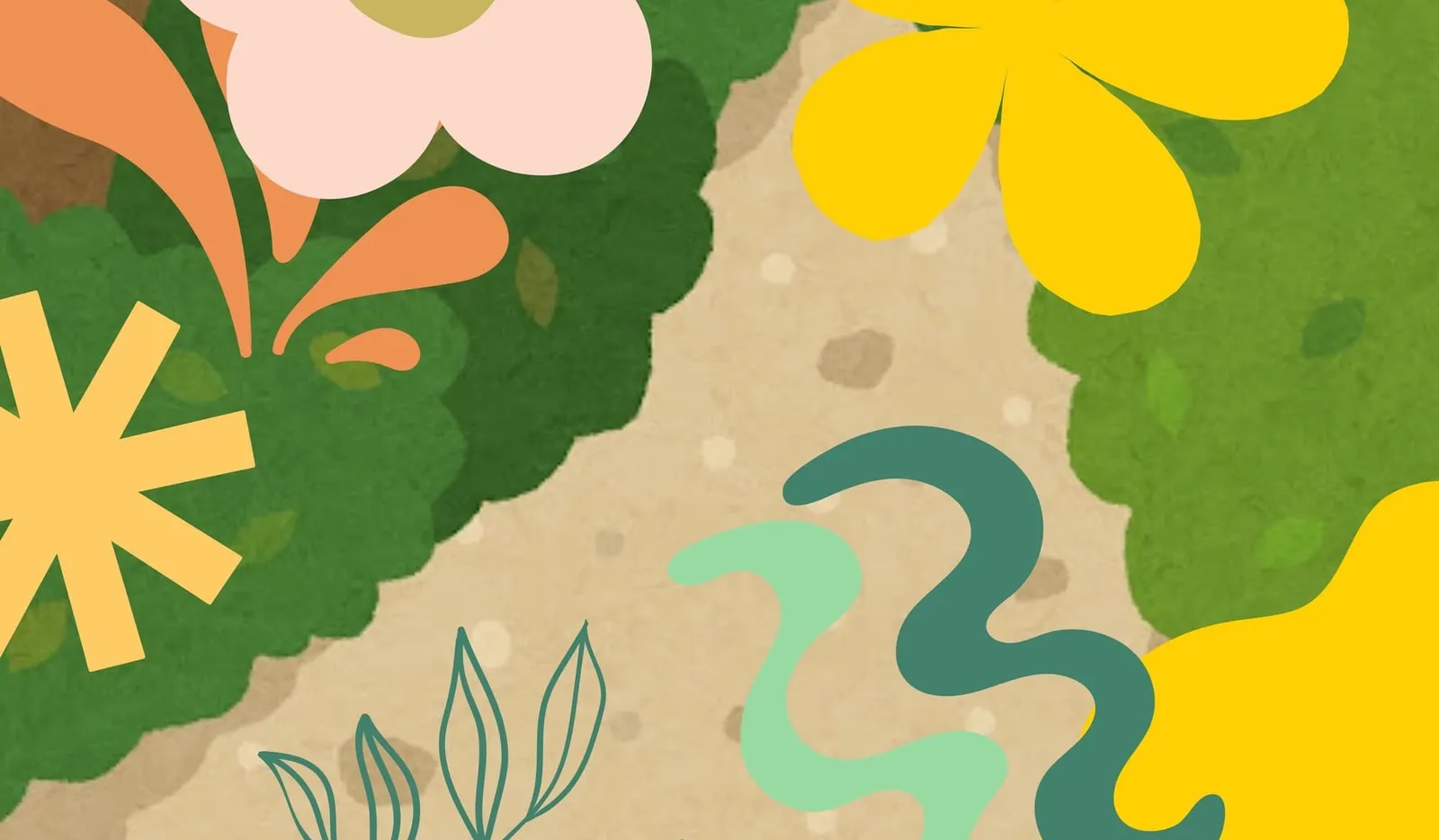
Make collages to design your own patterns (free with Canva and Repper)
With collages, you can make beautiful compositions using existing elements. Why not use them as source material for your pattern design?
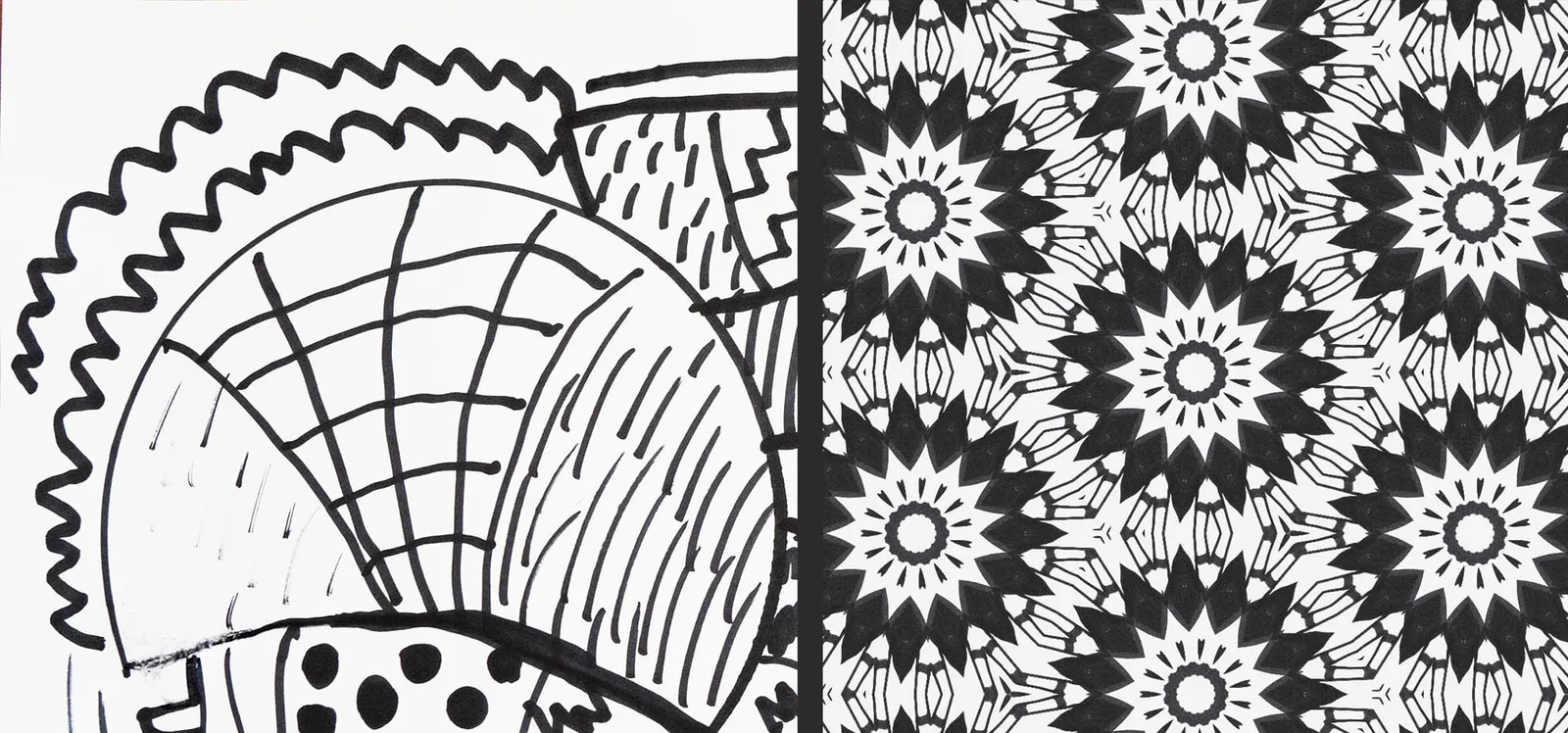
Handdrawing + Digital Pattern Design = Ultimate Relaxation
Do you love drawing or painting? Then quickly grab your favorite pencils or markers and a piece of paper. Follow along with this video!
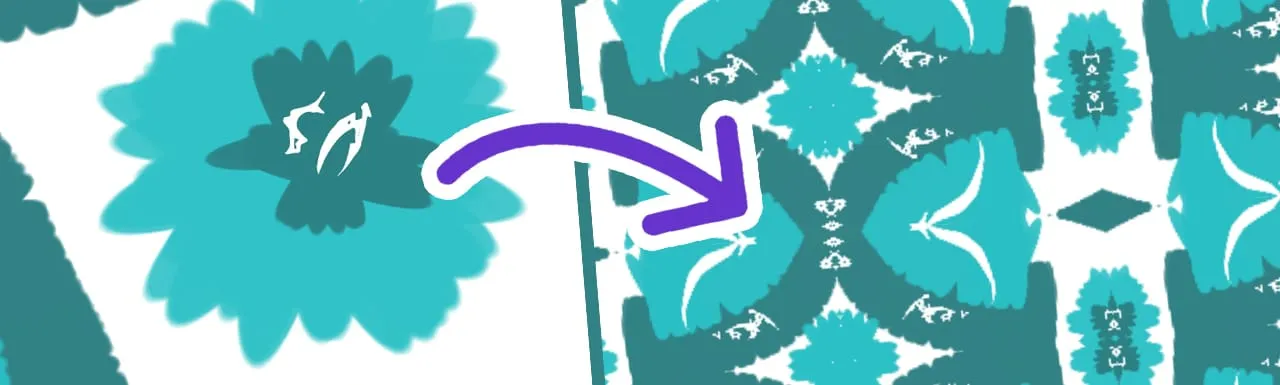
How I Make My Own Digital Artwork (And Turn Them Into Patterns!)
Ever wanted to create your own digital artwork, and turn it into amazing looking patterns?
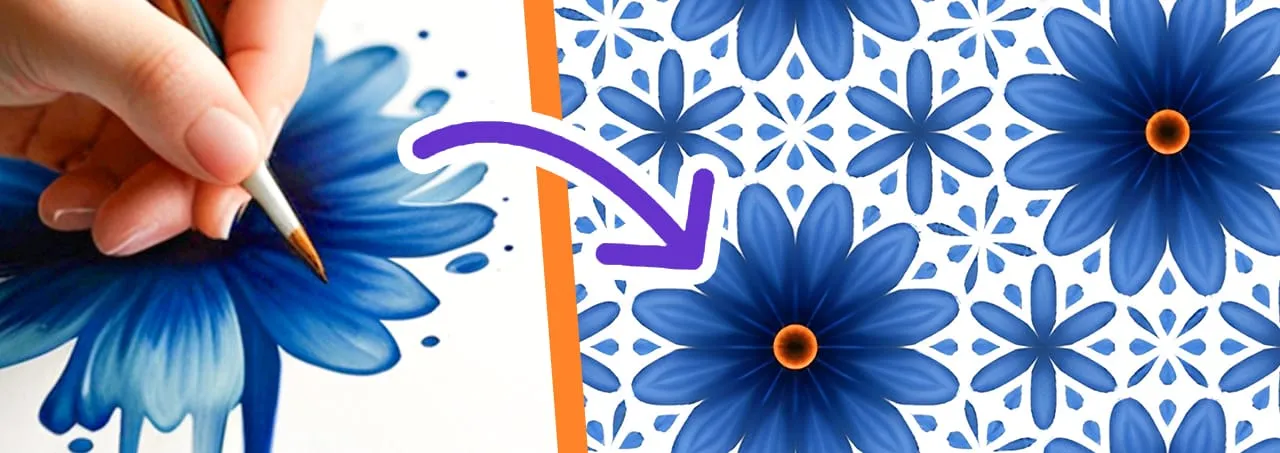
Mini Series: 5 simple ways to make your own images for pattern design
Do you want more creativity, more control and MORE FUN? Are you ready to take your pattern skills to the next level by designing your own source material?
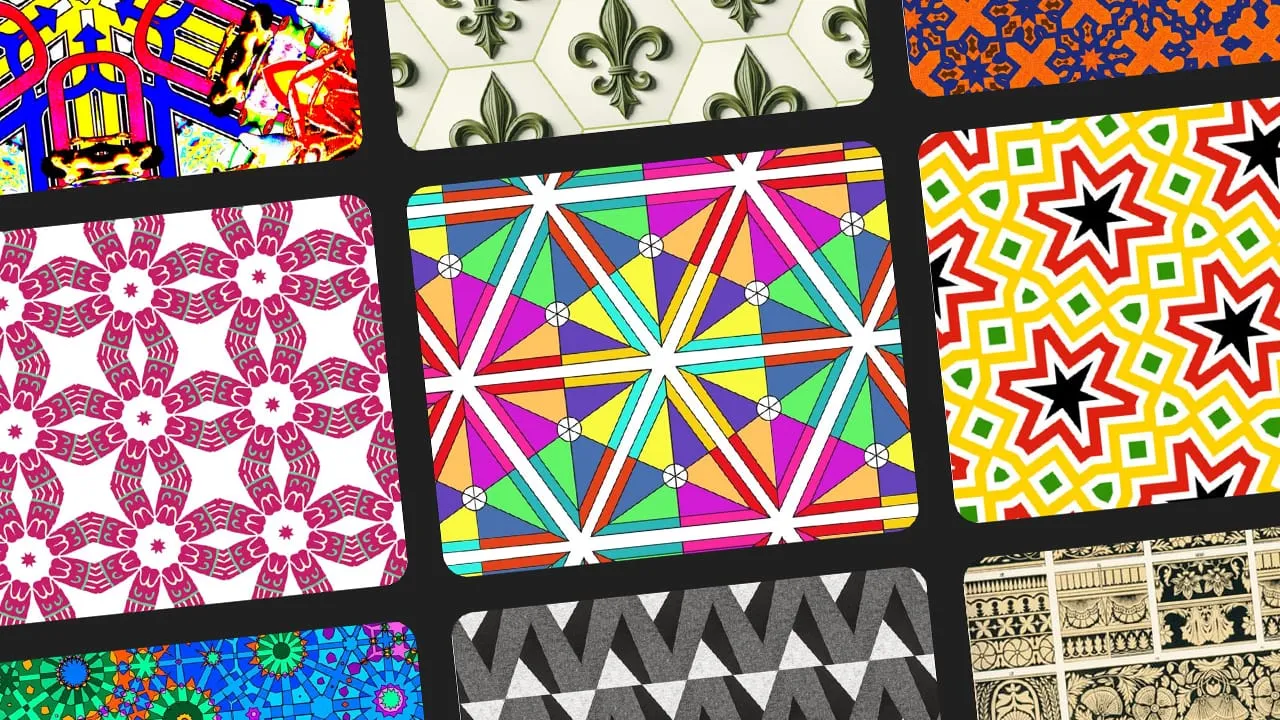
Get Inspired By 23 Pattern Collections (Some Real Hidden Gems!)
Are you looking for more creative ideas, more tips and tricks and more beautiful pattern collections to draw inspiration from?
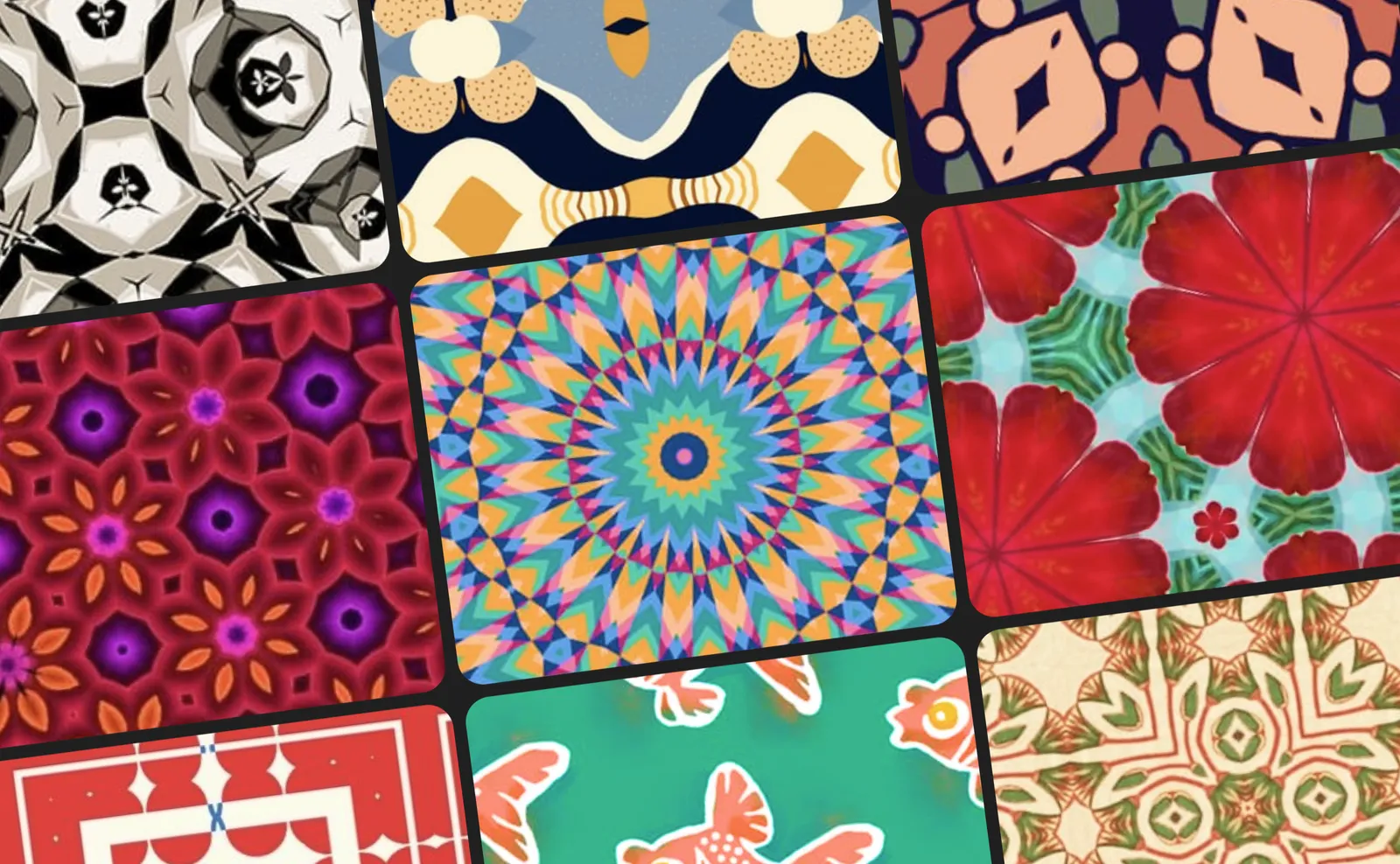
Jury's Pick & Public's Choice: Pattern Collection Competition Winners!
In January we hosted a pattern collection competition on our forum. You can go to this topic to see all submissions.
Repper vs. AI - An In-Depth Comparison
AI generators have been taking the world by storm. Some specifically for generating patterns.
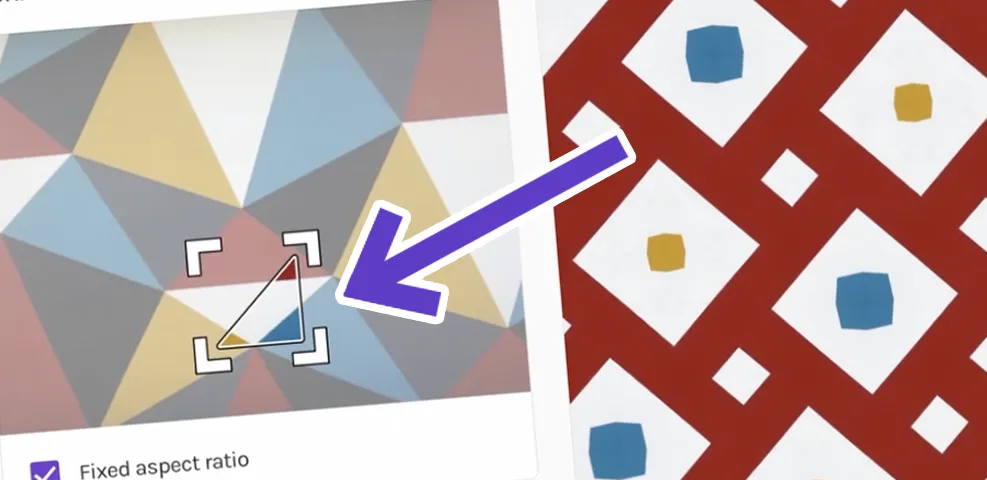
[Product update] We co-created this small but significant change with you
We released an update which is small but significant.
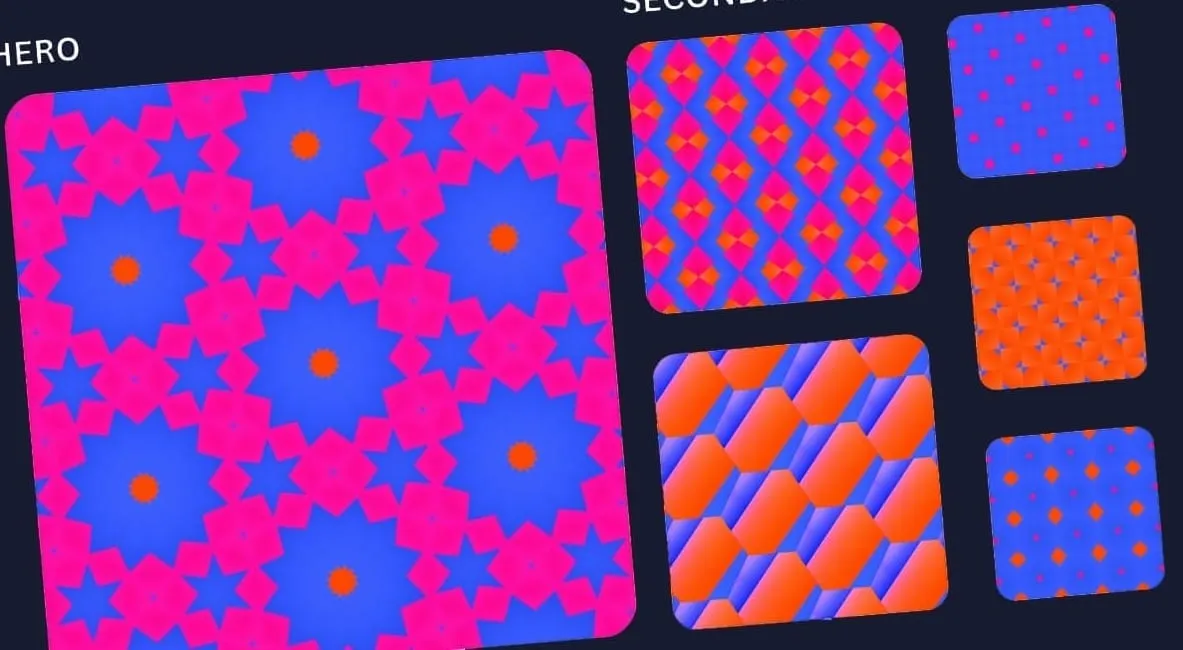
Announcing: Pattern Collection Challenge (+ Awesome Prizes!)
Hi there my dear friends! Last month we shared a video on how the pros make stunning pattern combinations. Now it's your turn!
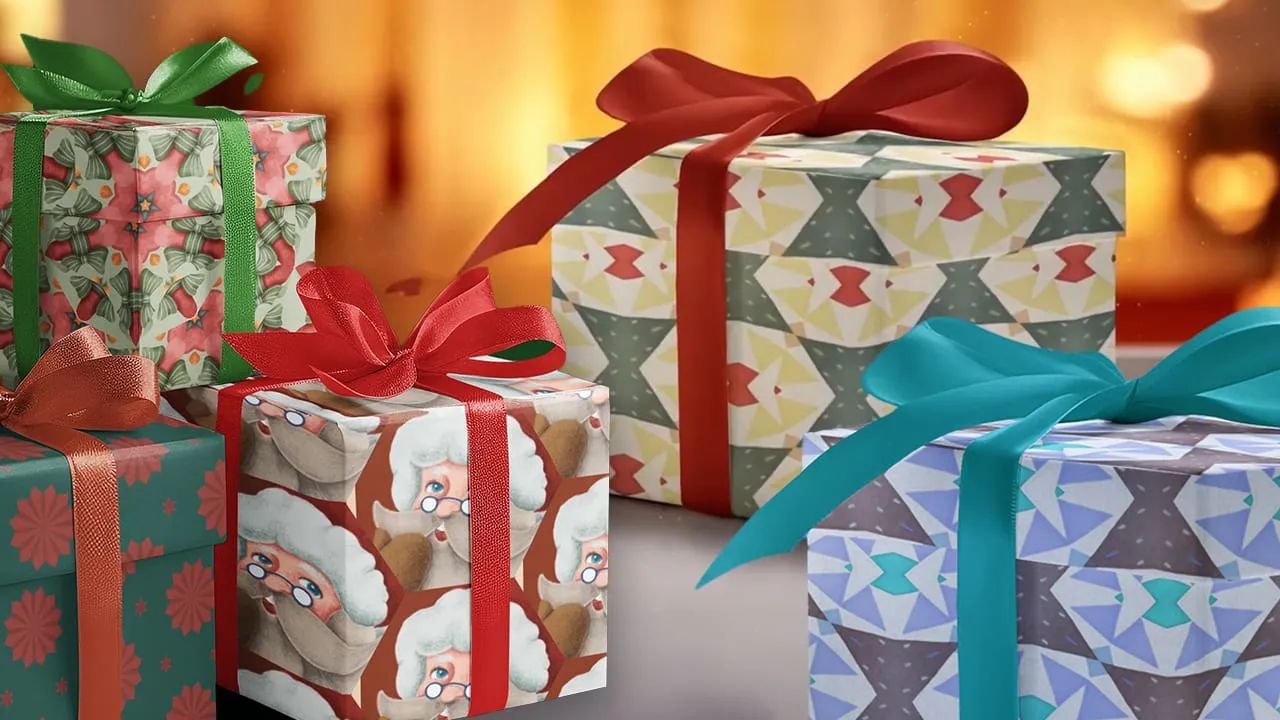
Live Designing Christmas Pattern Pack + My 2023 Pattern Journey
It's almost Christmas and we're approaching the end of 2023.
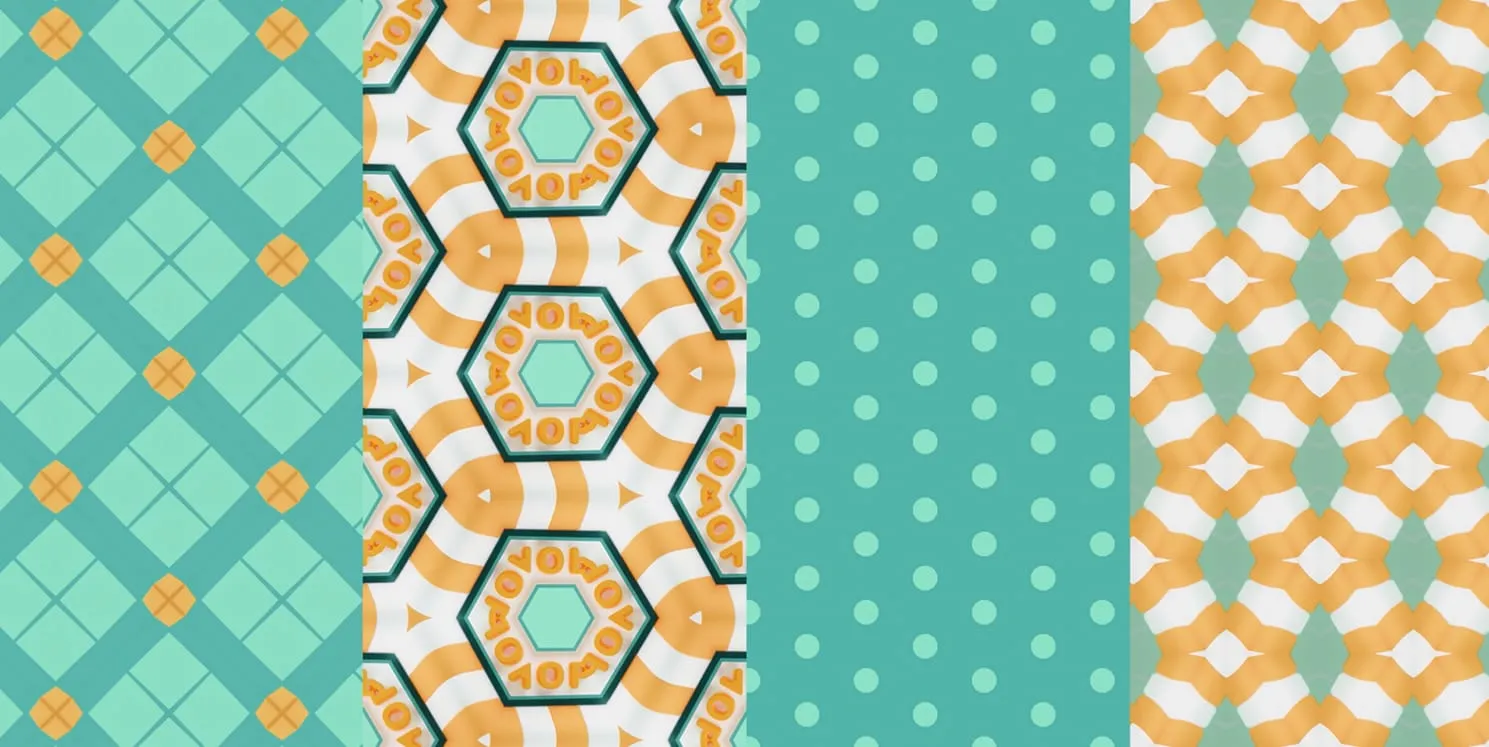
This is how the pro's combine patterns.
We did an extensive research about pattern combinations, and compiled the best tips and tricks just for you.
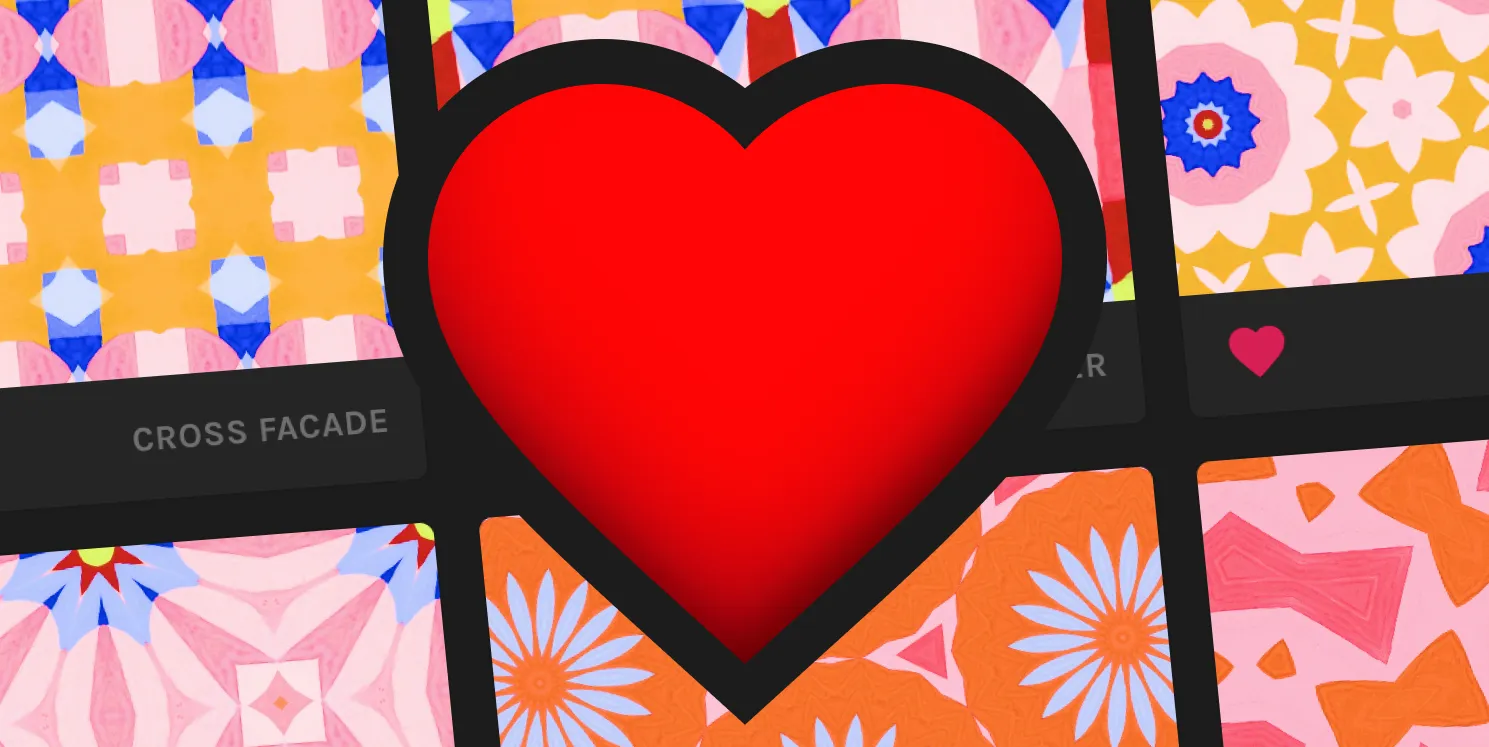
[New feature] Make Life Easier, Mark Your Favorites
Are you a pattern lover with a collection that keeps growing? If so, you'll appreciate our latest feature: Marking your favorites.
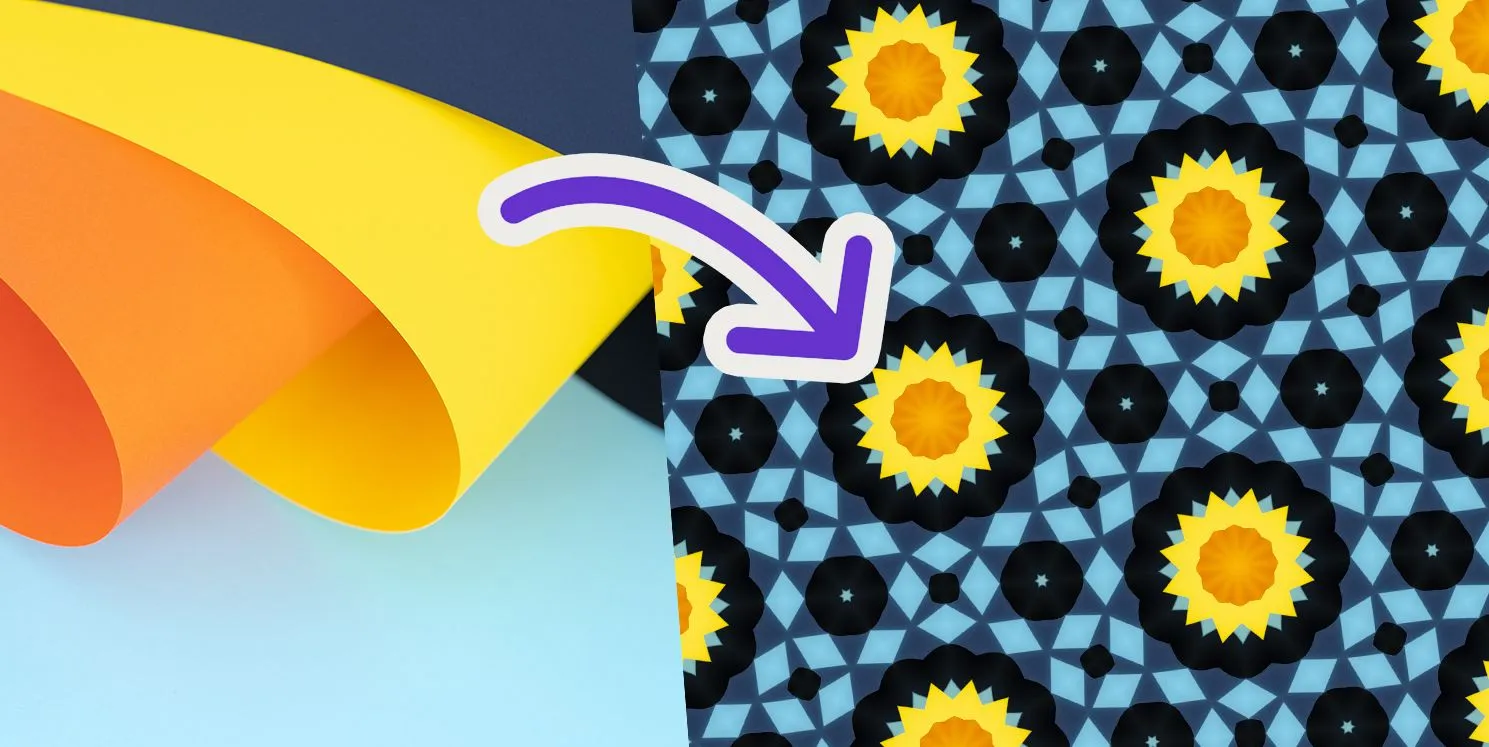
Making great patterns begins with finding good source images (here’s how)
Each eye-catching Repper pattern began by someone picking the right source image for the job.
Unboxing REAL products created using Repper!
A few months ago we hosted a competition together with Mey Aroyo. We had Repper users create products using Repper combined with print on demand websites. We received over a thousand submissions.
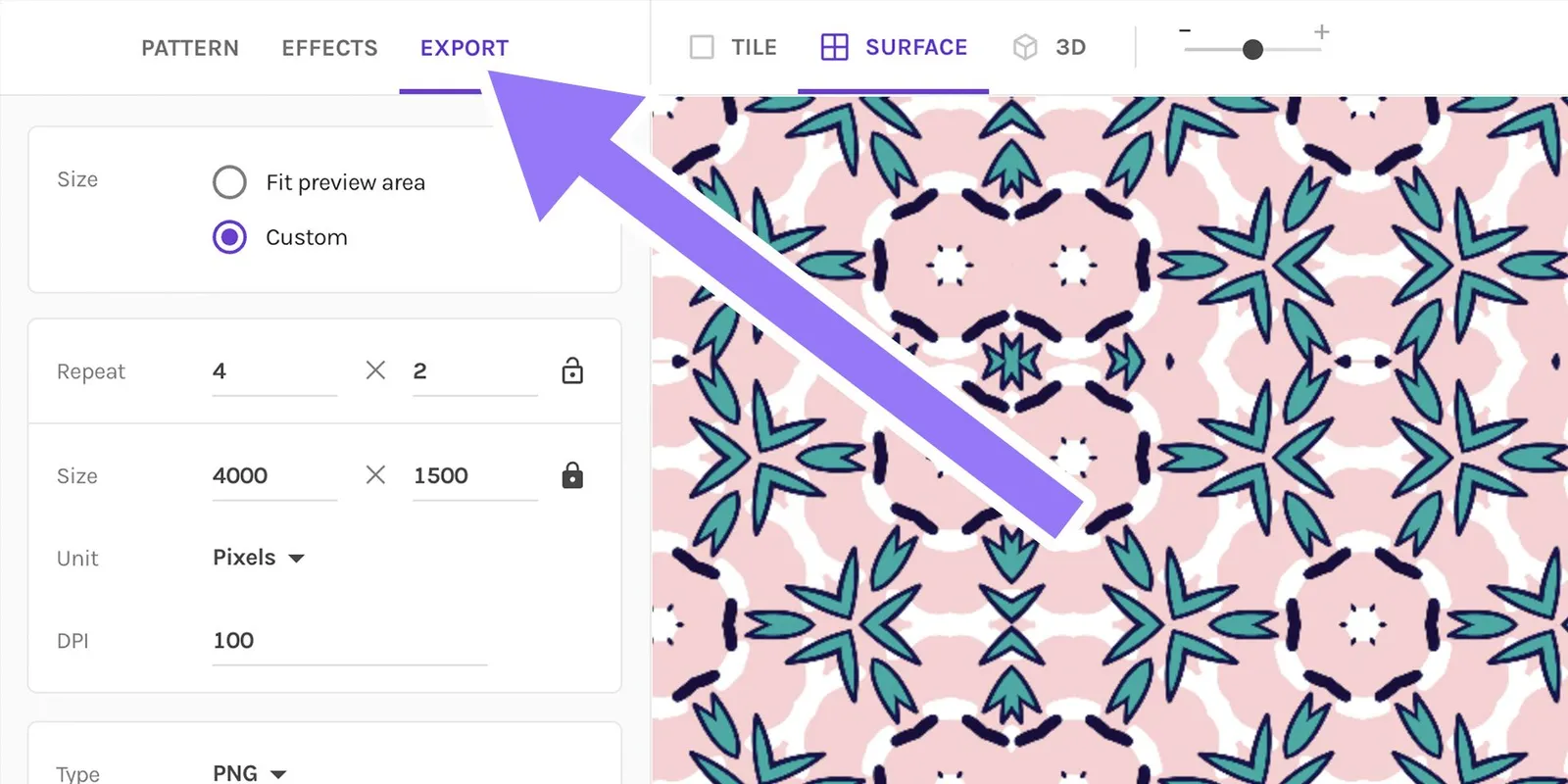
Repper Basics: Master the Export Settings (+Get PRO Results)
When you've spent a lot of effort to create beautiful patterns using Repper, you don't want your exports to look blurry and compressed, or have issues such as…
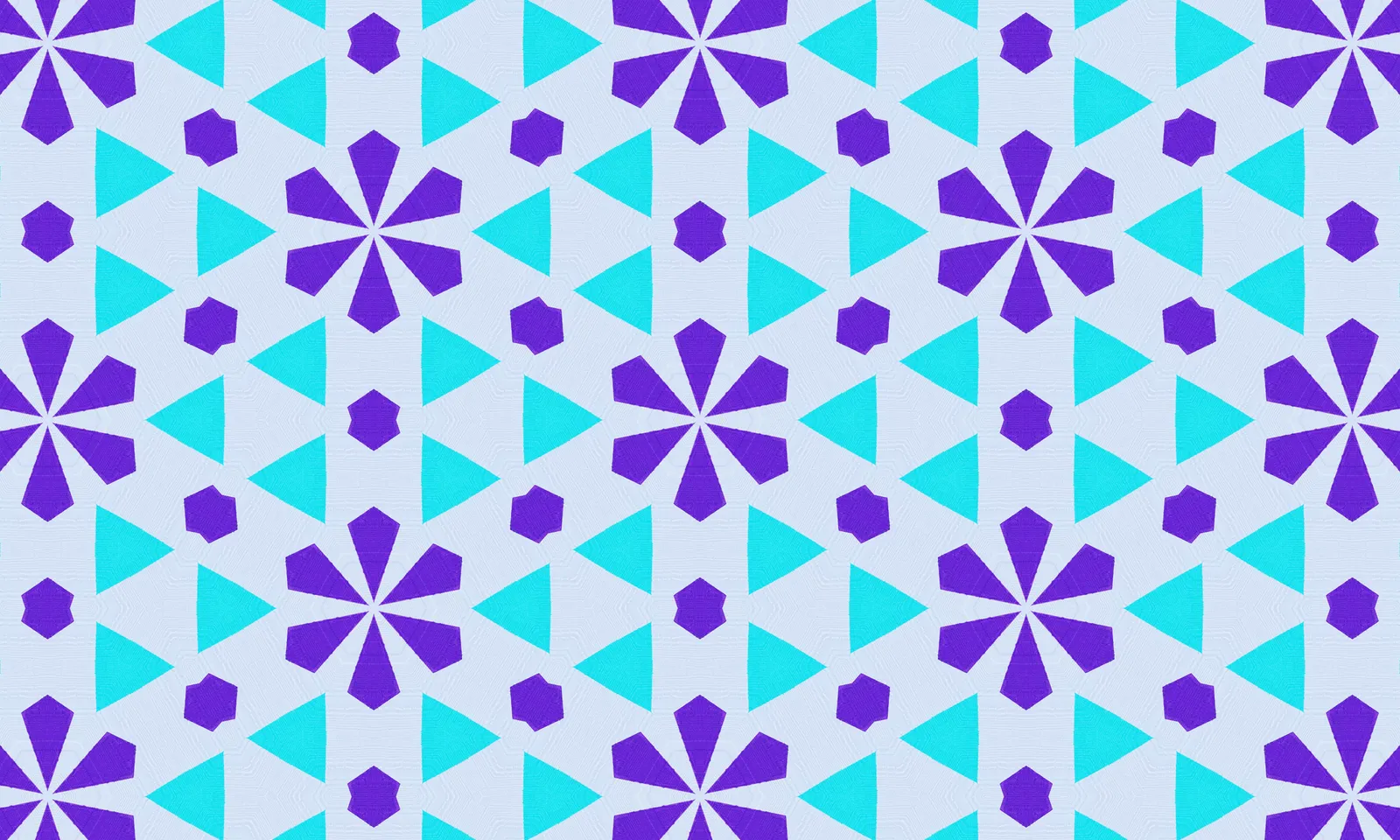
NEW TILING → Echo Honeycomb (Bees Will Love It!)
The honeycomb is one of our favorite tilings, simple yet incredibly versatile.
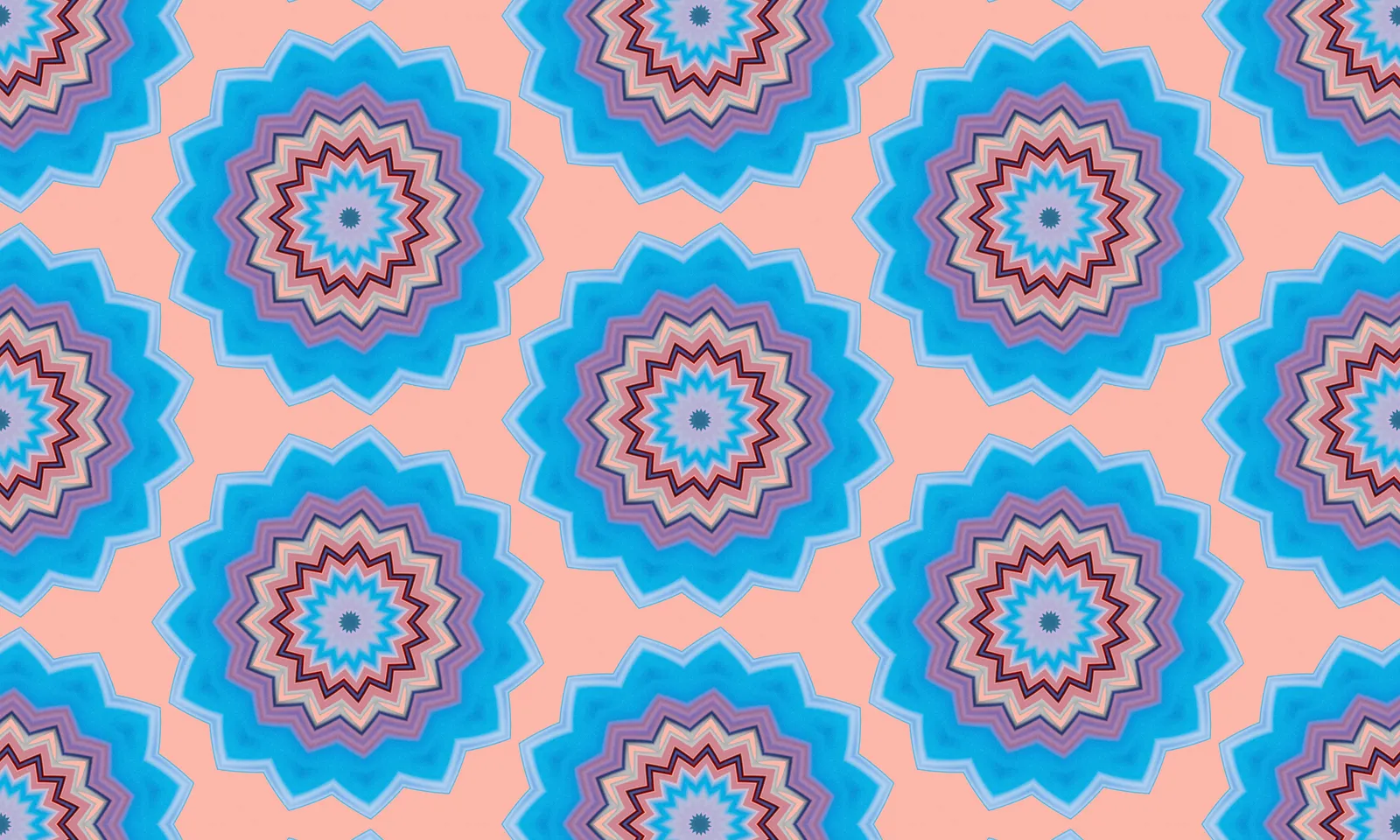
2 NEW TILINGS → Create Floral Beauty with Bloom and Circle Saw
We’d like to introduce to you two new tilings: Bloom and Circle Saw. They are related and look somewhat alike.
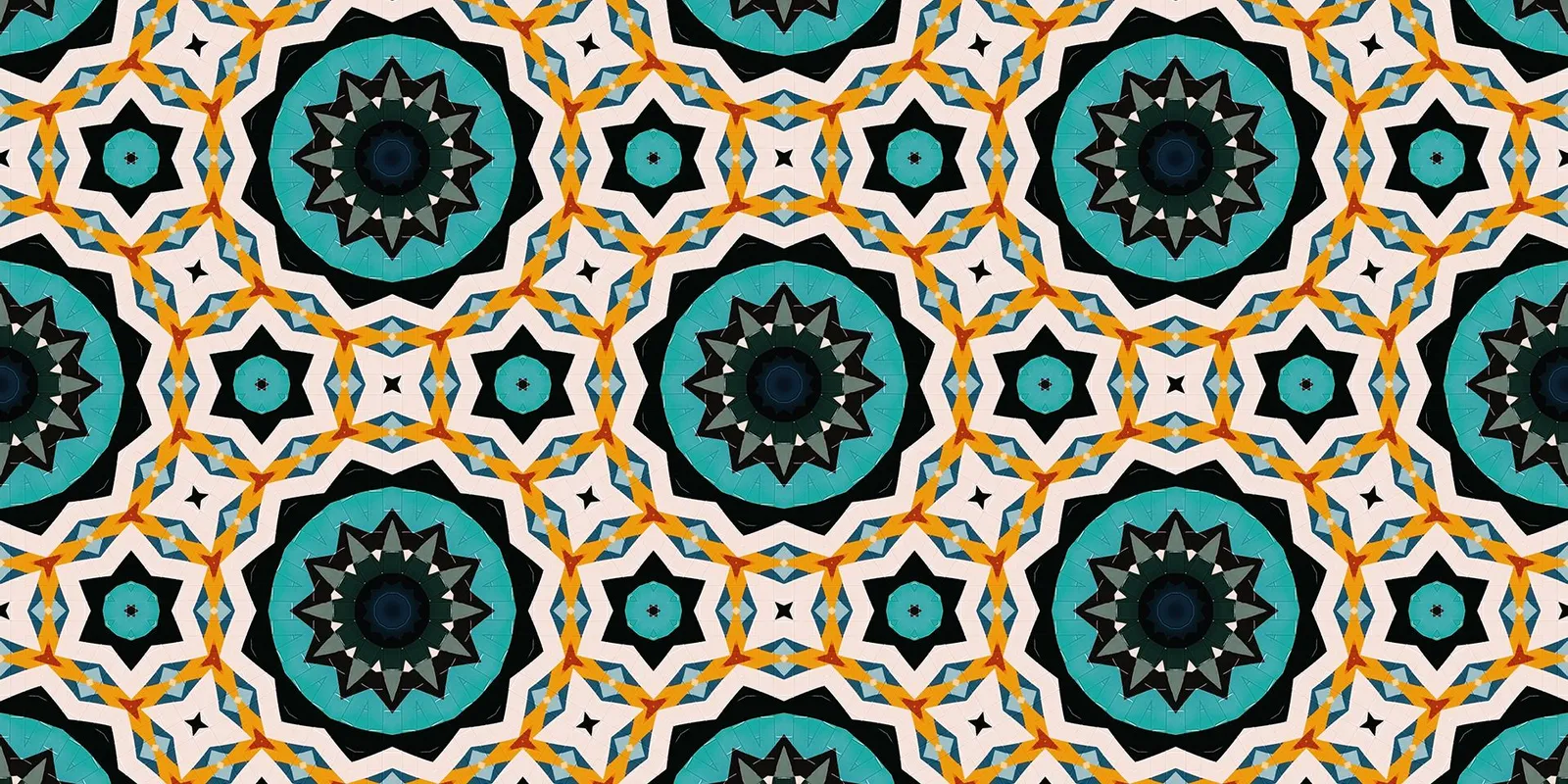
NEW TILING → Persian Star (From Islamic Art to Modern Design)
We are delighted to unveil the latest addition to our growing collection of intricate and captivating tilings: the Persian Star.
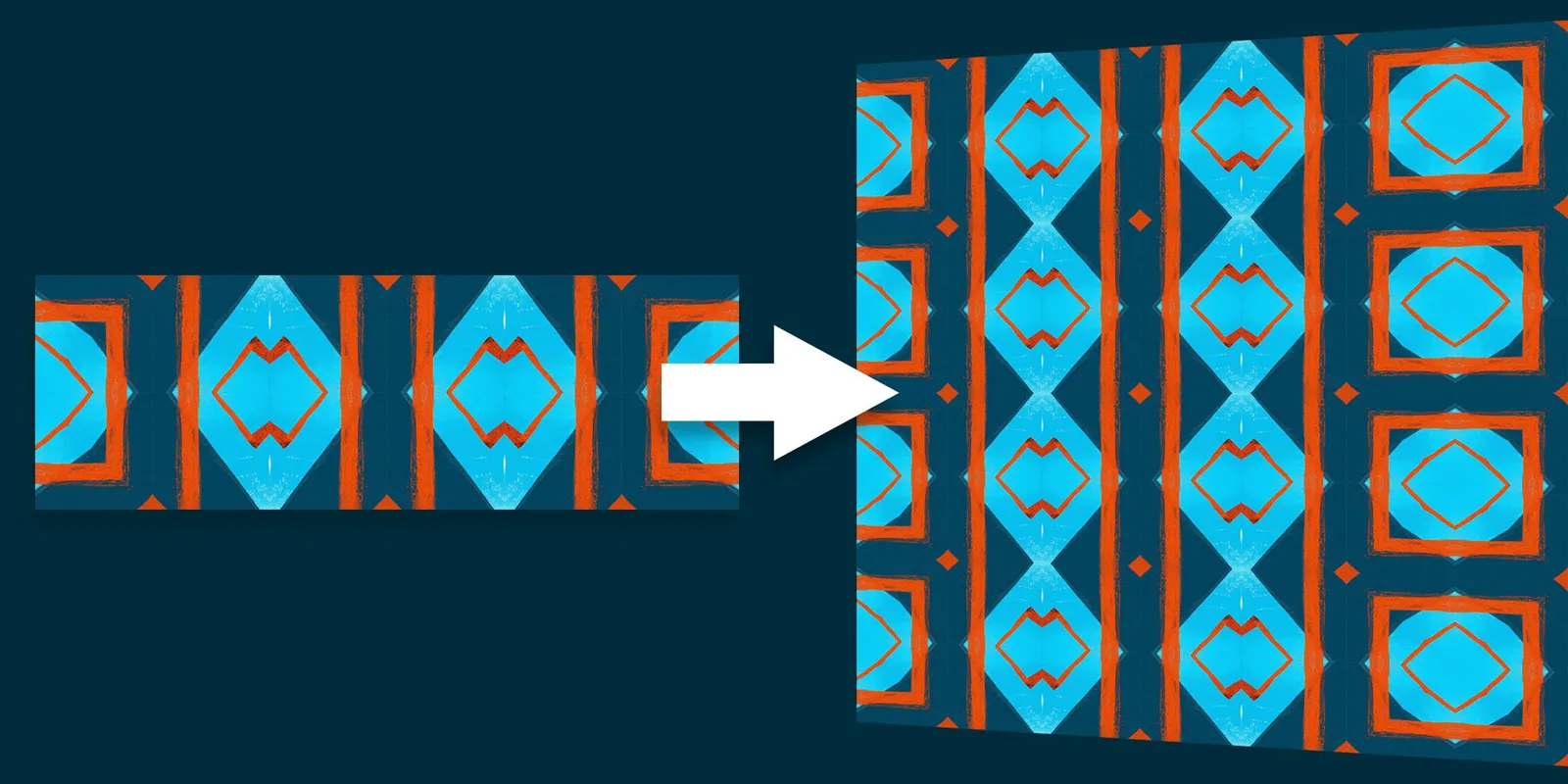
How to Repeat a Whole Image
Did you know that Repper can be used not only with pre-made designs but also with patterns you've created yourself or downloaded from other sources?
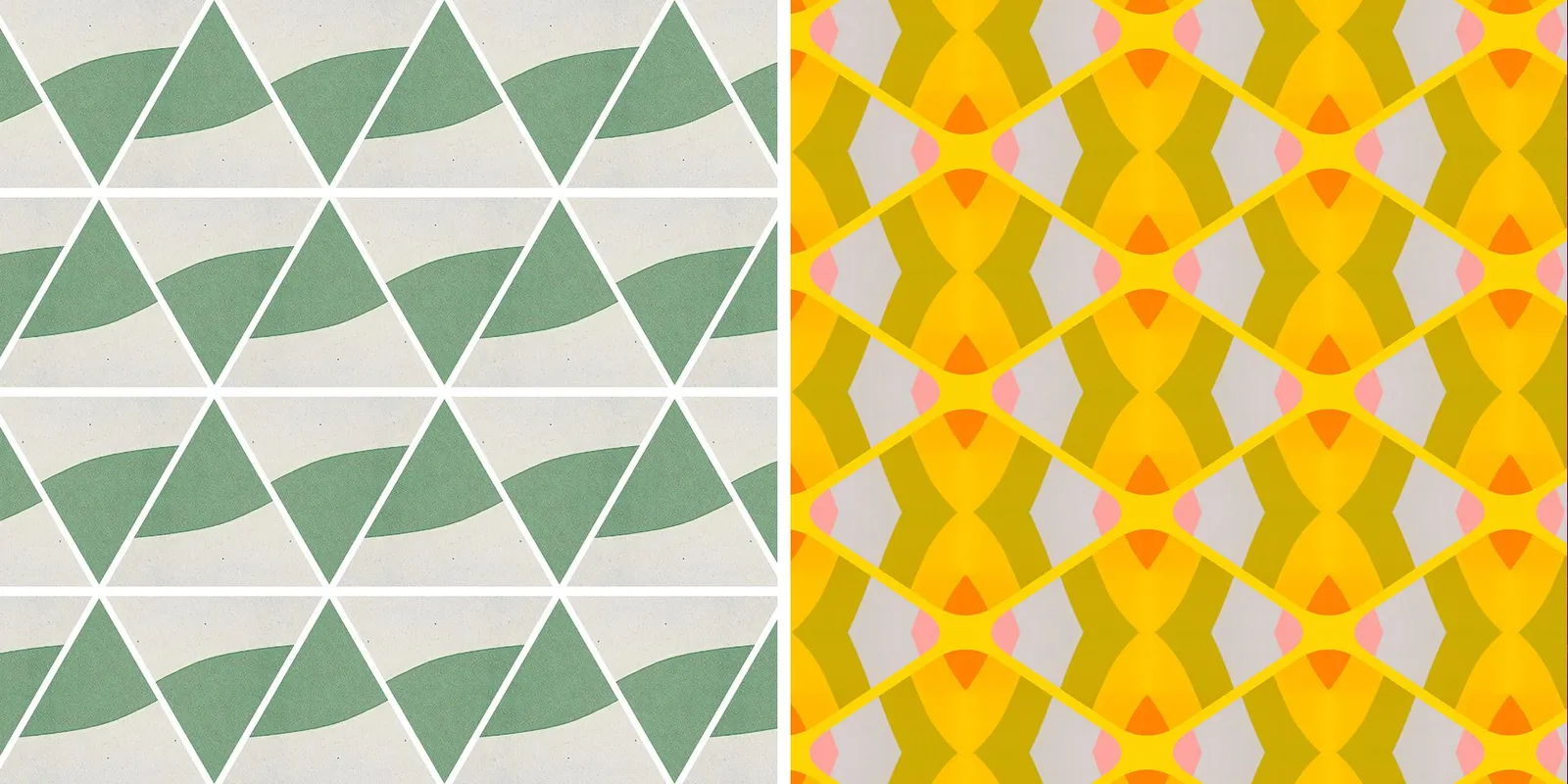
Border effects
We are excited to announce some new features on Repper.app that can be found under the effects tab. These features are called the border effects and they add a whole new dimension to the patterns you create.
QUICK TIP → Rotation
Here's a quick tip for you. It's possible to rotate your patterns. This can be done in the surface and 3D modes.
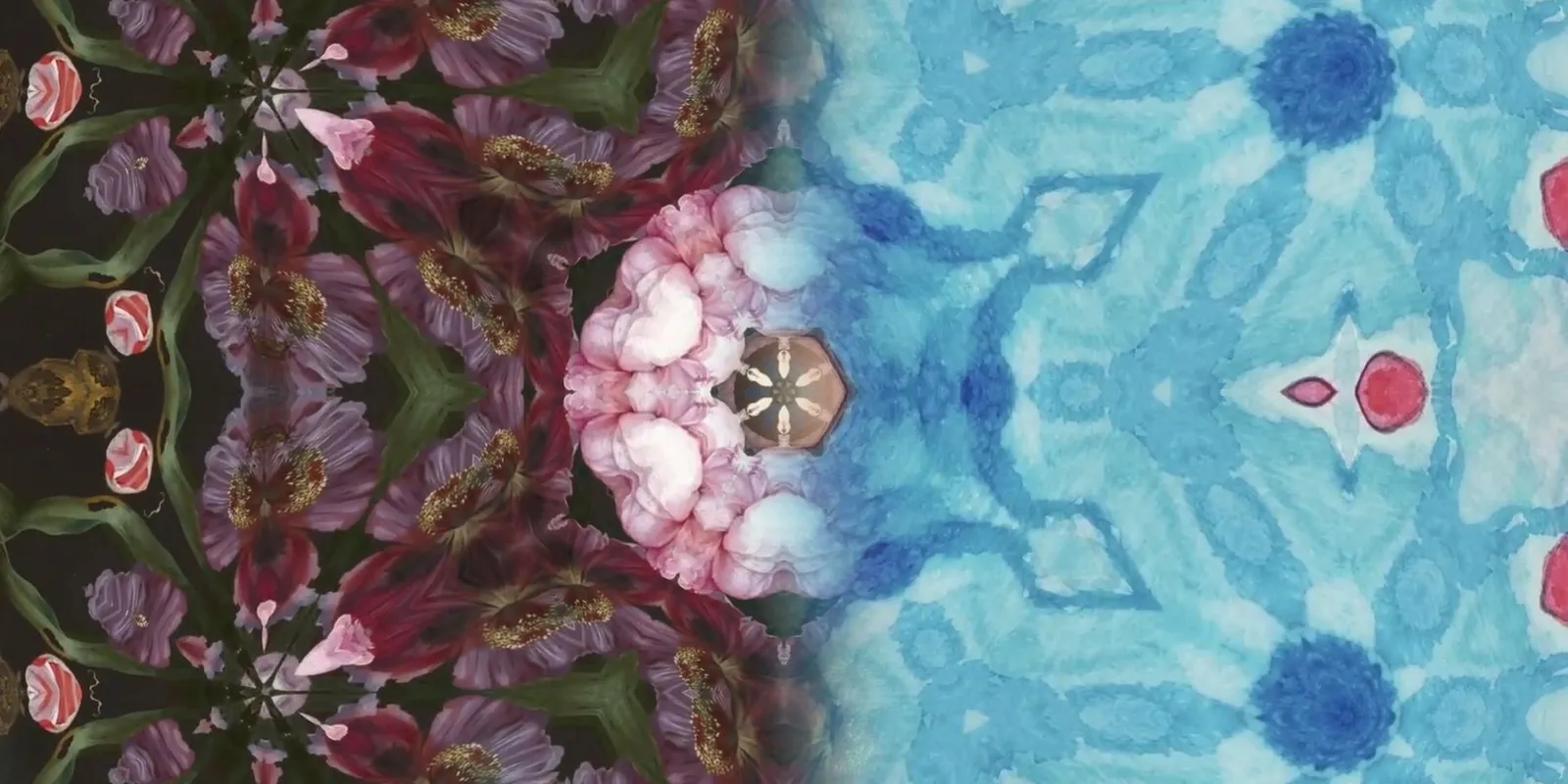
Repper Dream Mode & Meditation ASMR Music
Enjoy these beautiful visuals which were created using the Repper Dream mode.
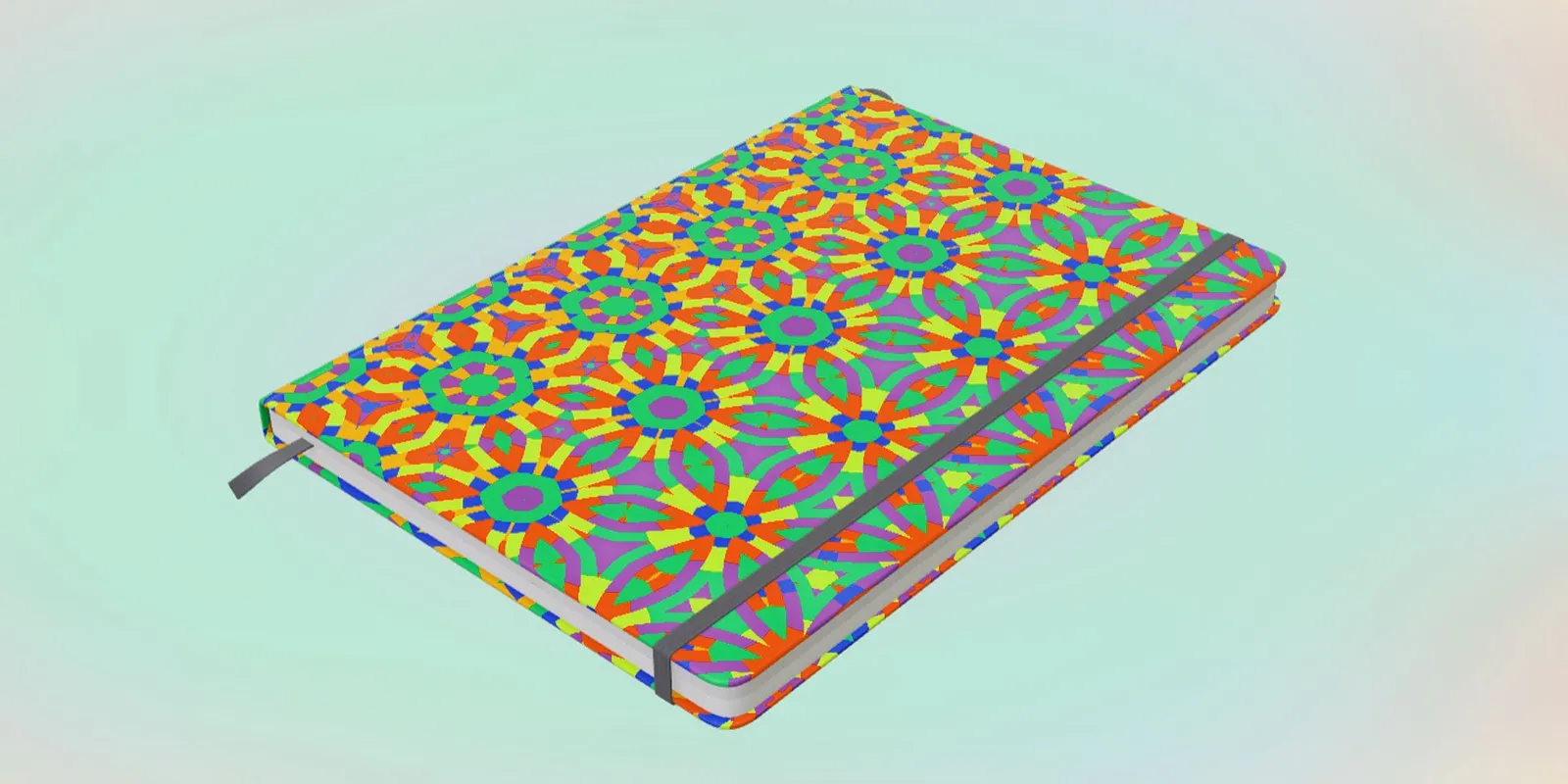
QUICK TIP → Smart Backdrop for 3D models
Here's a little trick which is easy to miss out on. It is called smart backdrop. The smart backdrop can be found under the 3D view.

How to make great resolution patterns with Repper
You want your pattern creations to be of the highest possible quality—obviously! Repper makes this easy by taking care of most technical details. Let’s look at how patterns are made and what you can do yourself to assure your patterns are high resolution.
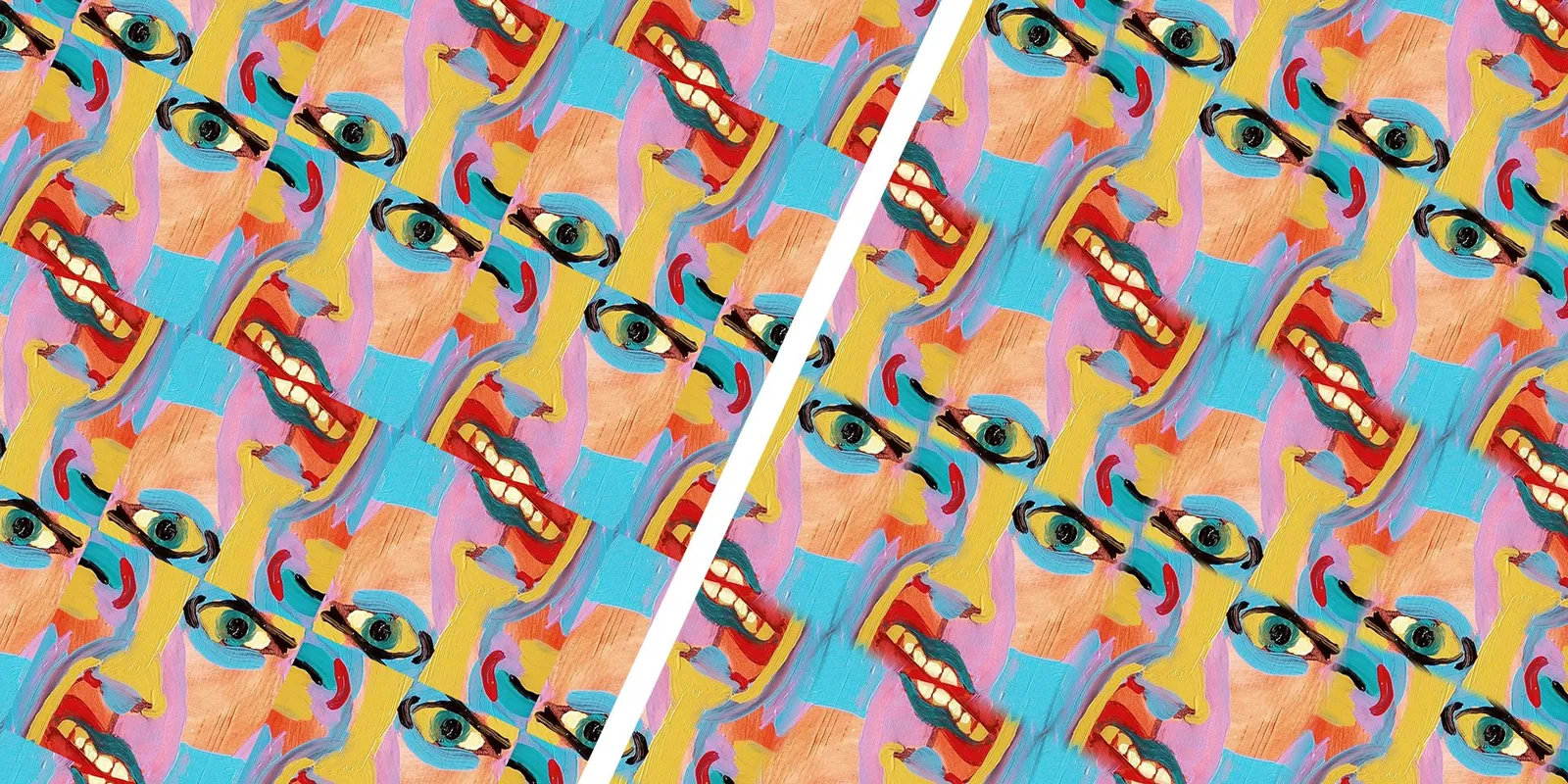
QUICK TIP → Make Seamed Tilings SMOOTH with Edge Blend
Here's a quick tip for you. Are you playing around with the seamed tilings, and do the sharp edges just not look right? Play around with the edge blend slider.
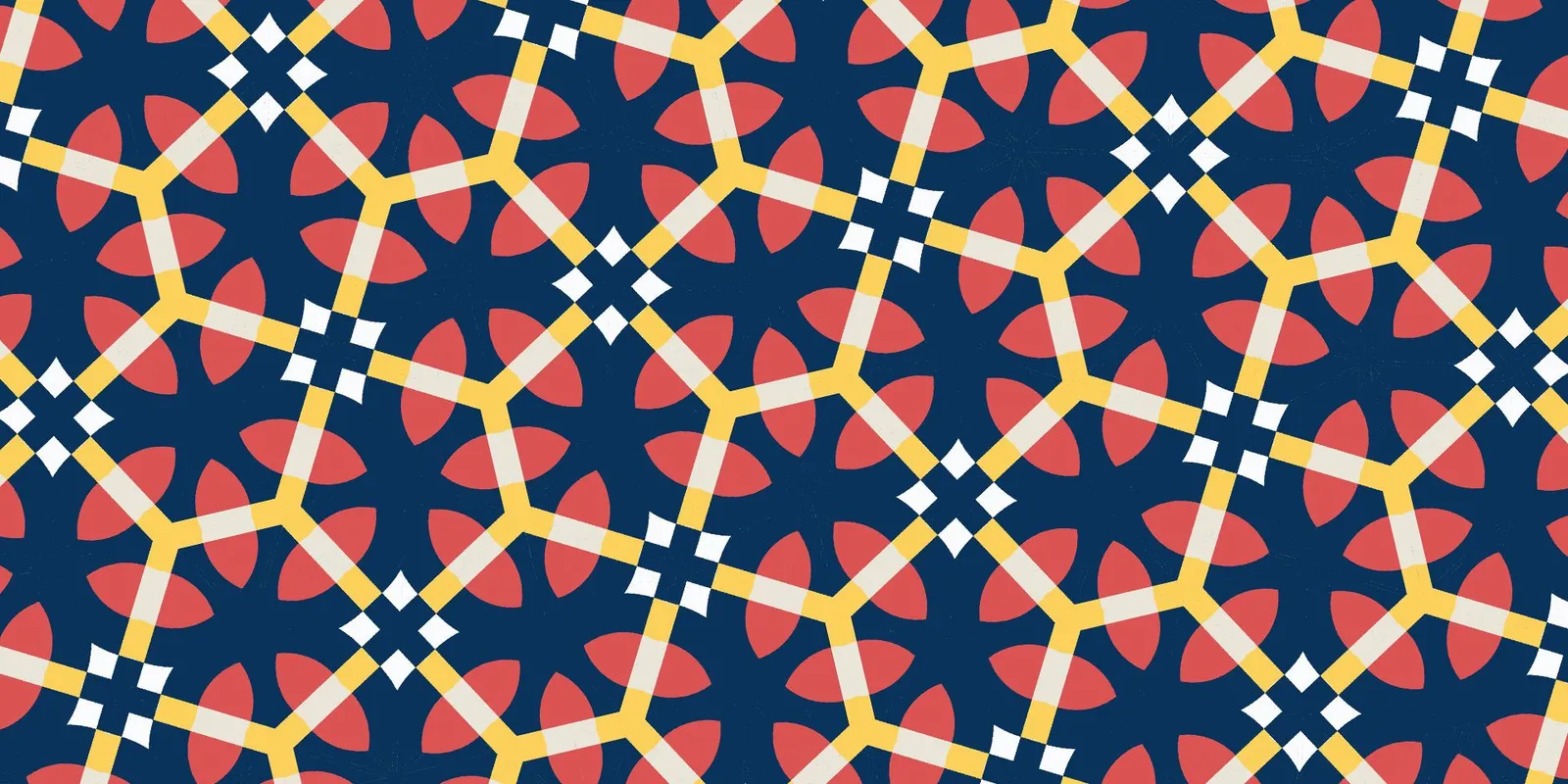
NEW TILING → High Five for Swinging Patterns
In today's video, we'll be sharing a brand new tiling, called High Five. This tiling breaks regularity with lots of exciting angles and shapes.
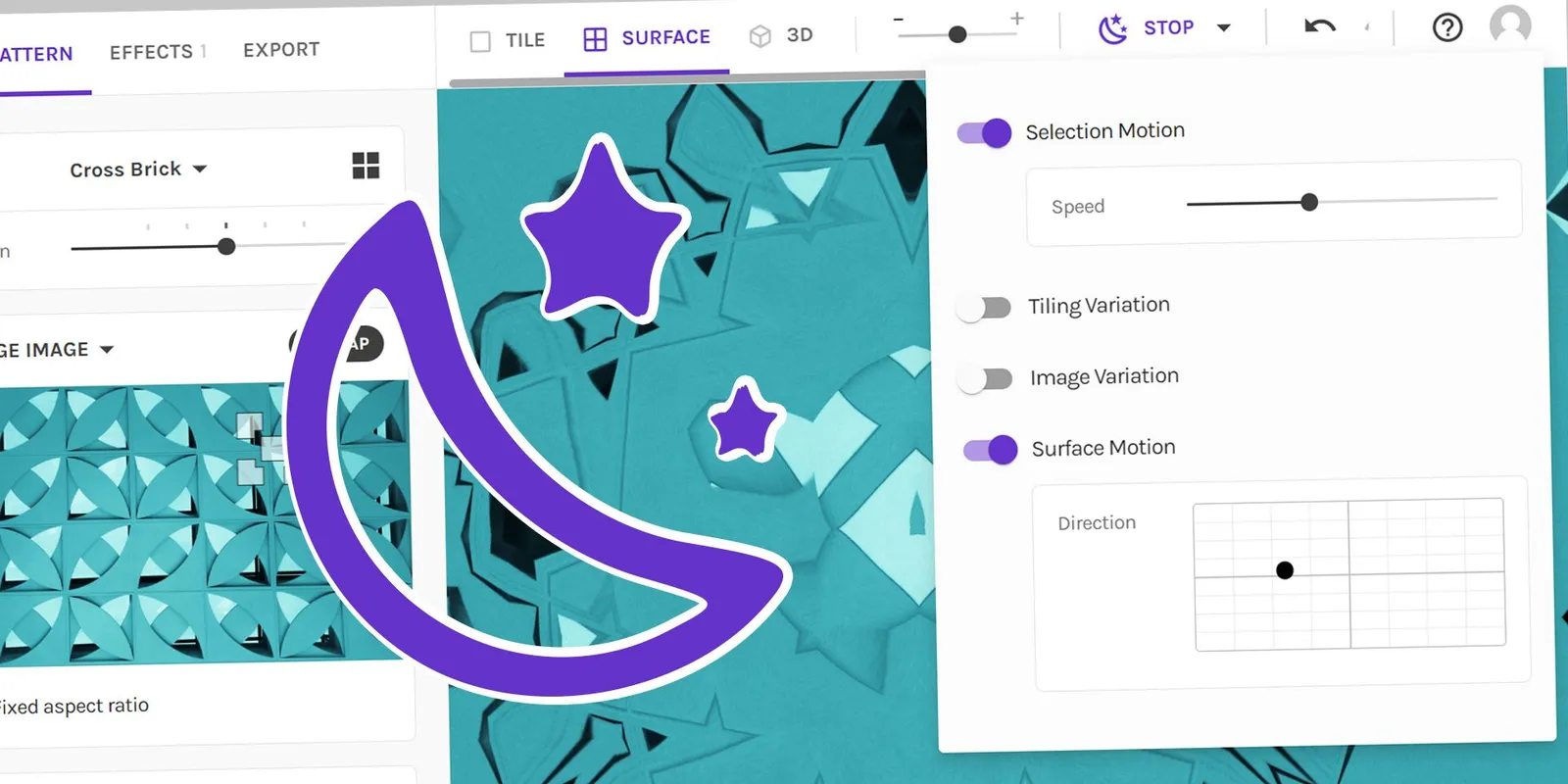
Dream away with animating patterns (+ new options!)
We are excited to announce that we are releasing an extended version of Repper's Dream Mode! Thanks to everyone who requested us to make an updated version.
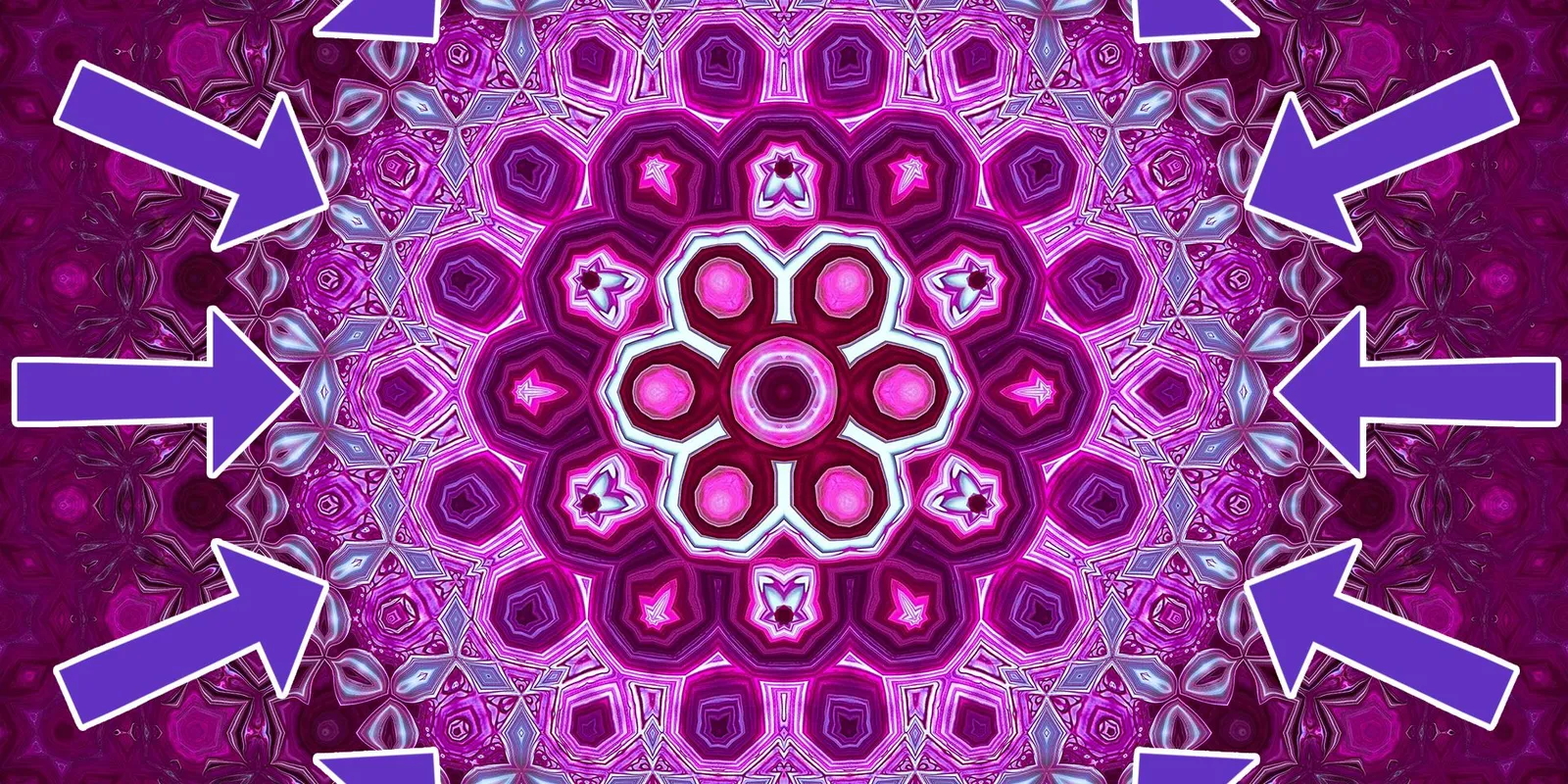
Create Mandala's by using the Circular Metamorphosis effect
Today we'd like to show you a trick, which has been around for a long while, but which you might have missed out on. It's called circular metamorphosis.
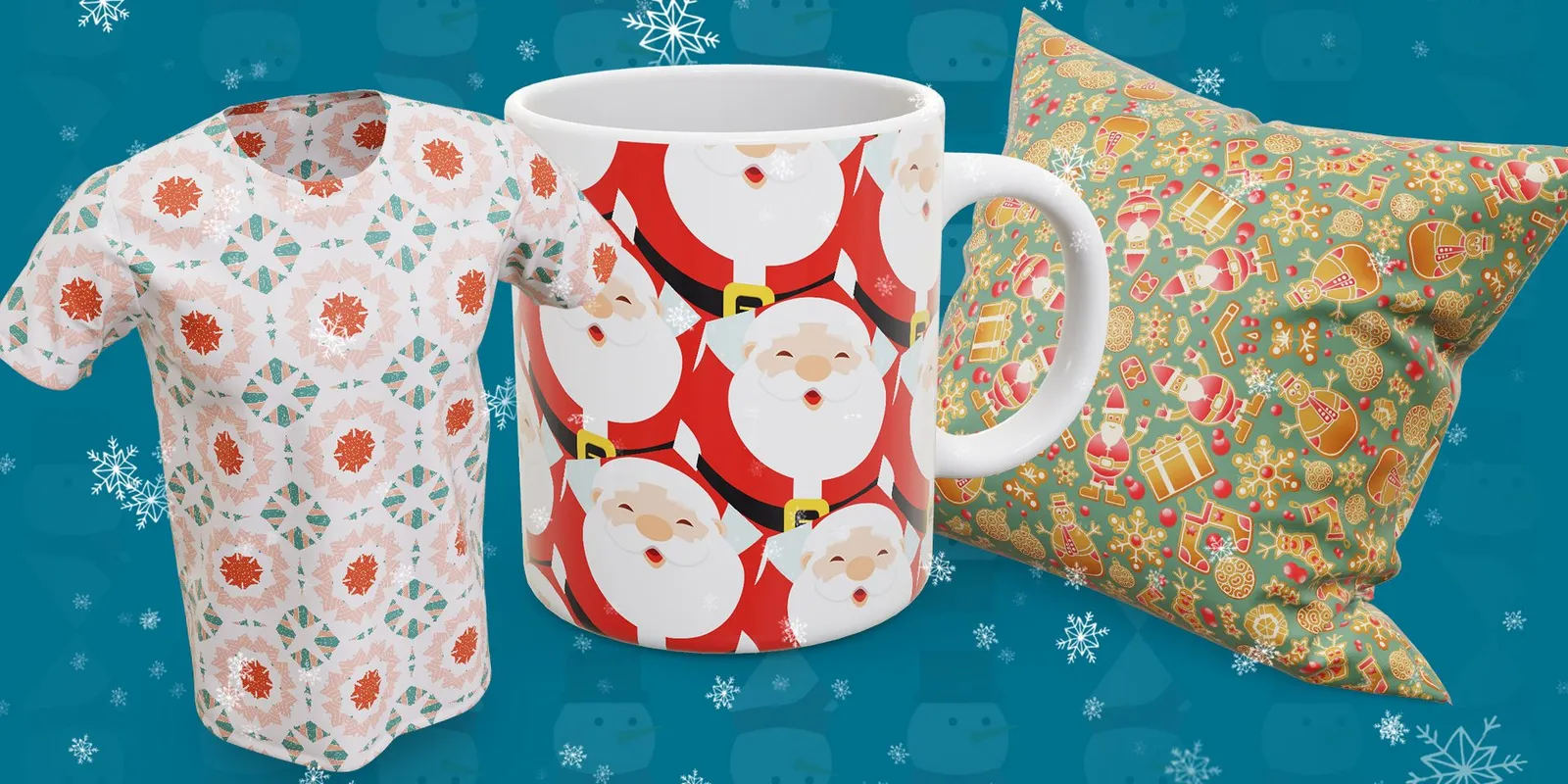
Creating beautiful Christmas patterns in Repper. (+FREE patterns)
Today's video is a bit different than what you're used from us.
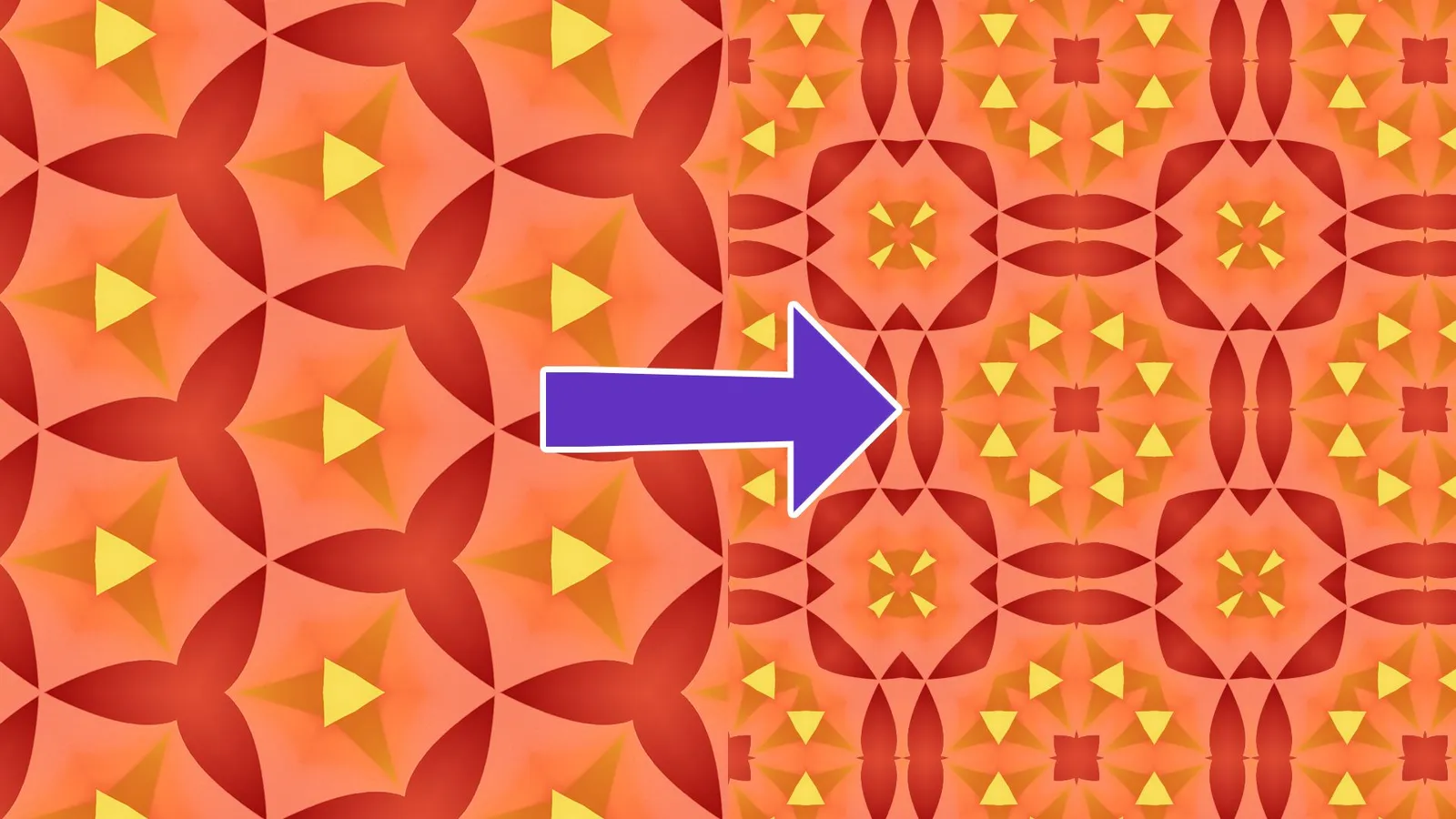
How to: Make patterns from patterns
Today we would like to show you an awesome technique, which is making patterns from patterns. Why would anyone want to do that?
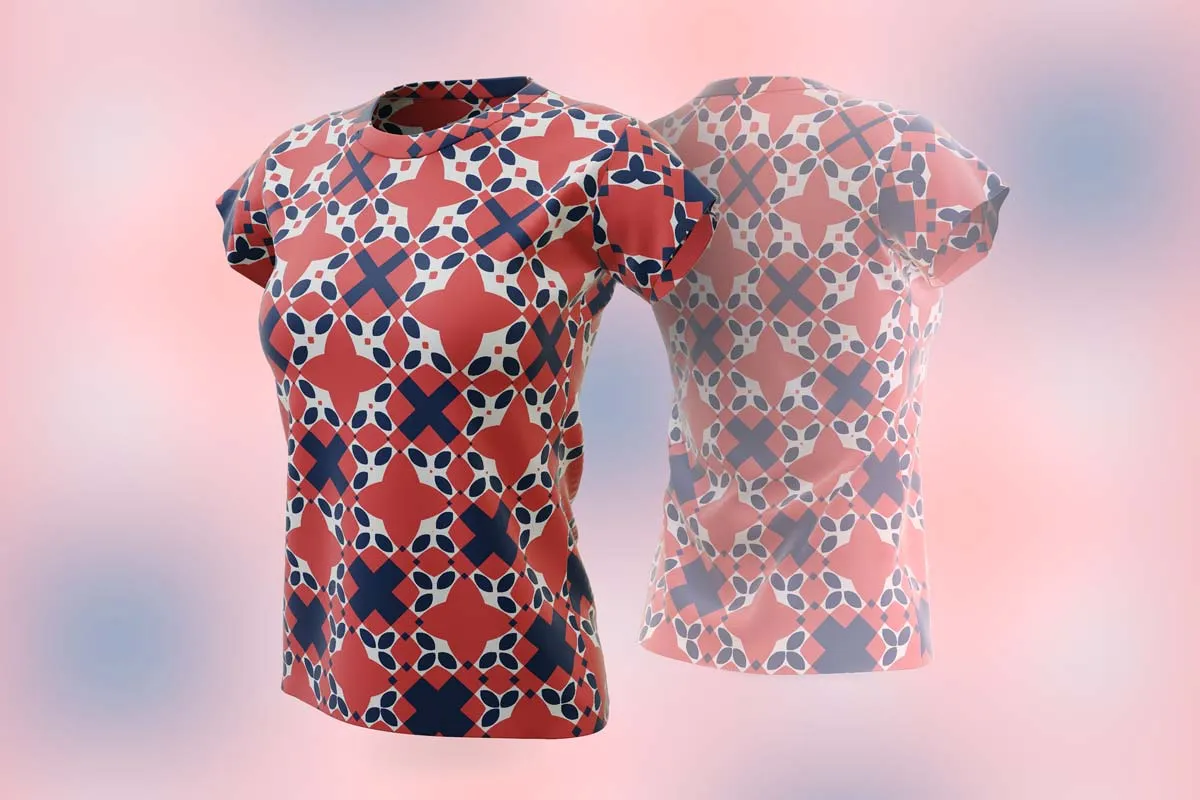
Women's t-shirt in 3D preview
There isn't a whole lot to say: you can now preview your pattern on a t-shirt for women too—and it looks great!
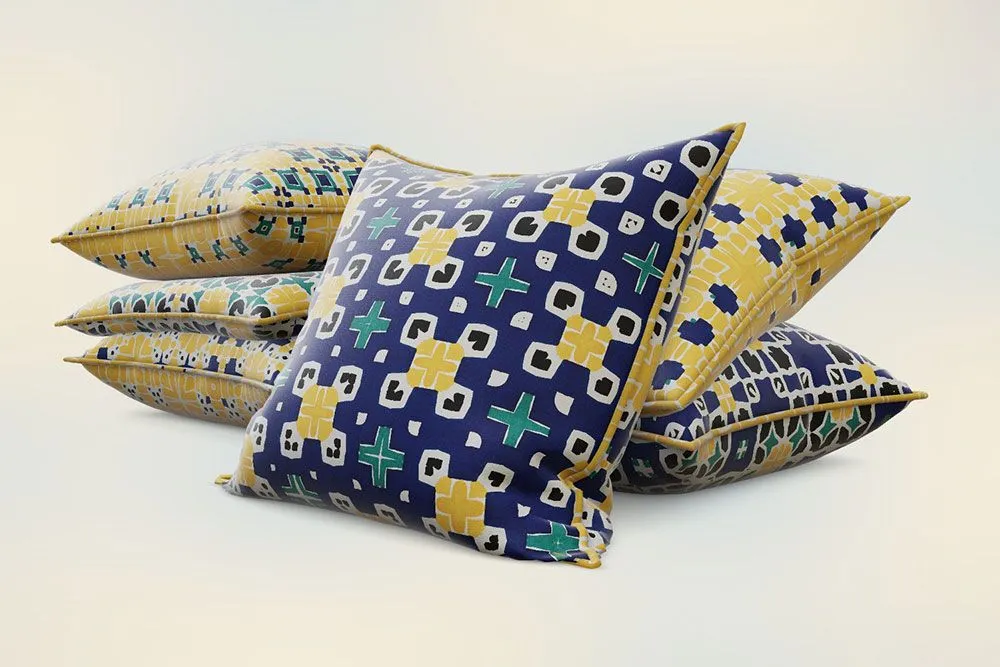
4 new cushion options in 3D preview
We've expanded the possibilities for this favorite among Repper users.
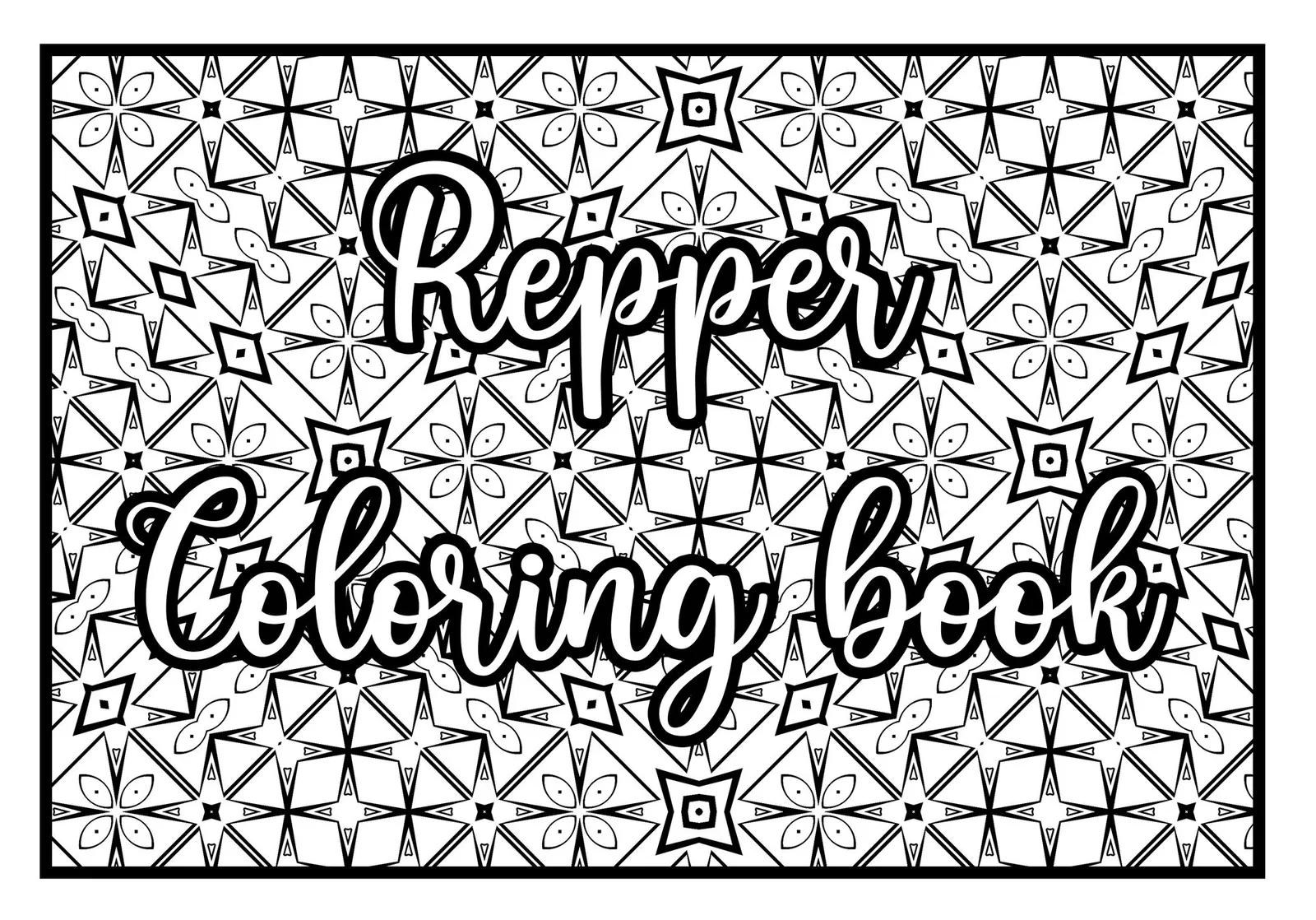
Your awesome and unique coloring book with Repper
Are you interested in creating your unique coloring book? Perhaps you even want to publish it through a print-on-demand service and make money on it? In today's video we will be will be taking you through the entire process of creating it through 7 simple steps.
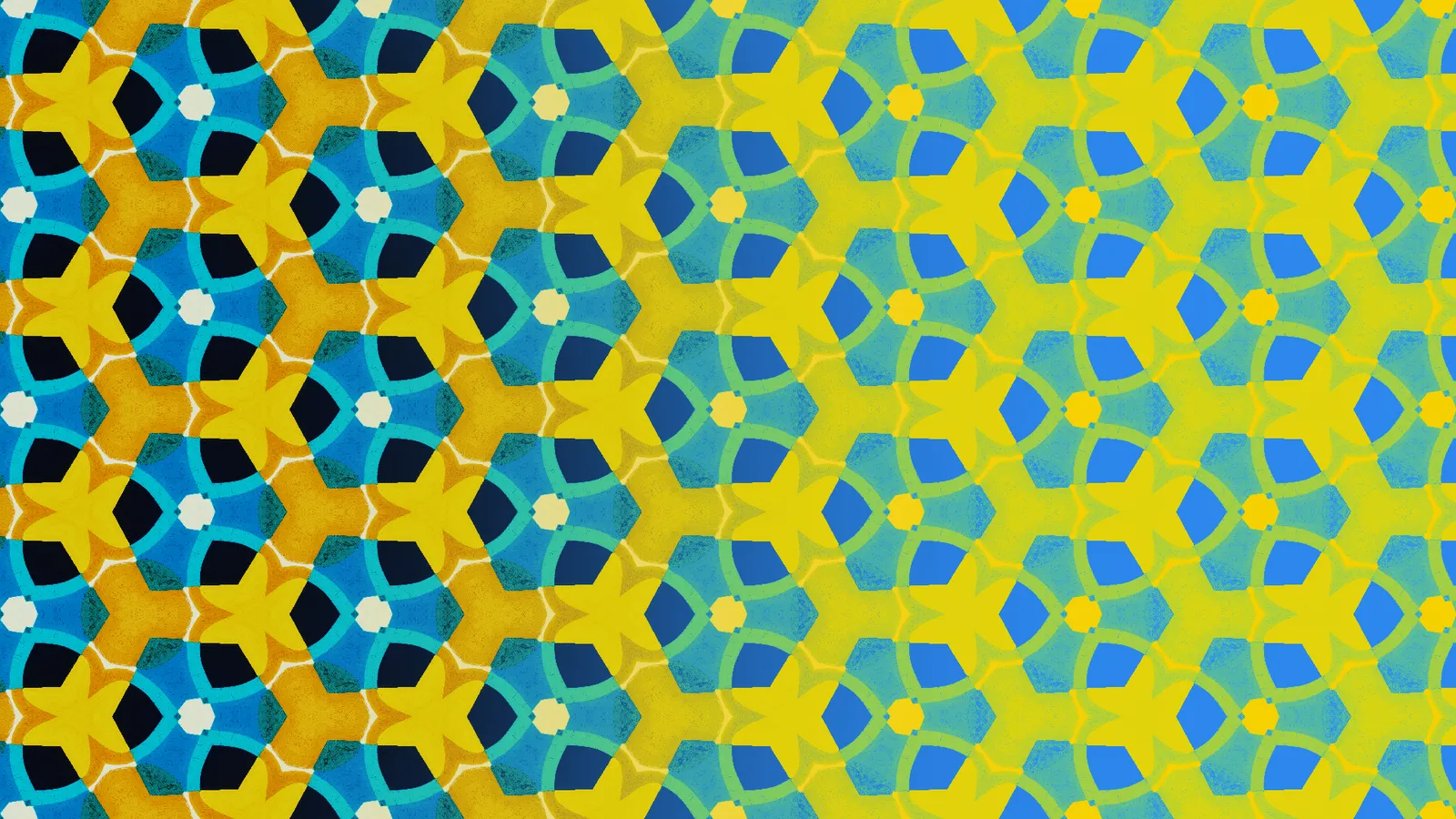
How to use Duotone in Repper
In today's video, we will be talking about the duotone effect. We'll explain how it works technically, how the effect is achieved in Repper, what colors to use and some general tips and tricks on how to make awesome looking duotone images.
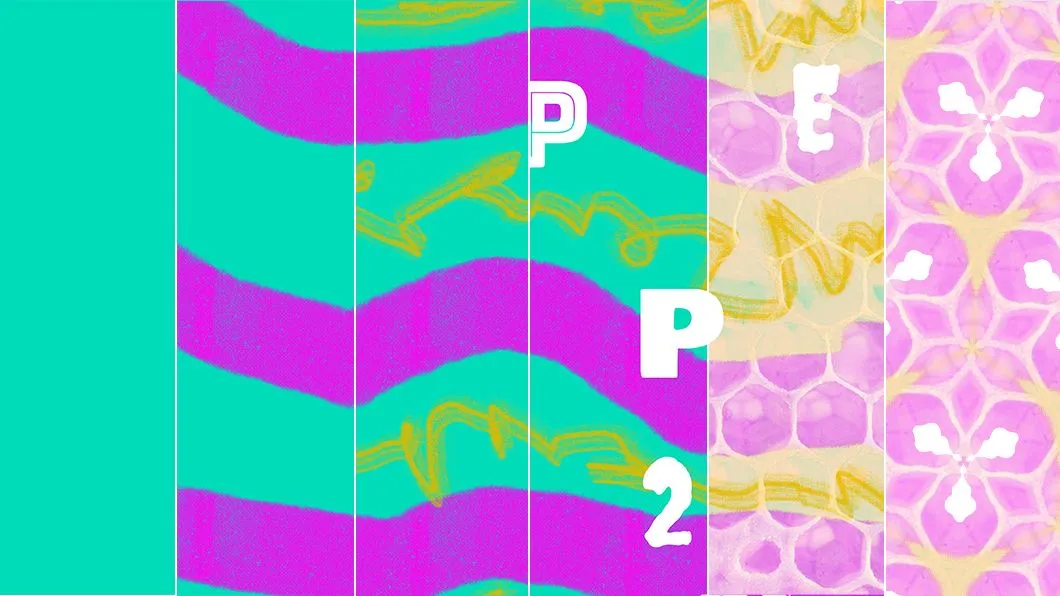
Creating your own source material for pattern-making
Do you often use images from the web to create patterns in Repper? It is actually easier than you think to create your own source material using Adobe Photoshop or other image editors!
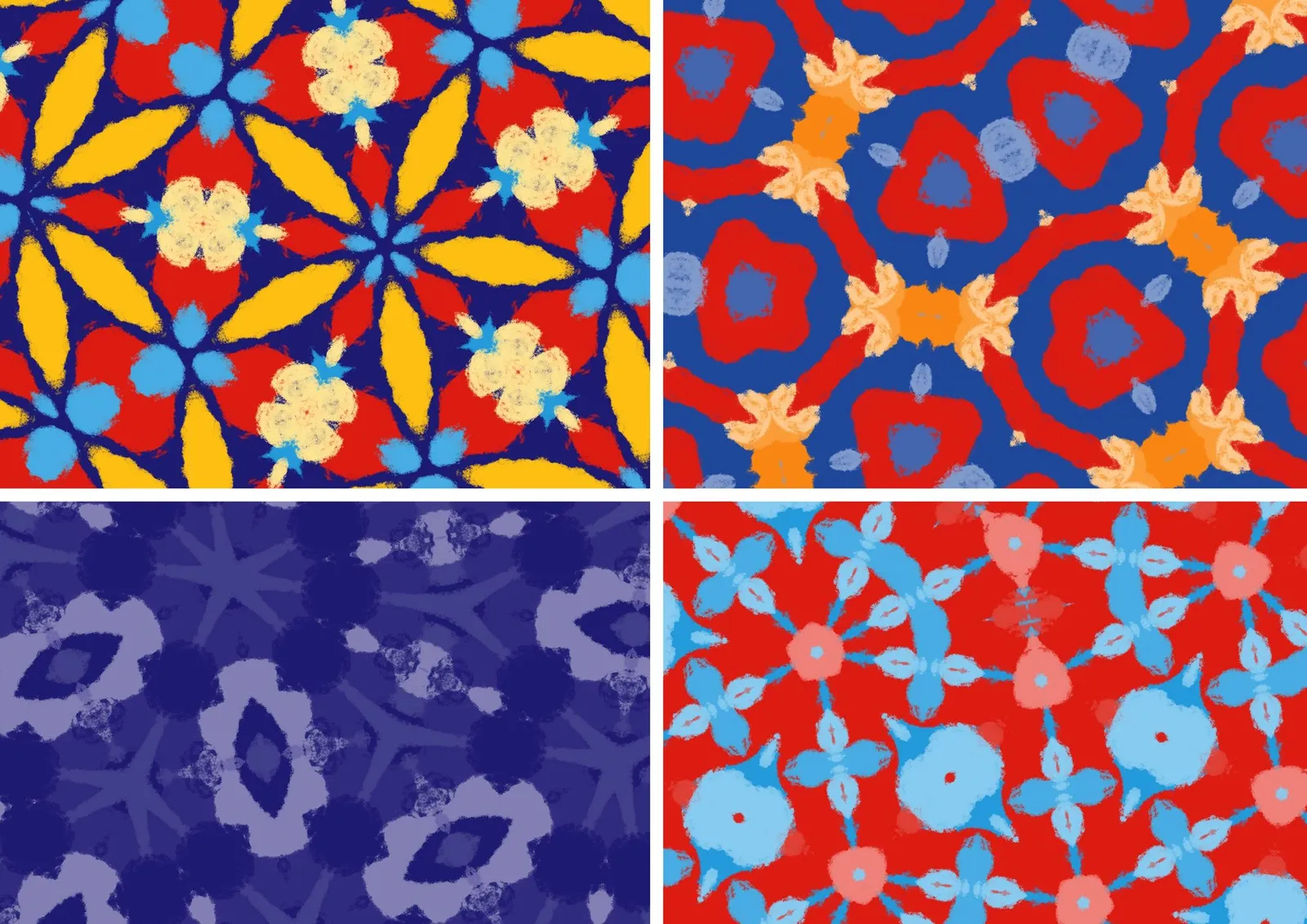
Using the color wheel to create harmony in your patterns
A big part of making good-looking patterns is combining and matching colors in an effective way. Need some inspiration? Here’s how to use the color wheel as your guide.
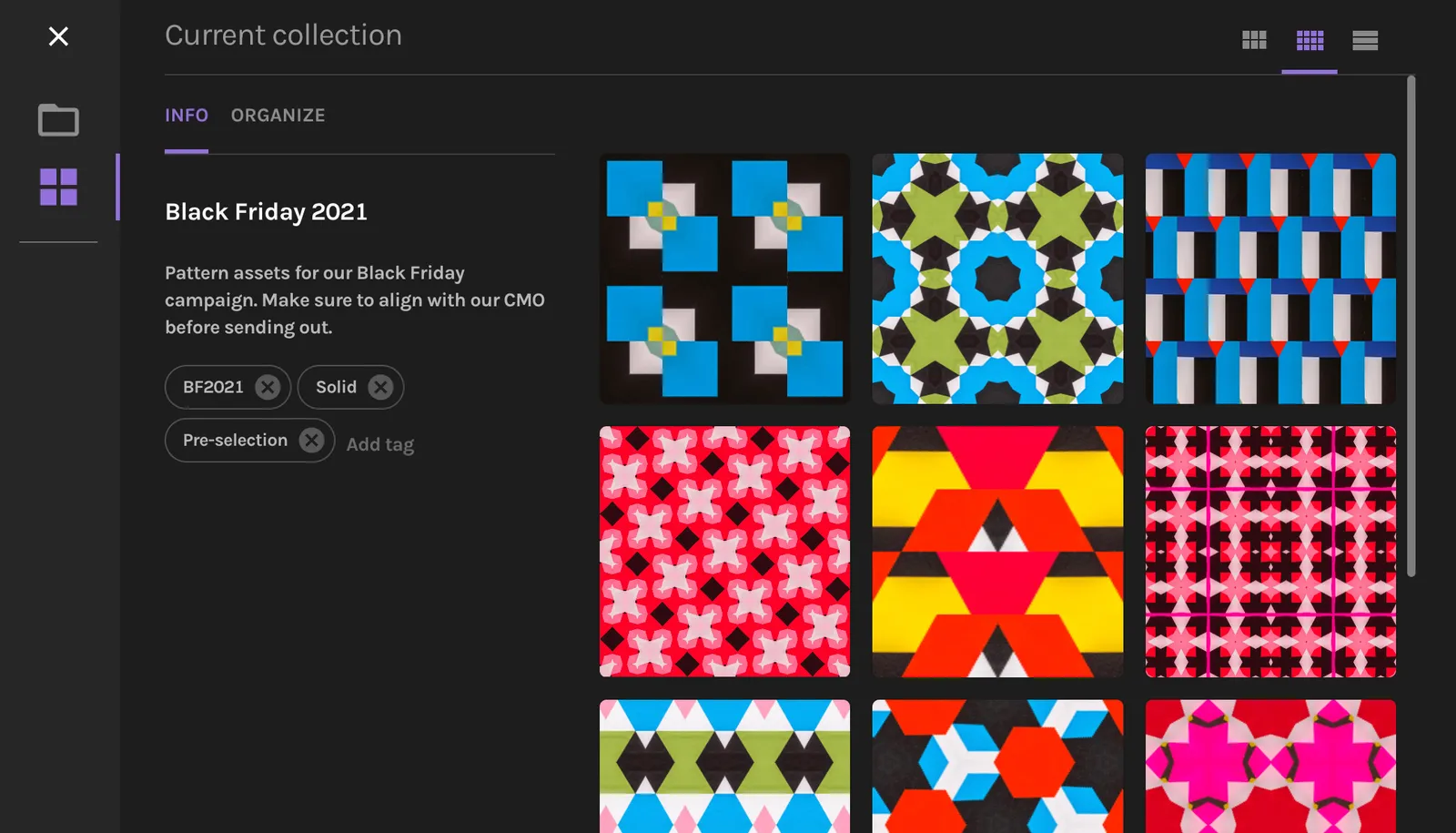
New: A better way to manage your pattern collections
Get a clearer overview of your work and keep things organized with this latest update.
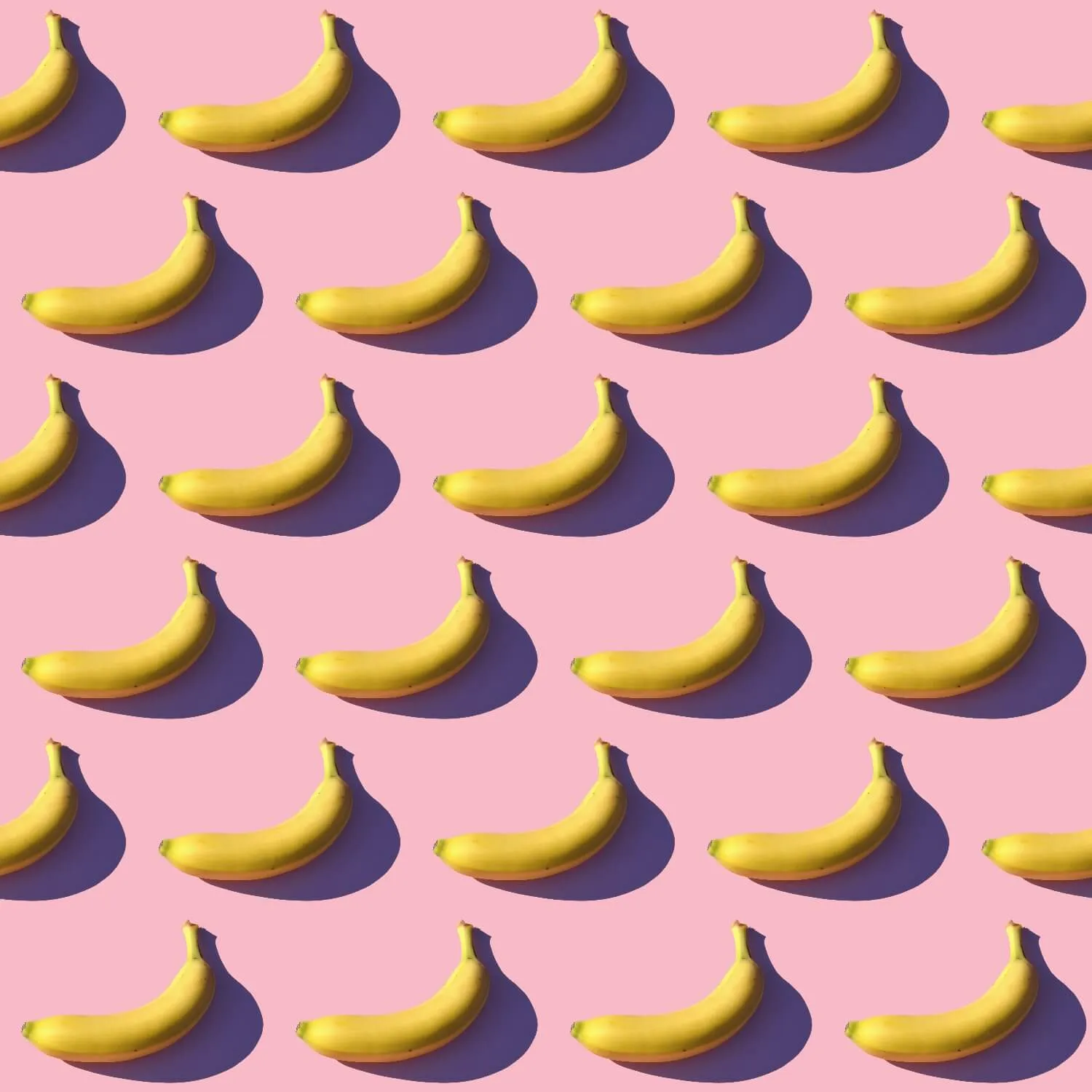
Half-brick pattern
By popular request, we've added this classic pattern type.
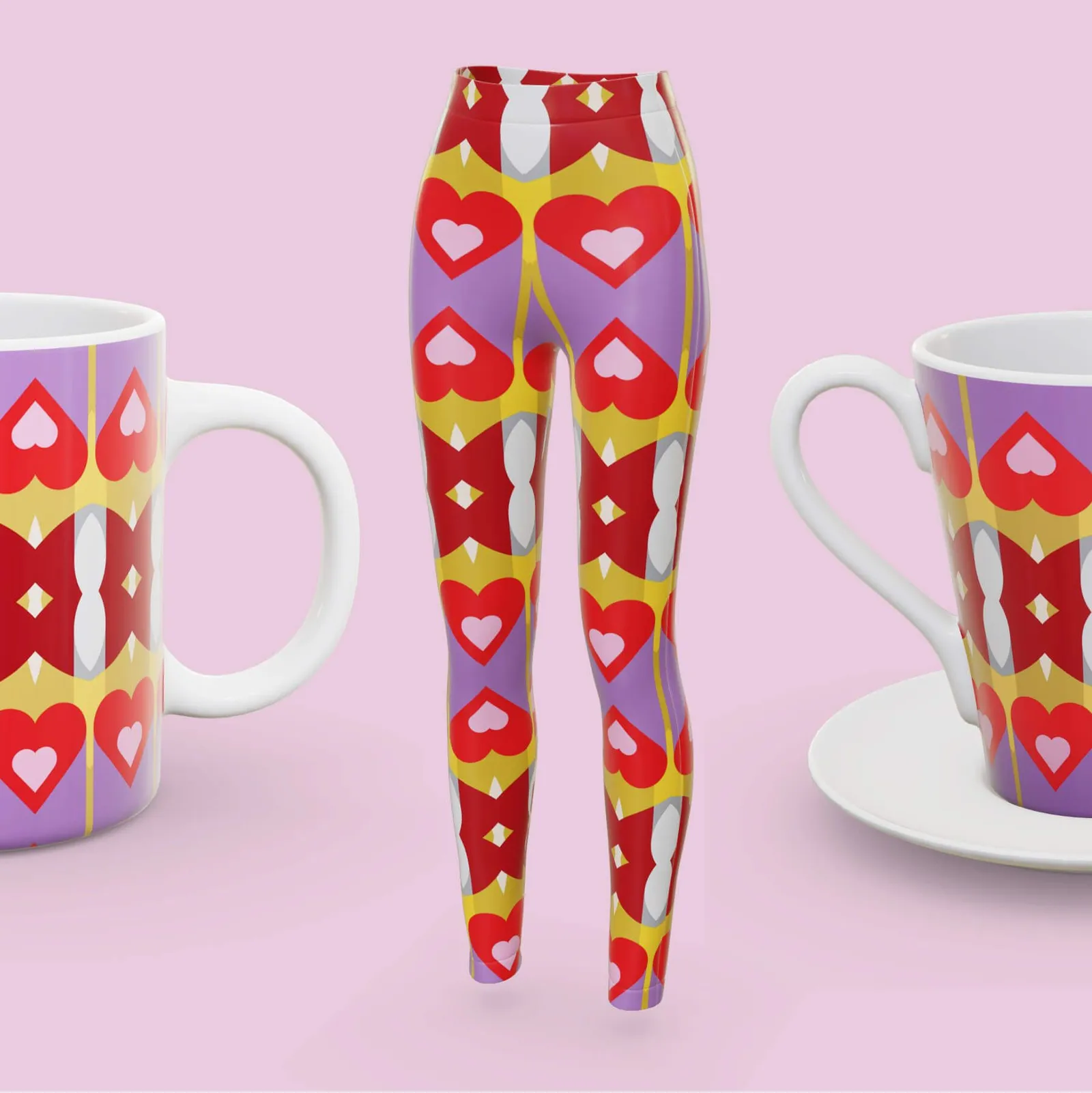
3 new products in 3D preview
See what your patterns will look like on these popular print-on-demand products.
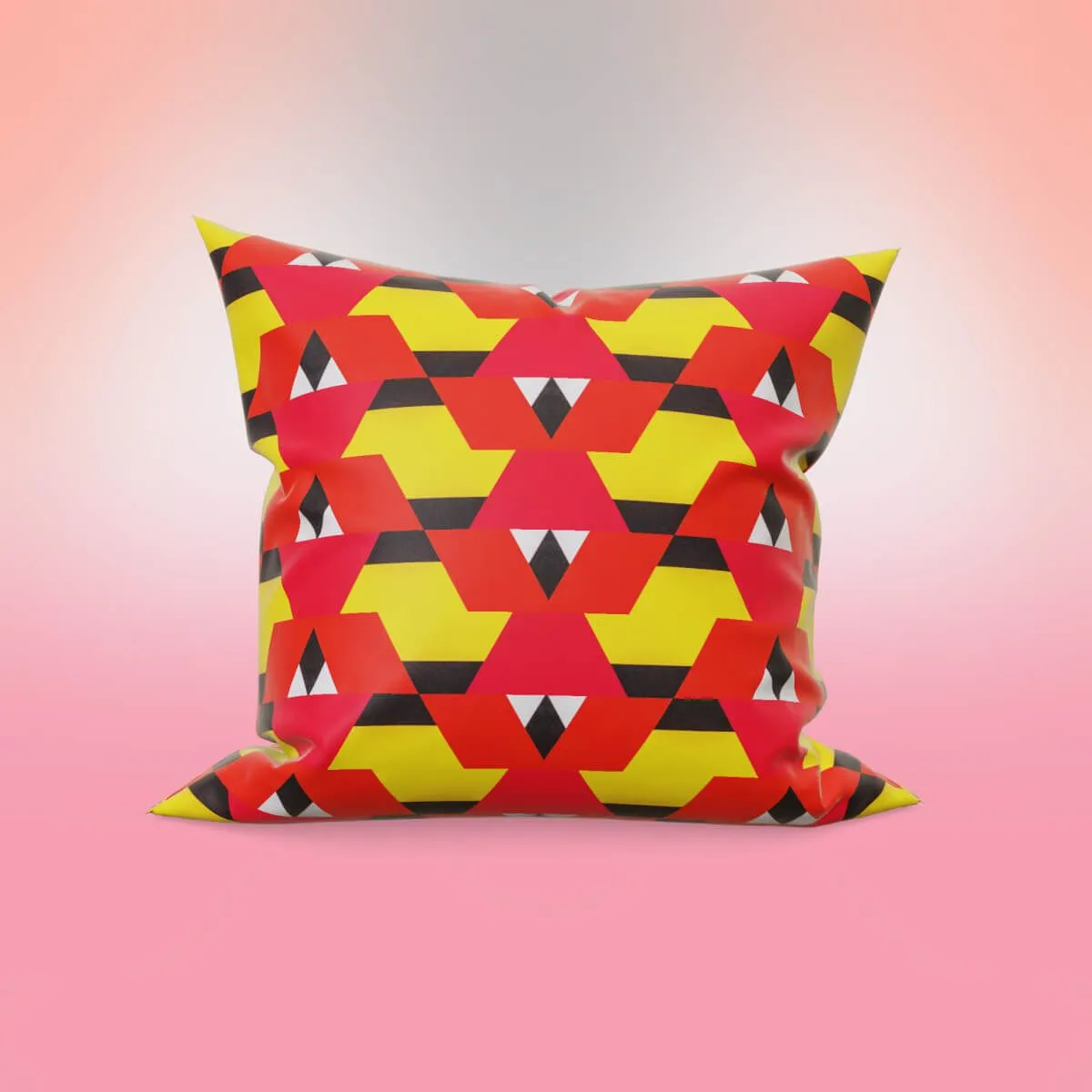
One-click Smart Backdrop
Create beautifully matching backdrops for your 3D previews — all within Repper.
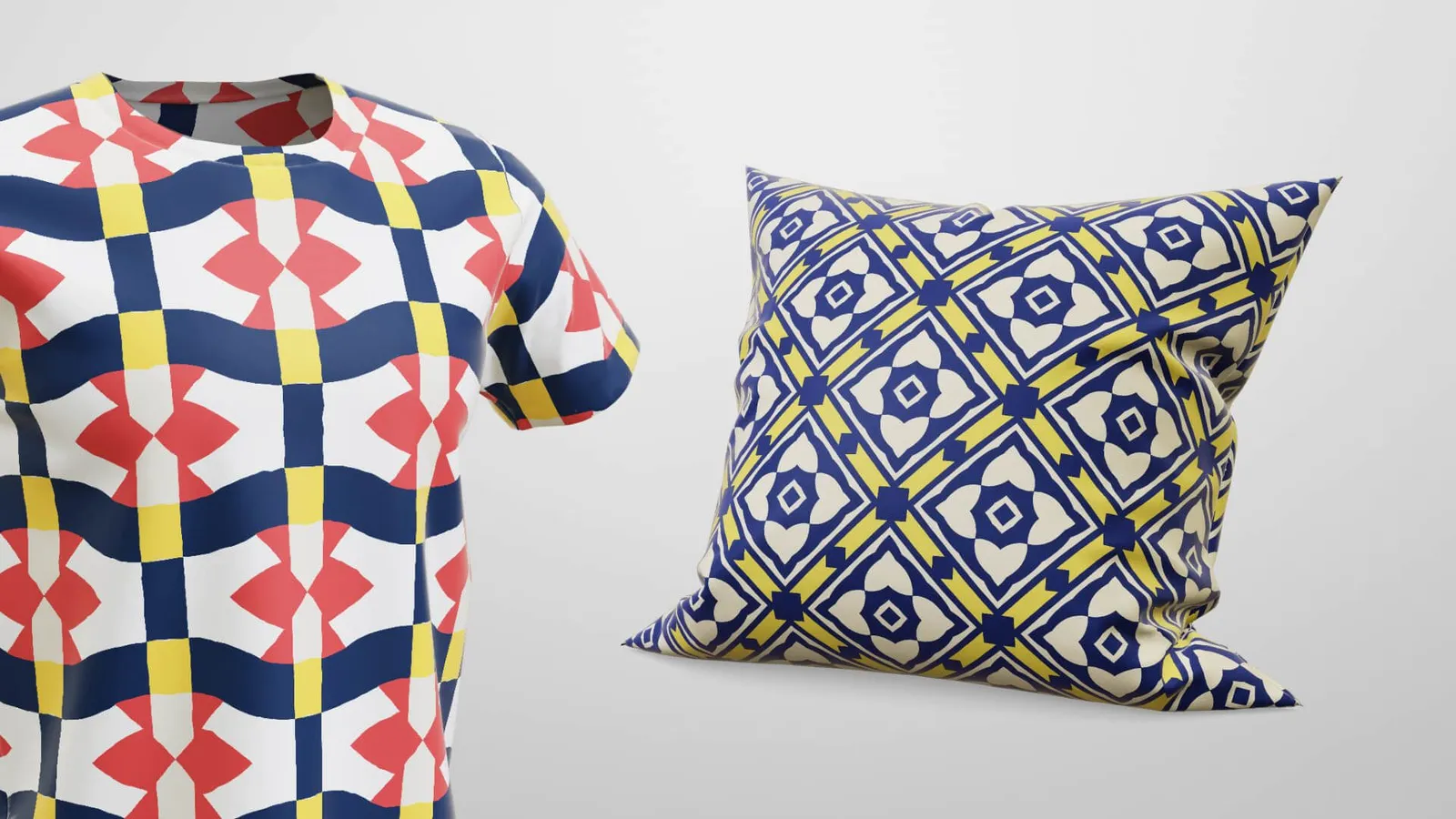
New: Preview patterns on products (in 3D!)
Bring your patterns to life. You can now preview and export them on 3D products.
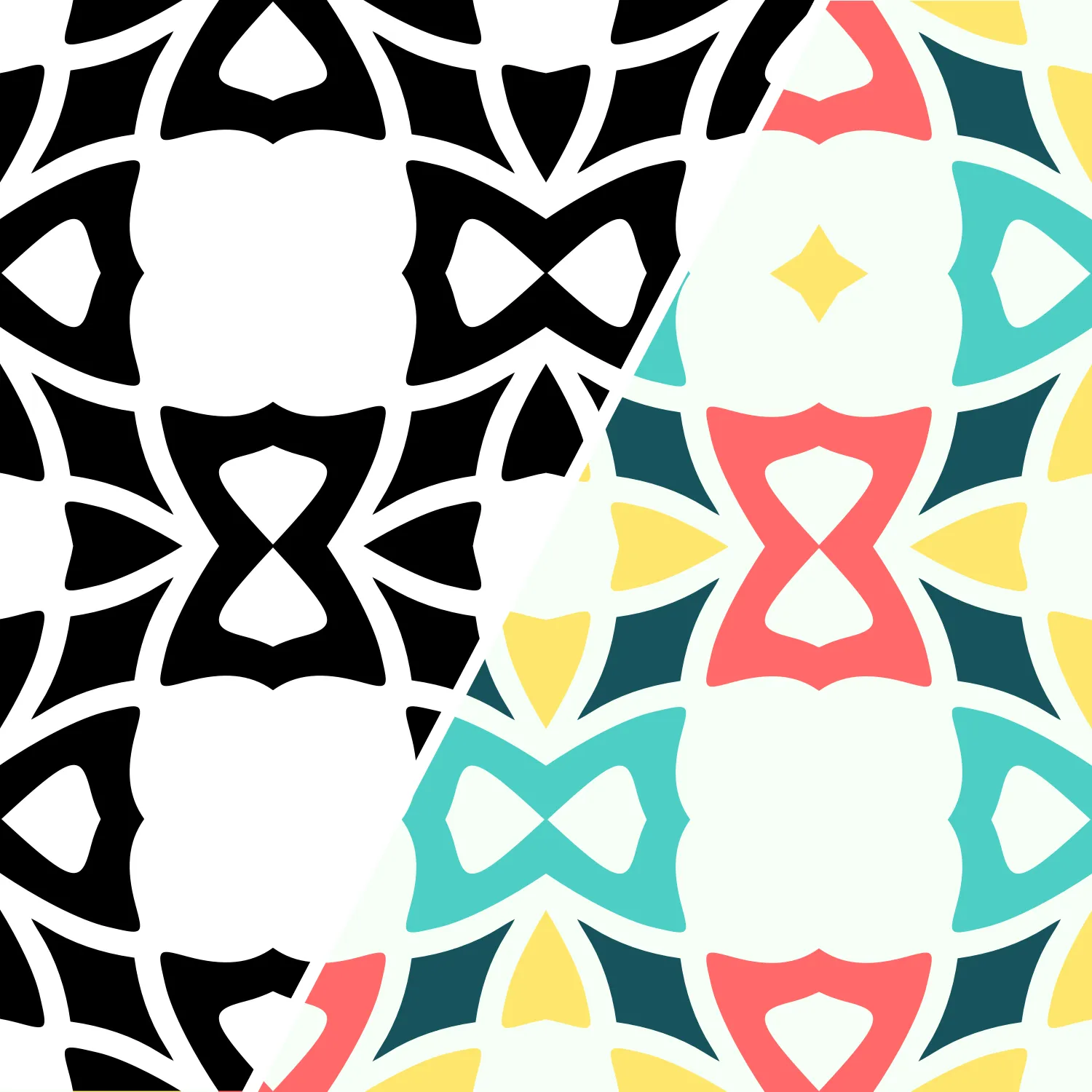
New: Create patterns in vector
By popular demand and after a year of development, you can now create vector patterns in Repper.
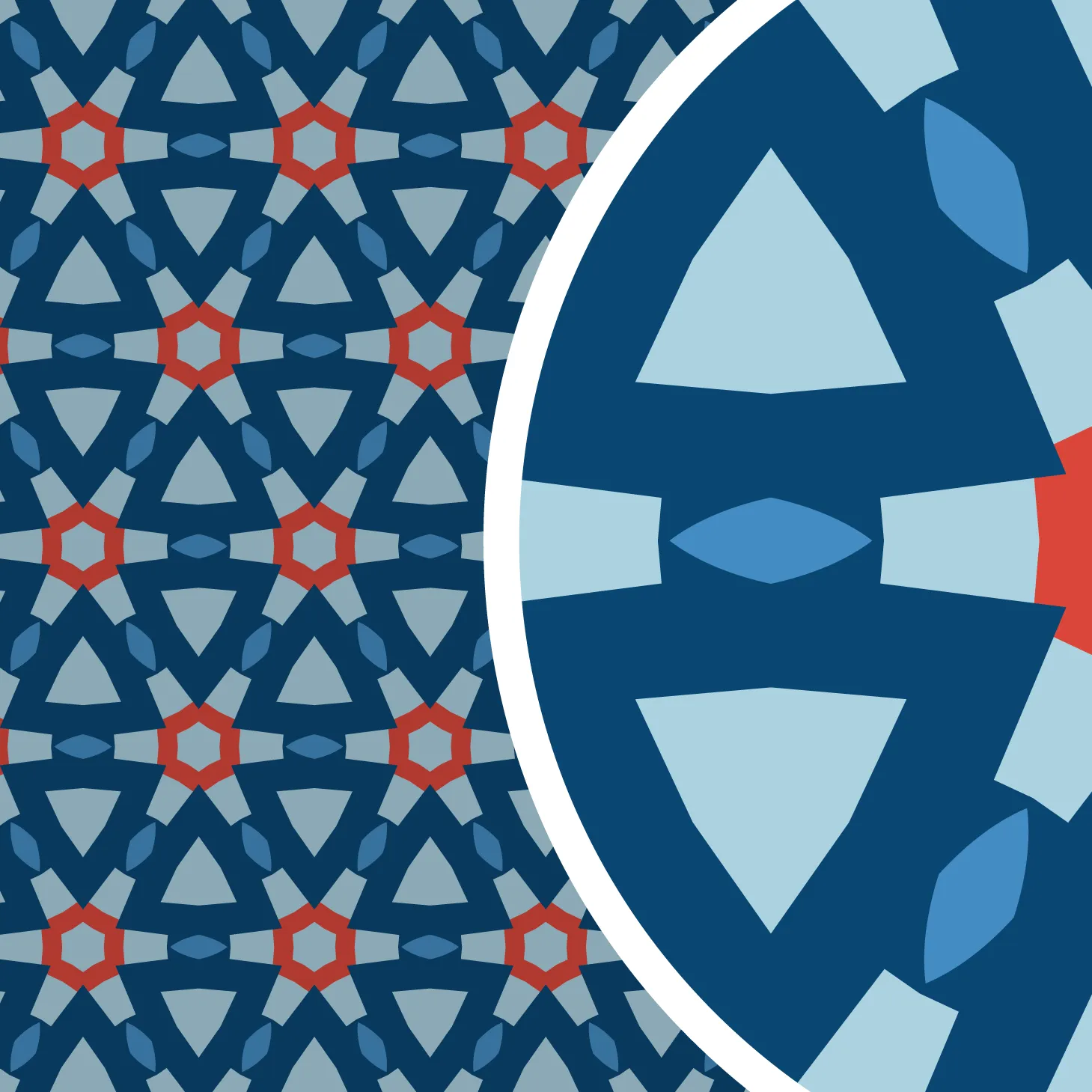
The benefits of vector patterns
If you enjoy working in vector, the new vector support in Repper will help you create better patterns.
DPI explained, Part 3: Calculations
Understanding DPI is one thing, knowing how to calculate with it is another. Here's how to get from resolution and print size to DPI — and back.
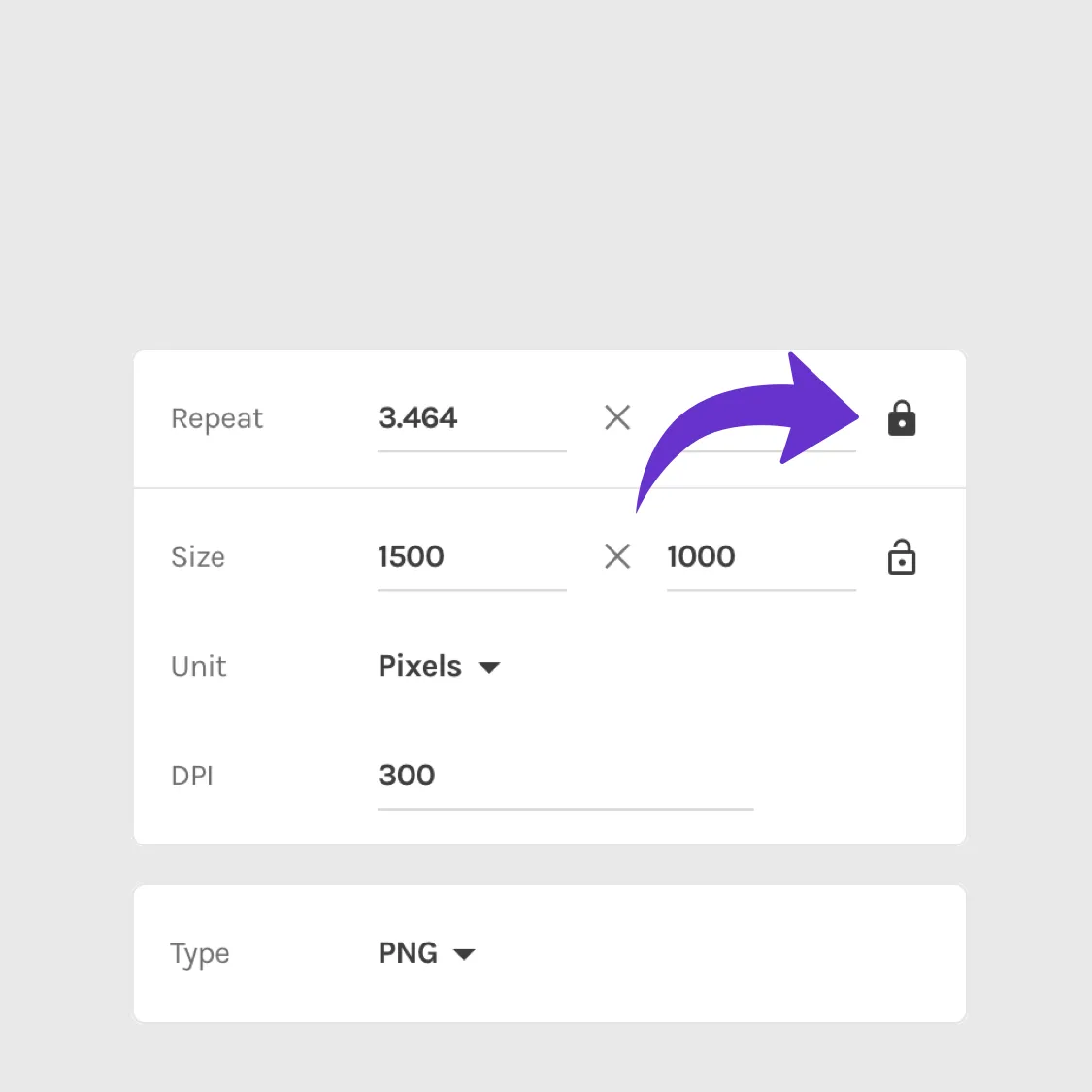
New: Export surface with exact repeats
Have you ever wanted to export surface patterns with an exact amount of repeats? With the new aspect ratio locks, you can do just that. It allows you to export with any repeat count, especially handy for making surfaces repeatable.
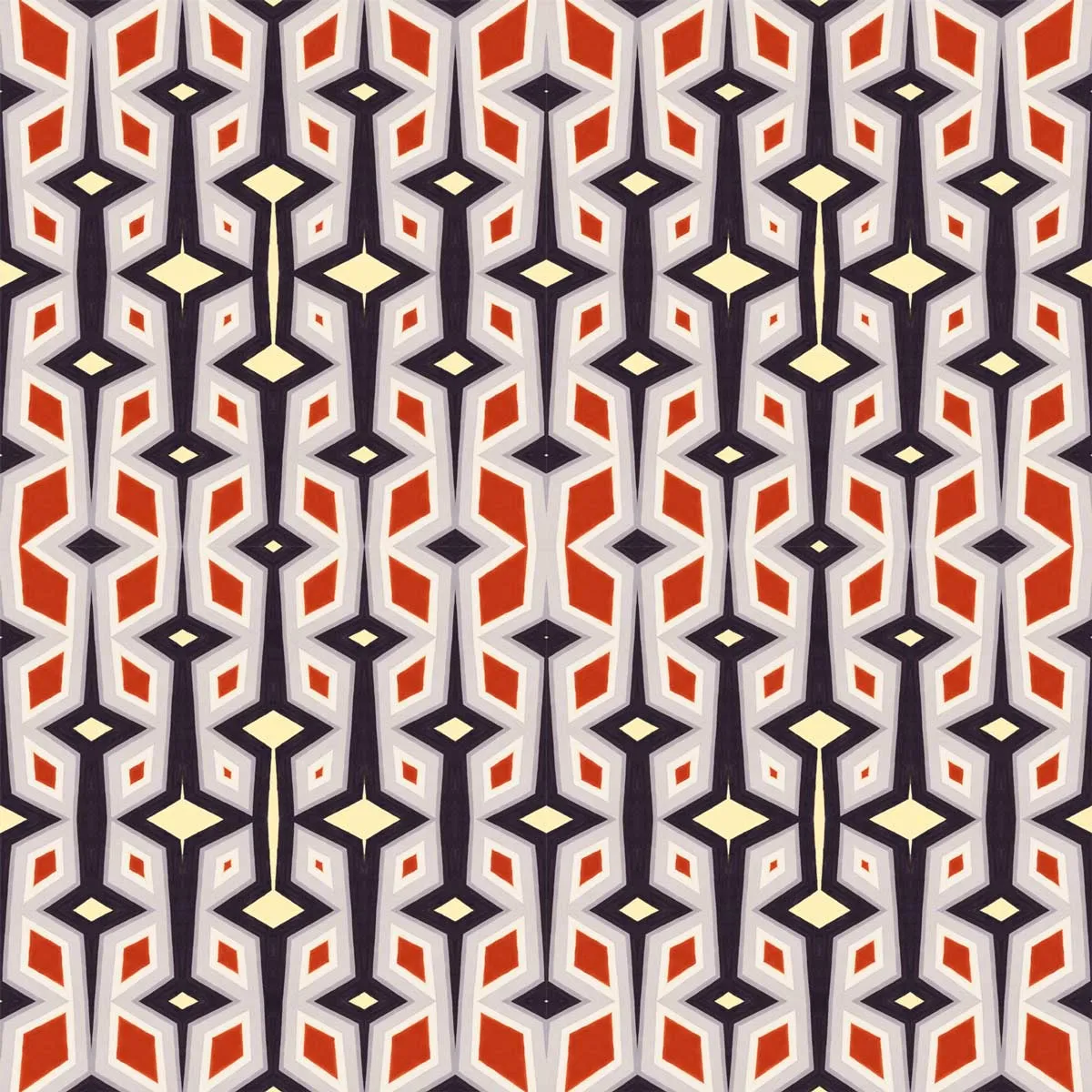
Tutorial: Make your morphing patterns repeatable
With the new aspect ratio locks, you can do some exciting new stuff. Here we'll look at how it lets you do more with the Metamorphosis effect.
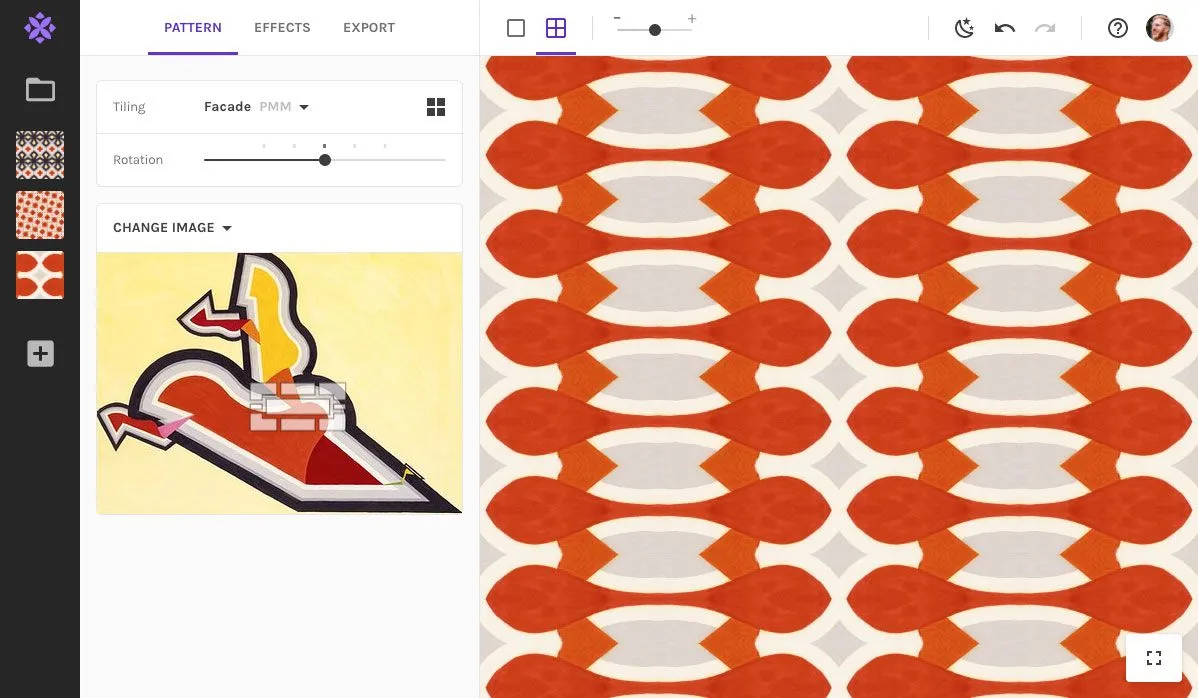
New: A simplified layout with new possibilities
We've given the app a little makeover! The same familiar features in a simpler layout with more room to design.
DPI explained, Part 2: Myths and misunderstandings
With its long history and technical nature, it's no surprise DPI often causes confusion. Let's disspel some common myths.
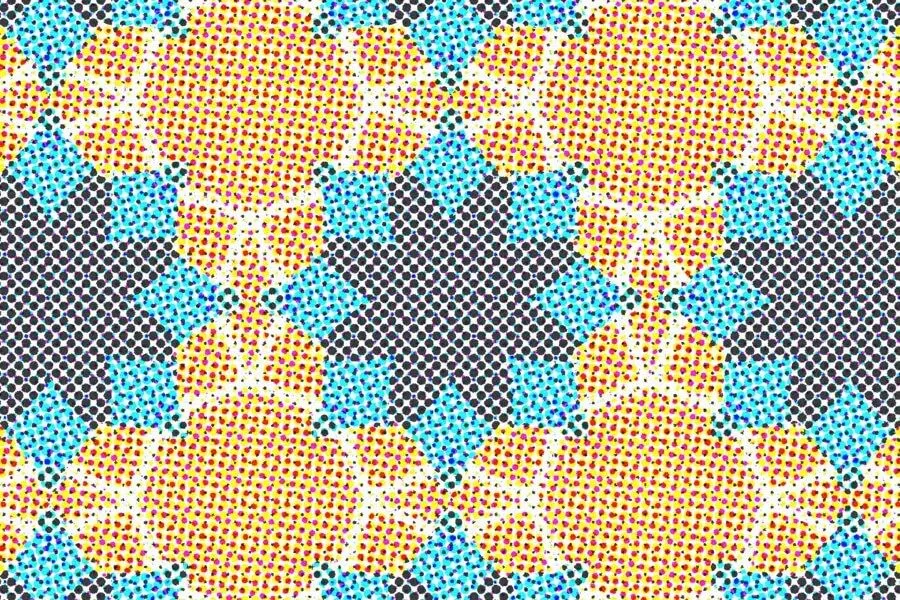
DPI explained, Part 1: What it really means
DPI stands for Dots Per Inch, but what are inches to a digital image? In this article we'll examine what DPI means in the context of print, computer screens, and digital images.
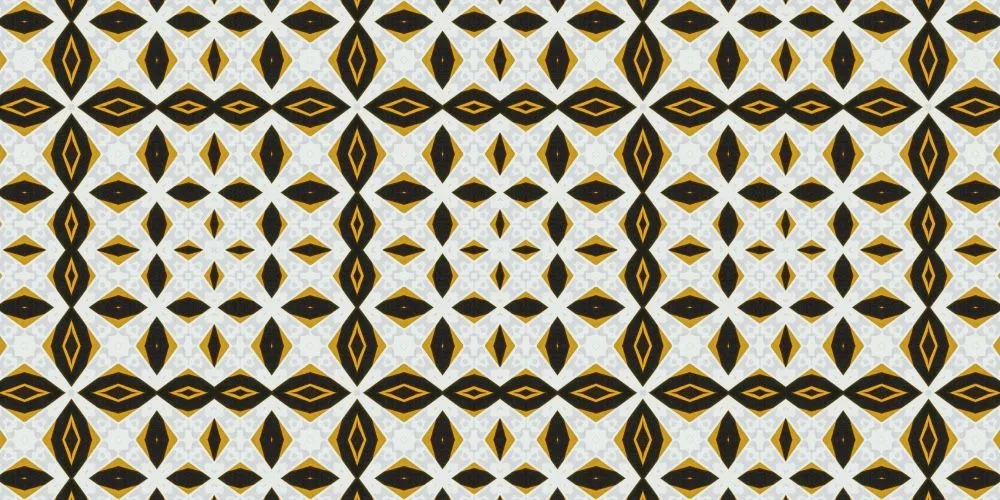
Echo... echo... two new tilings!
It's been a while since we released a new tiling. Today, we are releasing not one, but two!

Interview with Cordula from Check Designz
An indie yarn dyer who fell in love with pattern design. Read Cordula's story and see how she uses Repper.
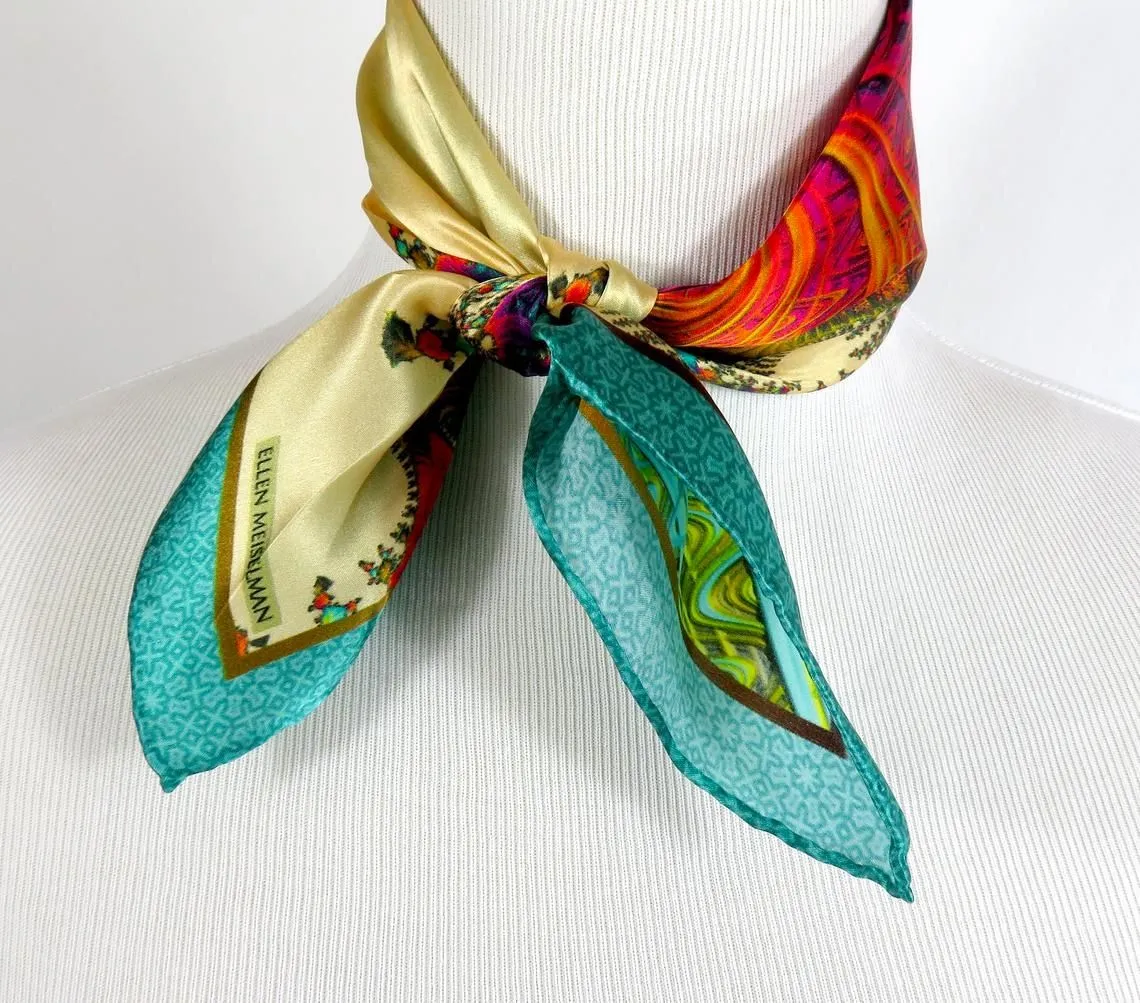
Silk scarves with exquisite pattern details
Ellen Meiselman finishes her pieces of wearable art with Repper patterns.

Inventor of Penrose tiling wins Nobel prize
Sir Roger Penrose has been awarded the Nobel Prize in Physics this year.
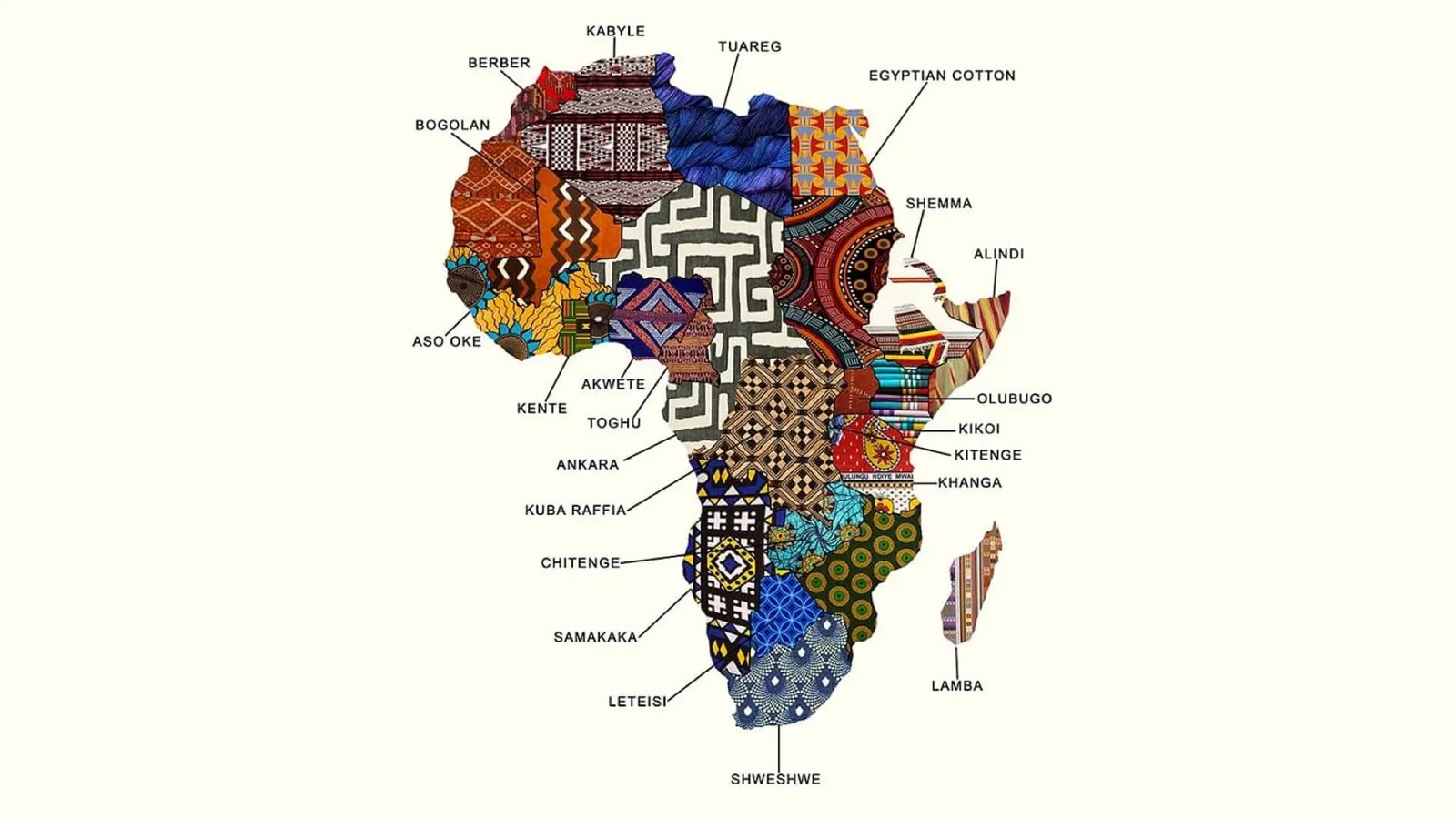
Fabric map of Africa
The other day while browsing Instagram, I was stopped in my tracks by this work.
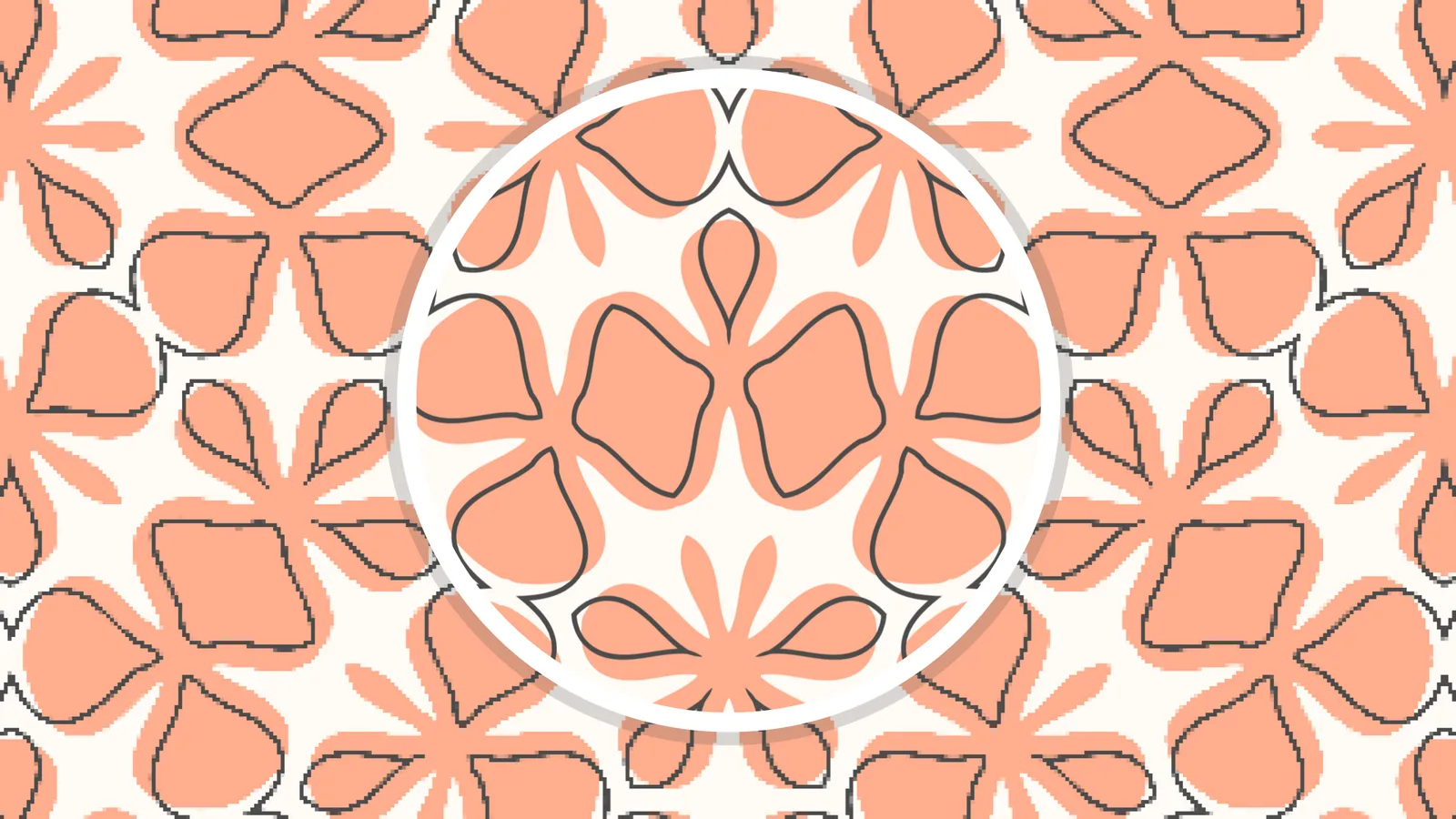
In the works: vector support
Repper can handle very large bitmaps, but there is nothing quite like the crispness of a vector line.

The blog is live!
There is so much we've been itching to write about. With our blog finally live, now we can ☺️