Tutorial
21 indlæg
Make Your Colors Pop: Pro Tips For Repper Duotone
Duotone and tritone have always been among my most favorite Repper features.
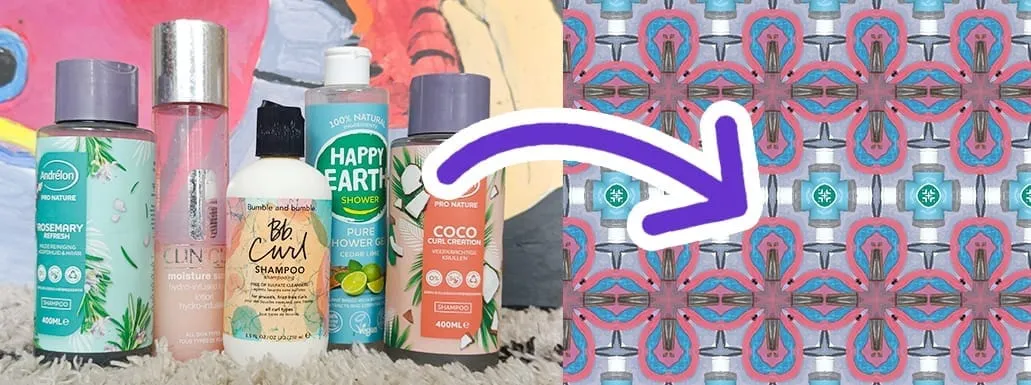
Create beautiful pictures for pattern design (Using your phone)
Did you know that you can make beautiful source images for pattern design, by taking pictures? And you don't need any expensive equipment.
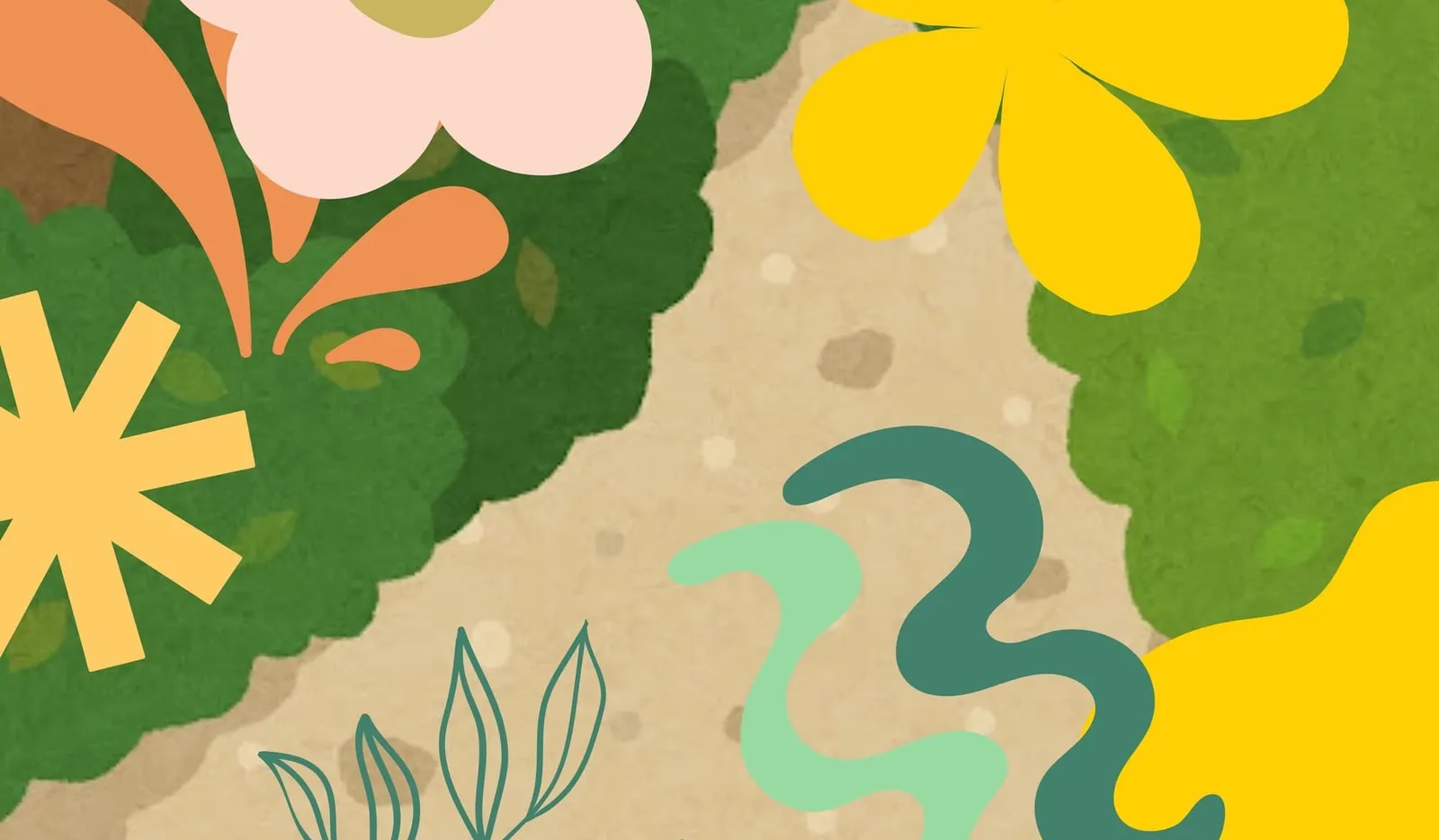
Make collages to design your own patterns (free with Canva and Repper)
With collages, you can make beautiful compositions using existing elements. Why not use them as source material for your pattern design?
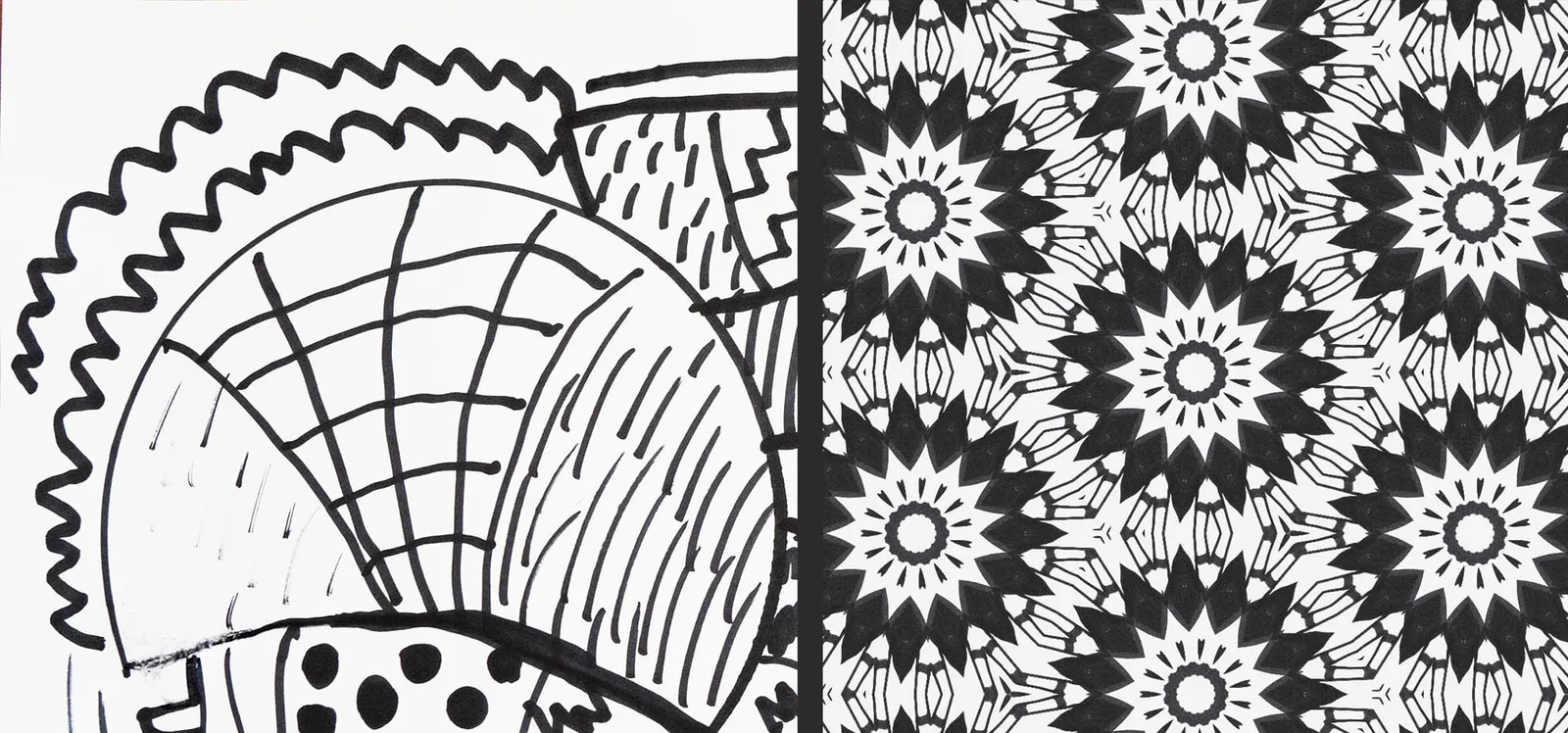
Handdrawing + Digital Pattern Design = Ultimate Relaxation
Do you love drawing or painting? Then quickly grab your favorite pencils or markers and a piece of paper. Follow along with this video!
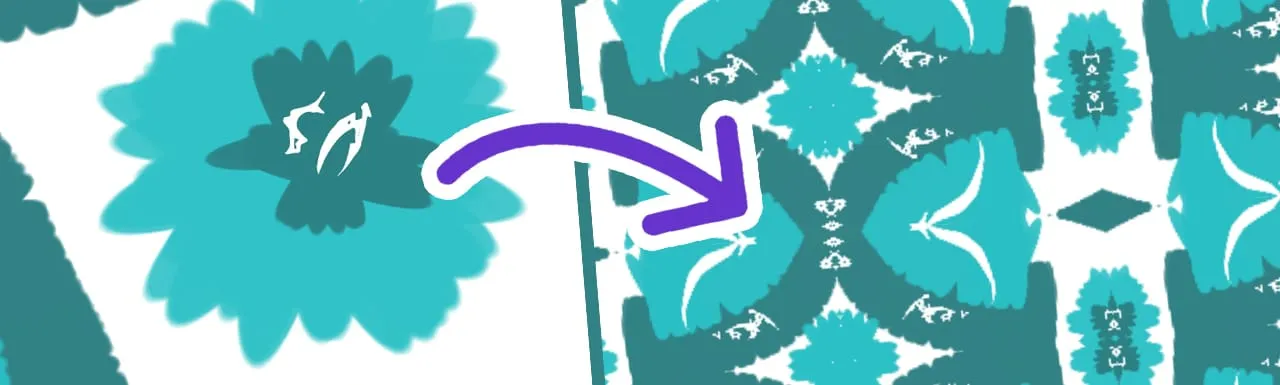
How I Make My Own Digital Artwork (And Turn Them Into Patterns!)
Ever wanted to create your own digital artwork, and turn it into amazing looking patterns?
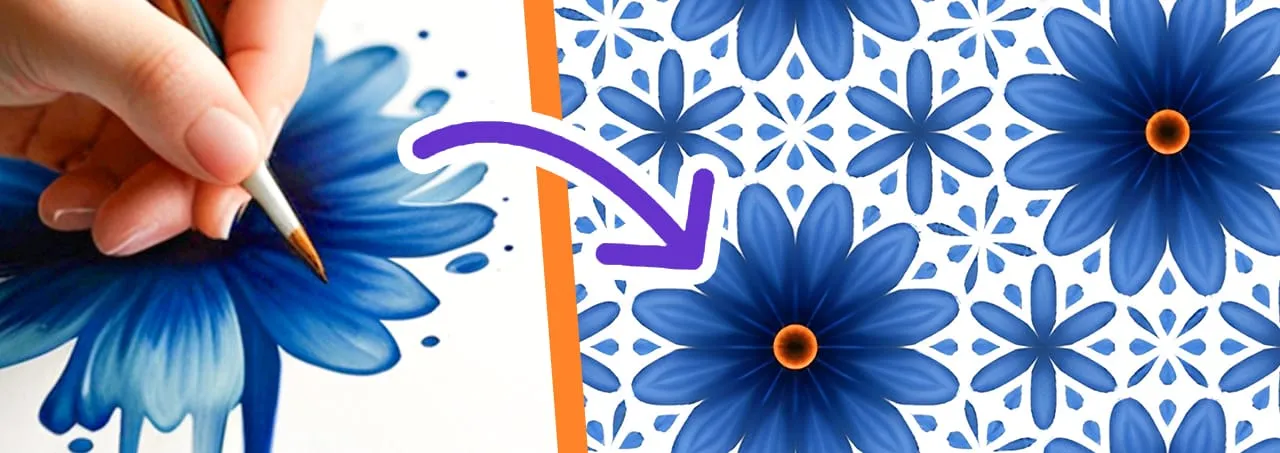
Mini Series: 5 simple ways to make your own images for pattern design
Do you want more creativity, more control and MORE FUN? Are you ready to take your pattern skills to the next level by designing your own source material?
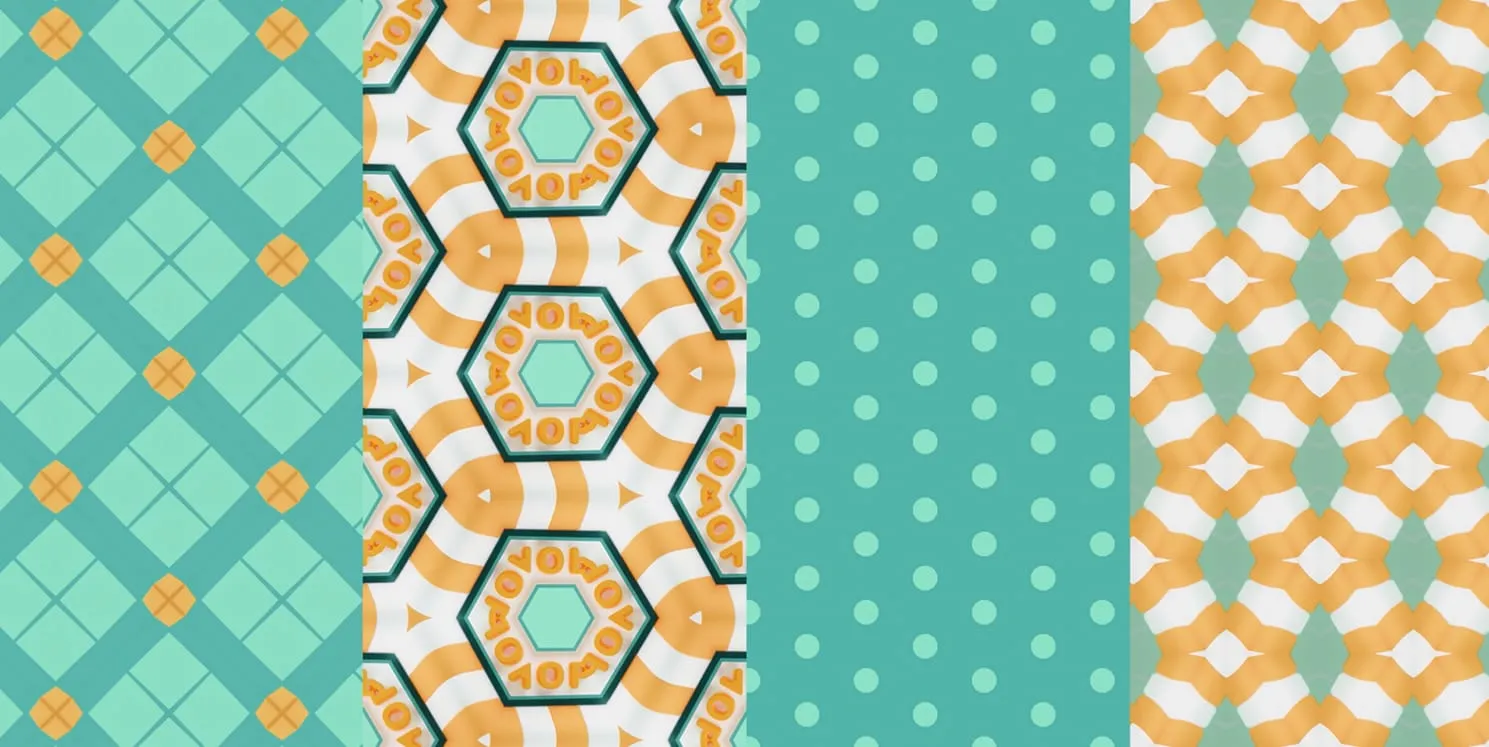
This is how the pro's combine patterns.
We did an extensive research about pattern combinations, and compiled the best tips and tricks just for you.
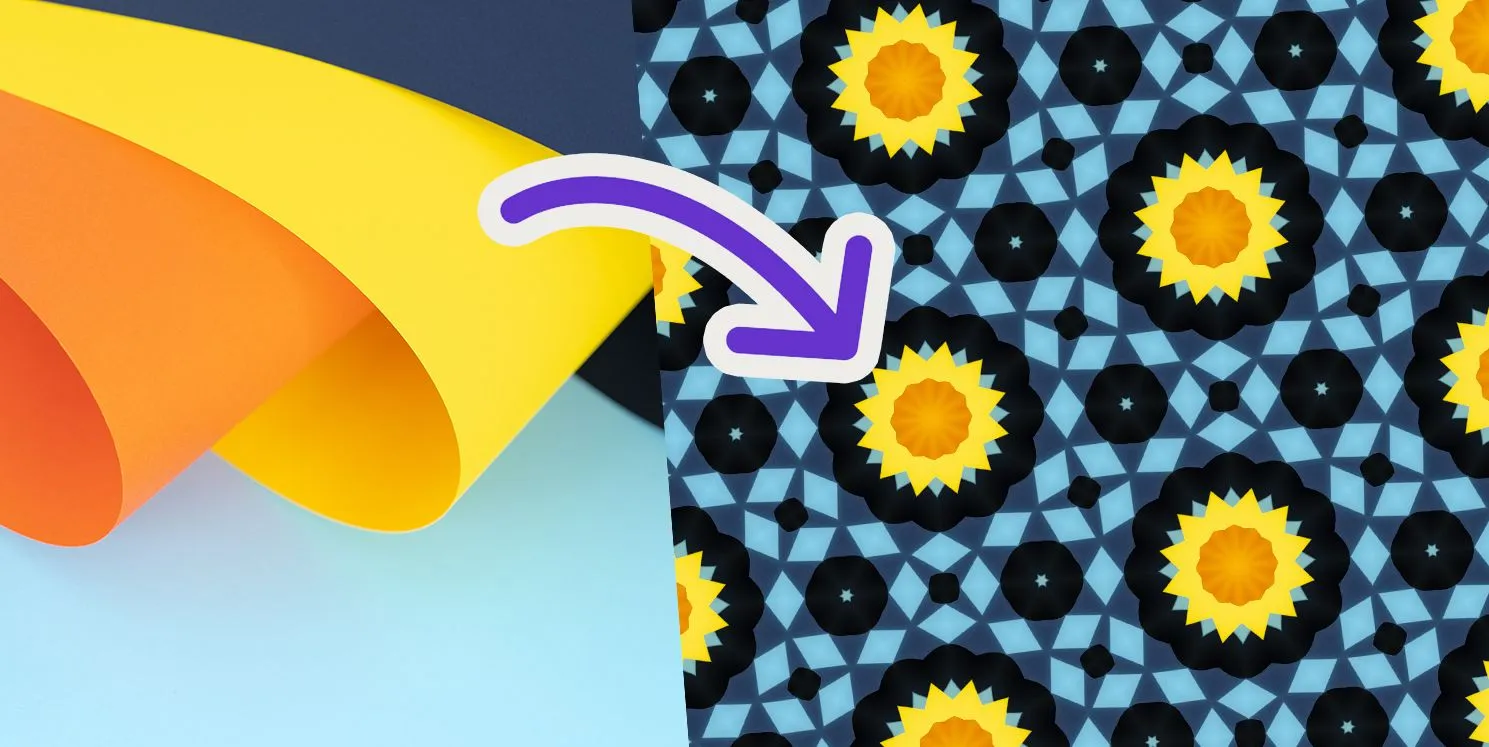
Making great patterns begins with finding good source images (here’s how)
Each eye-catching Repper pattern began by someone picking the right source image for the job.
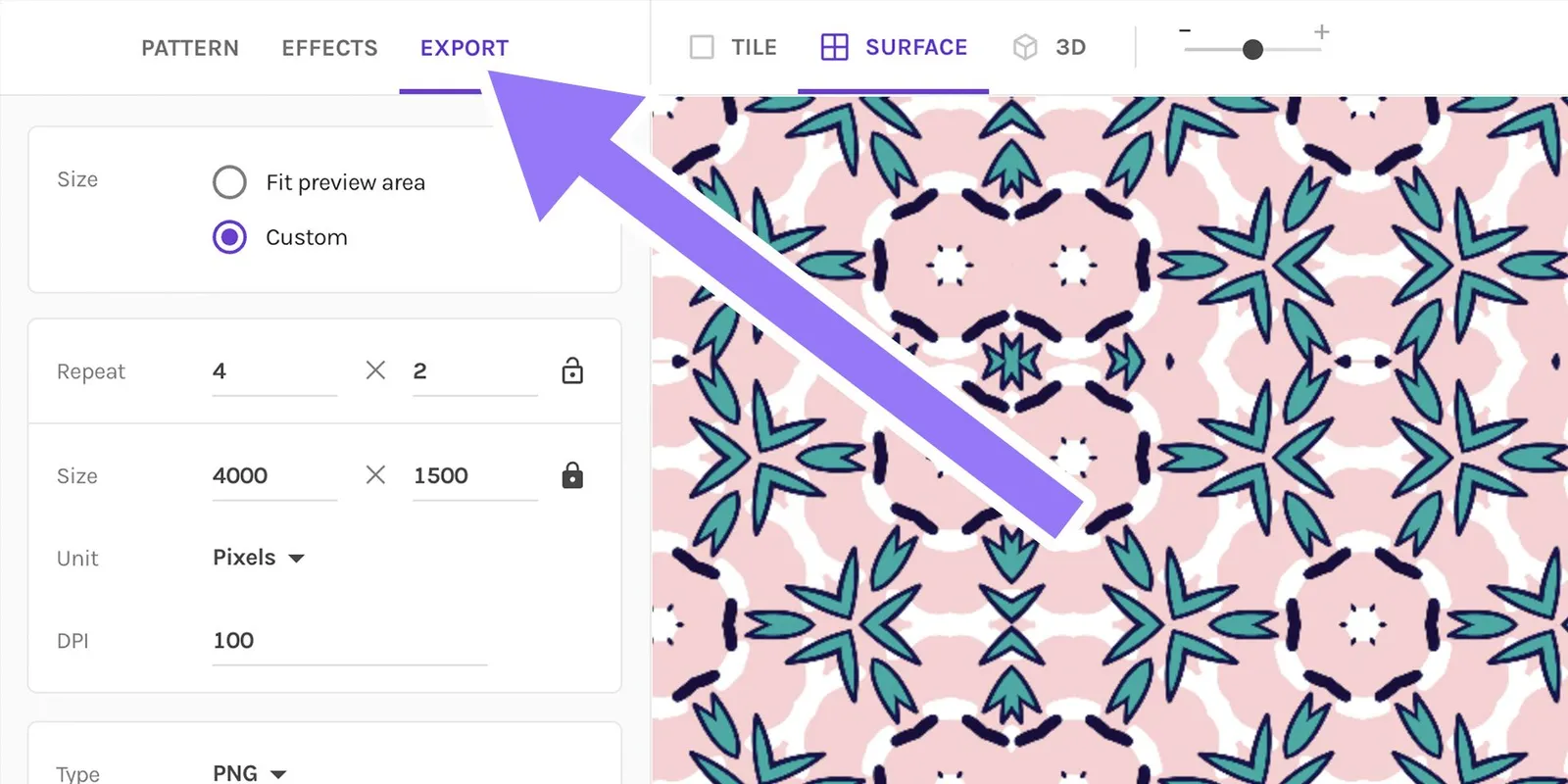
Repper Basics: Master the Export Settings (+Get PRO Results)
When you've spent a lot of effort to create beautiful patterns using Repper, you don't want your exports to look blurry and compressed, or have issues such as…
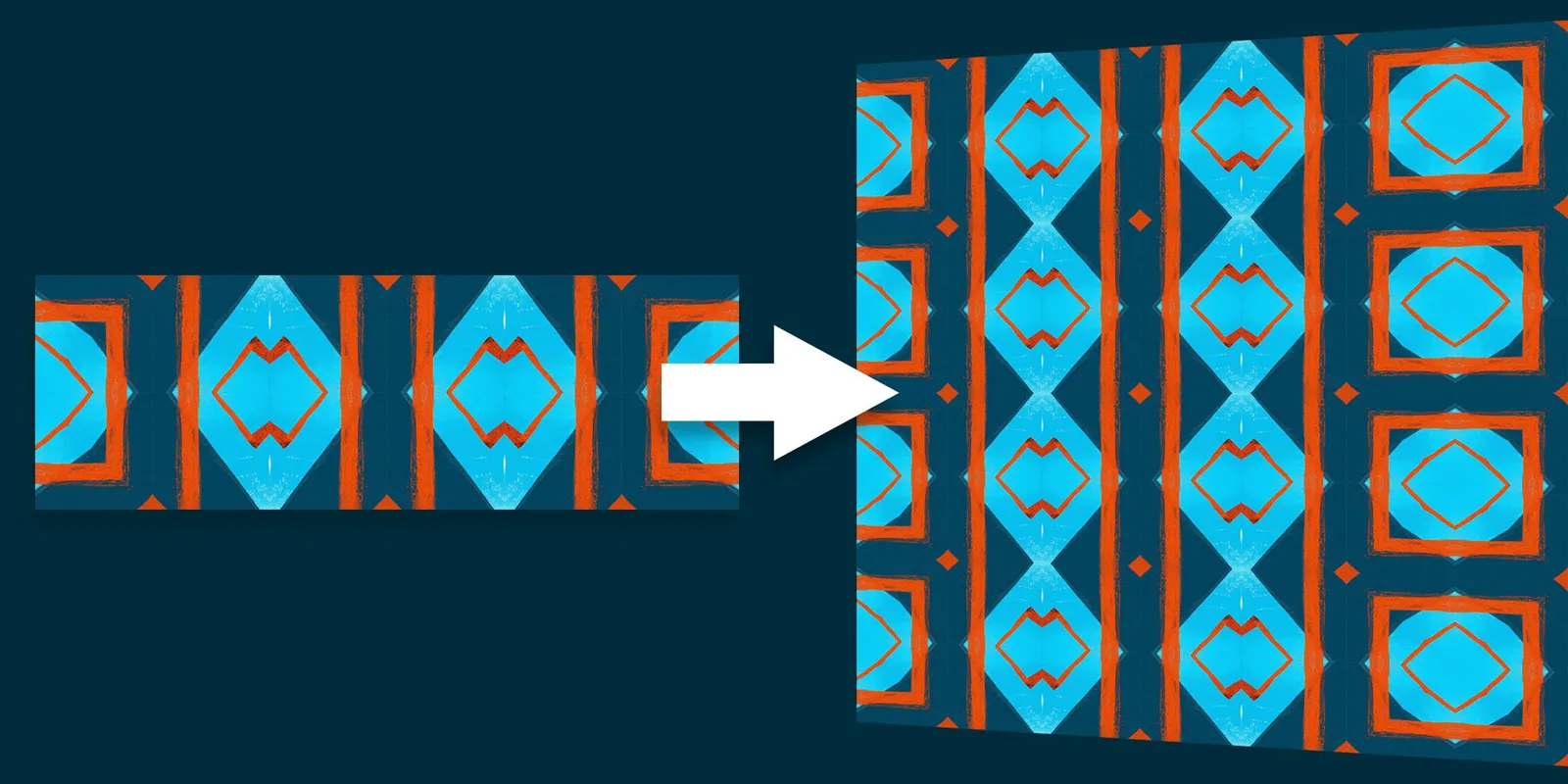
How to Repeat a Whole Image
Did you know that Repper can be used not only with pre-made designs but also with patterns you've created yourself or downloaded from other sources?
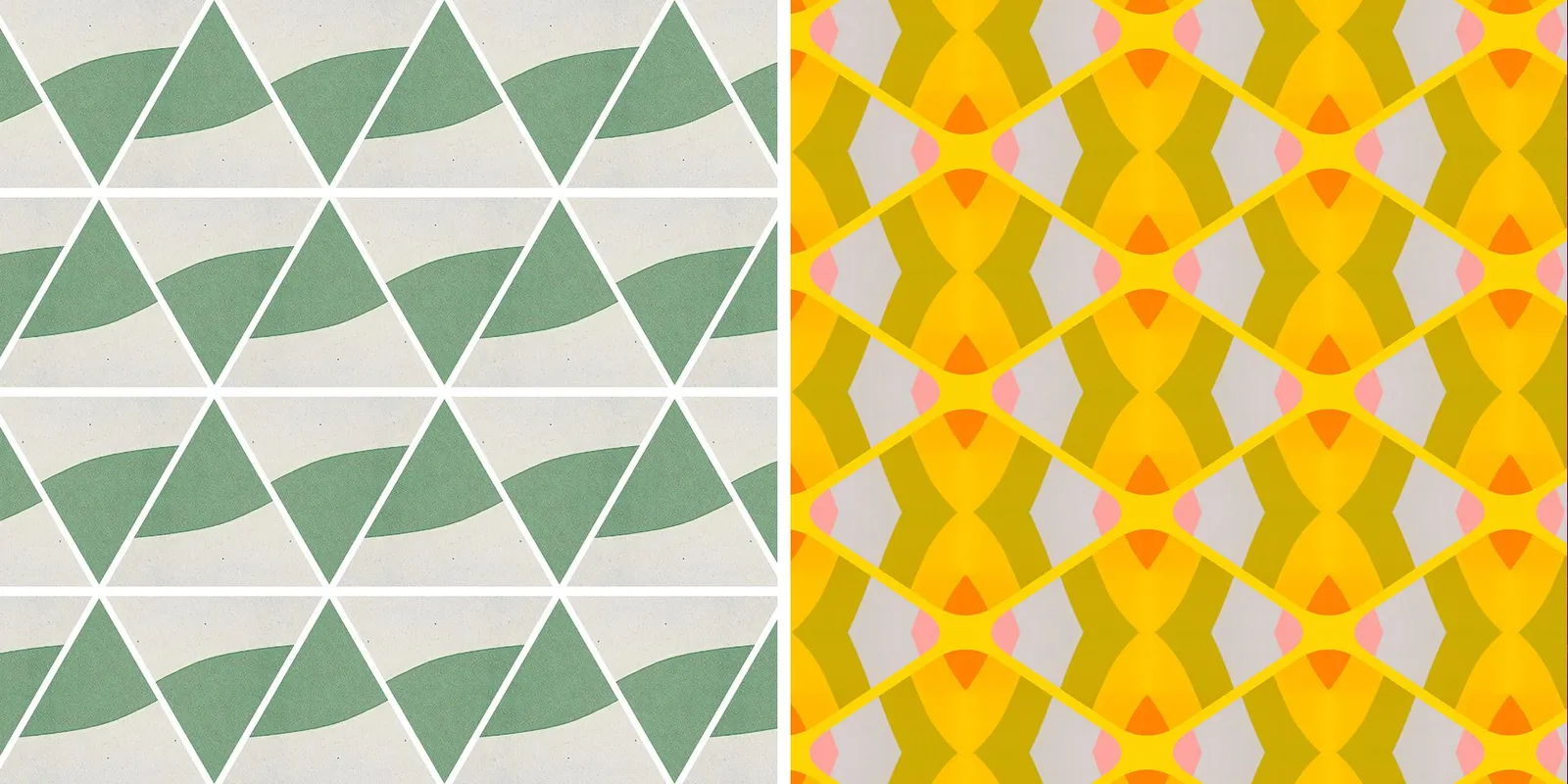
Border effects
We are excited to announce some new features on Repper.app that can be found under the effects tab. These features are called the border effects and they add a whole new dimension to the patterns you create.
QUICK TIP → Rotation
Here's a quick tip for you. It's possible to rotate your patterns. This can be done in the surface and 3D modes.
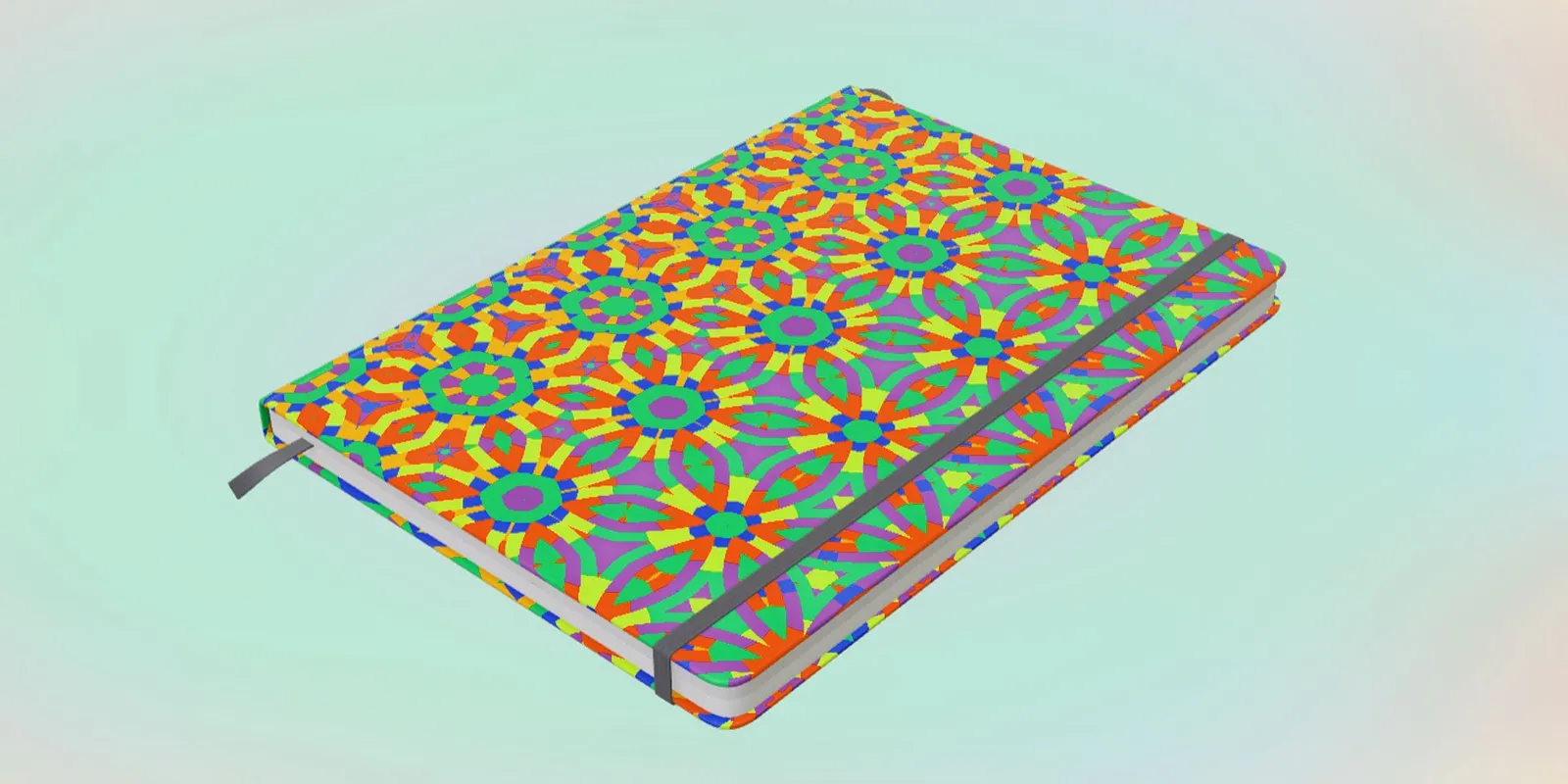
QUICK TIP → Smart Backdrop for 3D models
Here's a little trick which is easy to miss out on. It is called smart backdrop. The smart backdrop can be found under the 3D view.
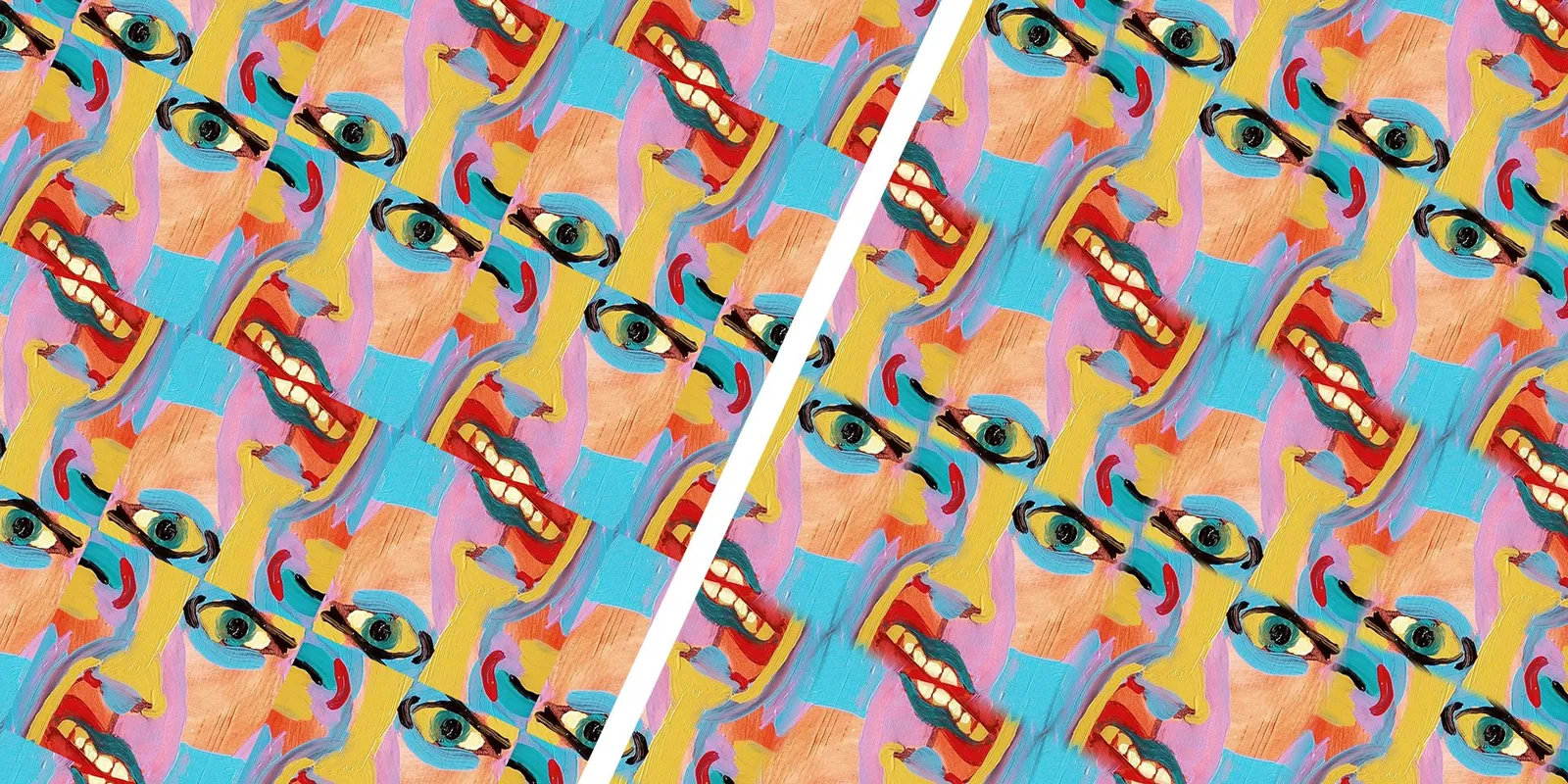
QUICK TIP → Make Seamed Tilings SMOOTH with Edge Blend
Here's a quick tip for you. Are you playing around with the seamed tilings, and do the sharp edges just not look right? Play around with the edge blend slider.
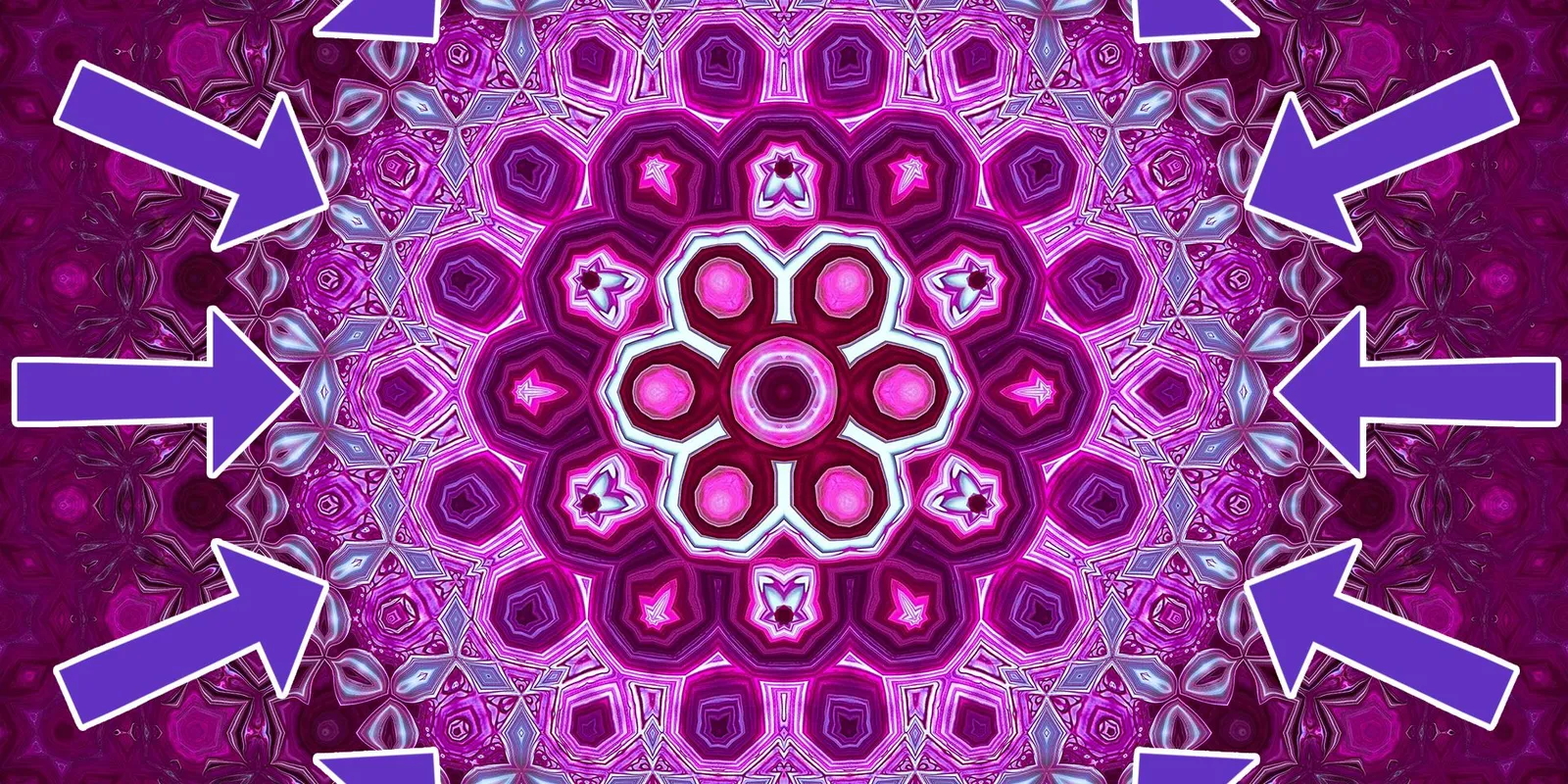
Create Mandala's by using the Circular Metamorphosis effect
Today we'd like to show you a trick, which has been around for a long while, but which you might have missed out on. It's called circular metamorphosis.
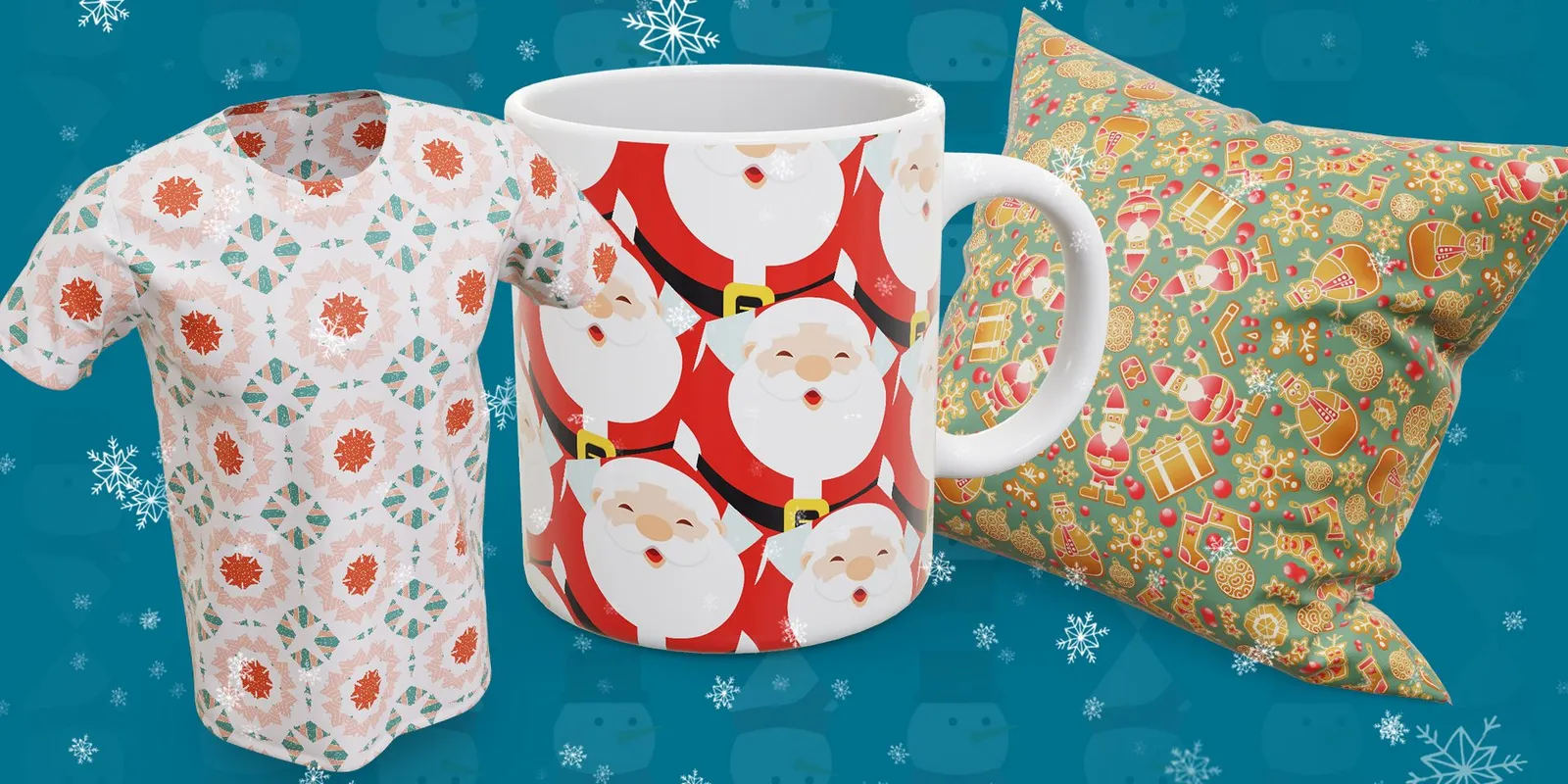
Creating beautiful Christmas patterns in Repper. (+FREE patterns)
Today's video is a bit different than what you're used from us.
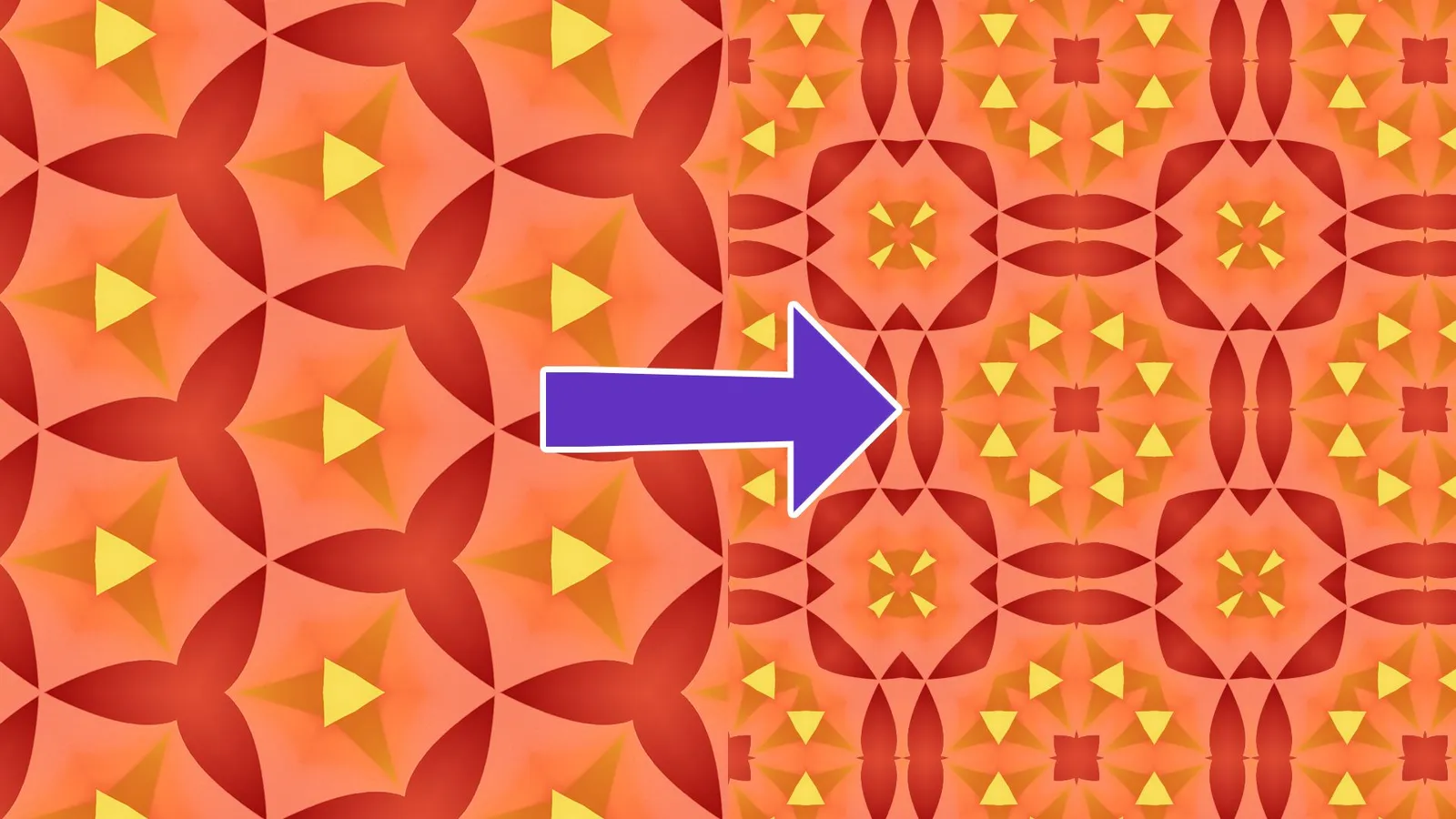
How to: Make patterns from patterns
Today we would like to show you an awesome technique, which is making patterns from patterns. Why would anyone want to do that?
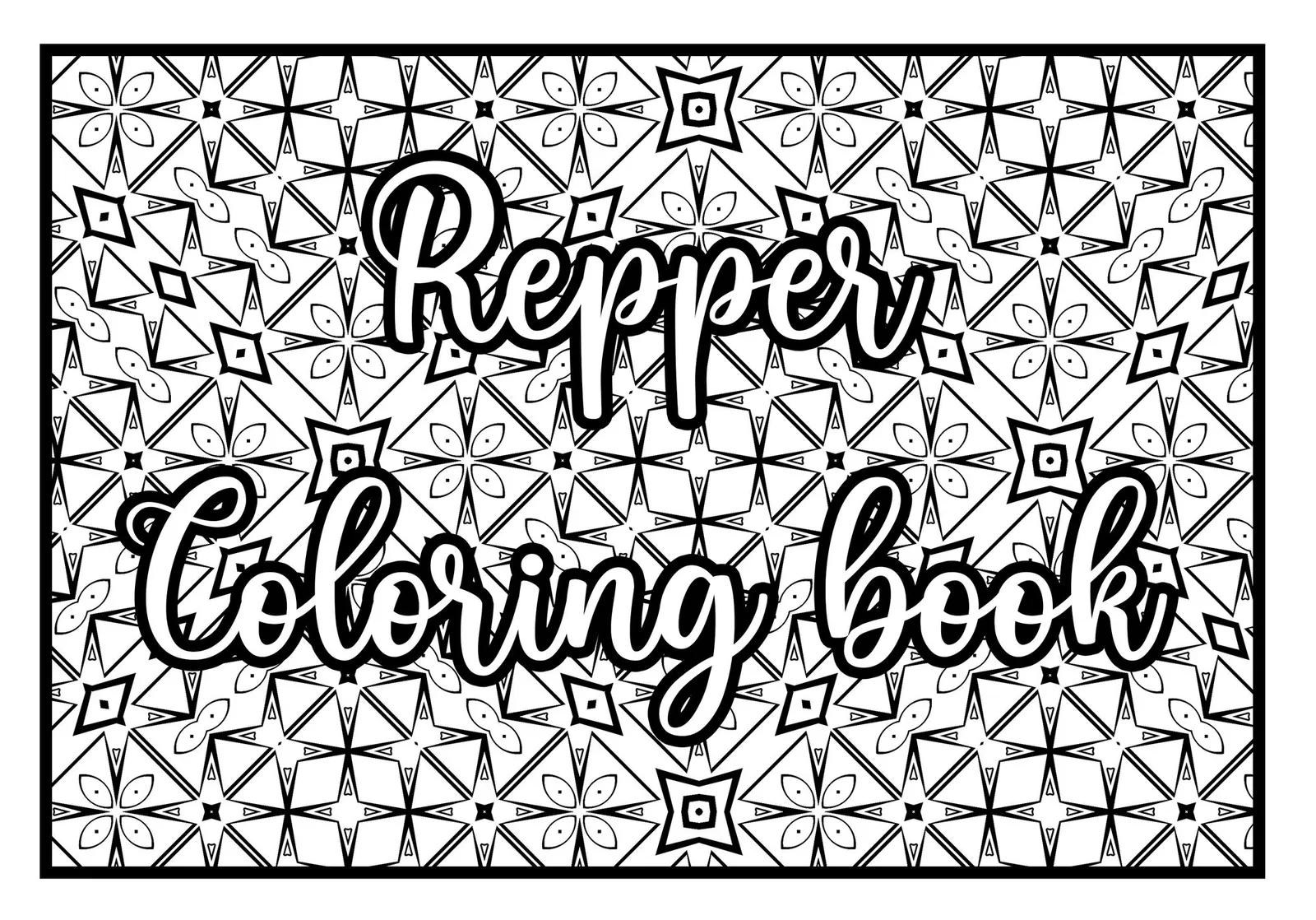
Your awesome and unique coloring book with Repper
Are you interested in creating your unique coloring book? Perhaps you even want to publish it through a print-on-demand service and make money on it? In today's video we will be will be taking you through the entire process of creating it through 7 simple steps.
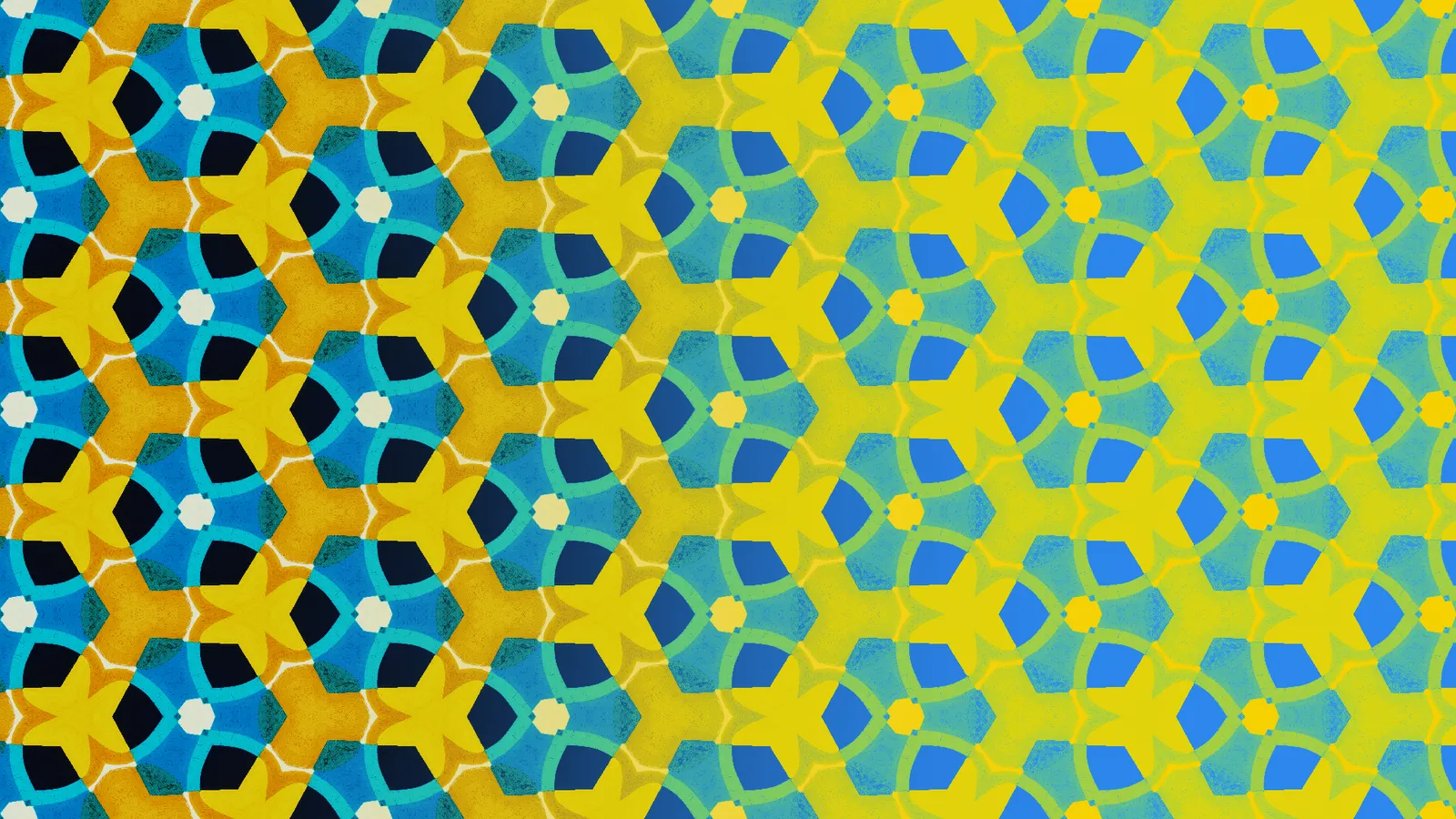
How to use Duotone in Repper
In today's video, we will be talking about the duotone effect. We'll explain how it works technically, how the effect is achieved in Repper, what colors to use and some general tips and tricks on how to make awesome looking duotone images.
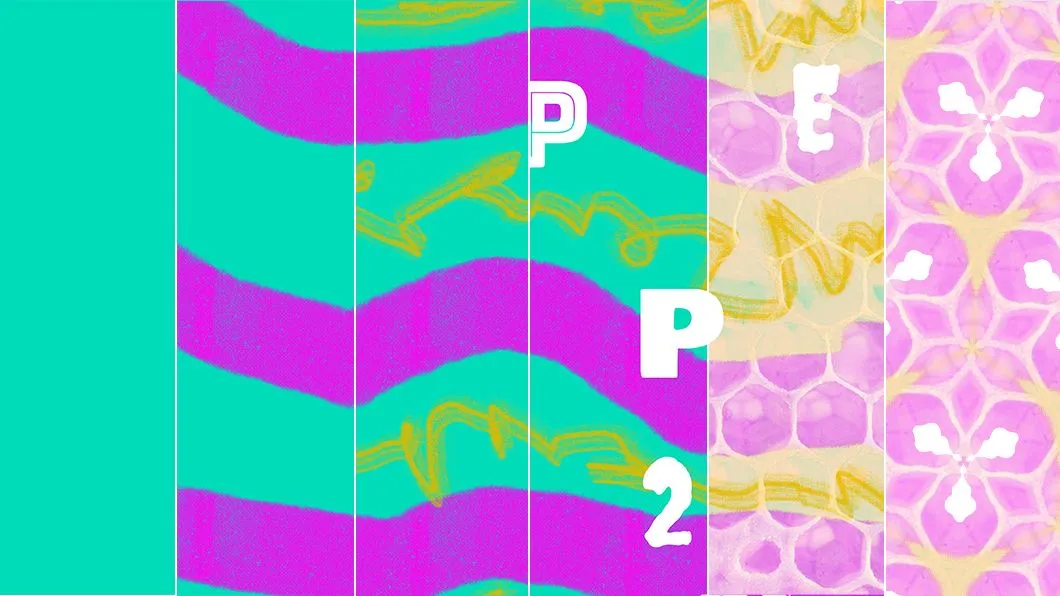
Creating your own source material for pattern-making
Do you often use images from the web to create patterns in Repper? It is actually easier than you think to create your own source material using Adobe Photoshop or other image editors!
Tutorial: Make your morphing patterns repeatable
With the new aspect ratio locks, you can do some exciting new stuff. Here we'll look at how it lets you do more with the Metamorphosis effect.